Free 2026 to 2027 Midyear Budget Digital Planner
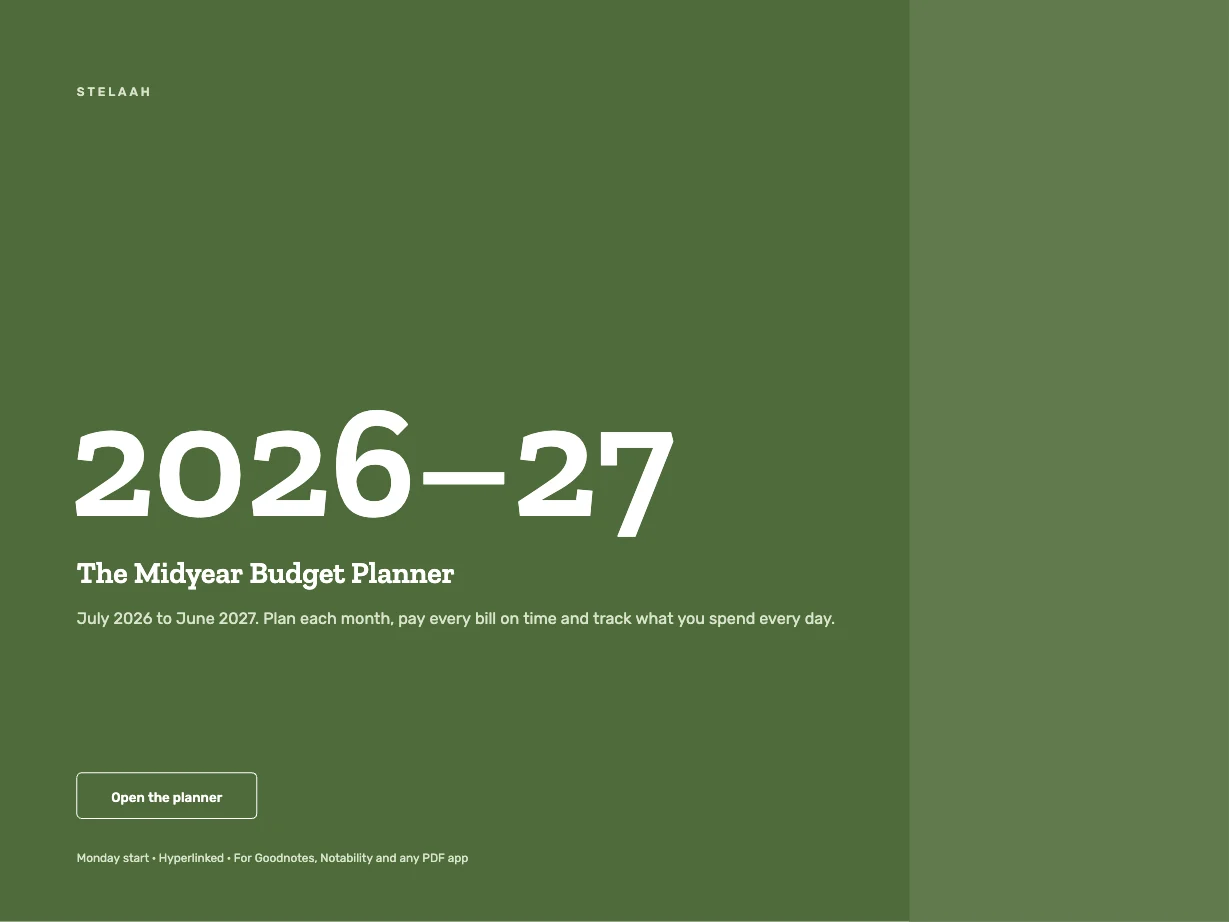
A free July 2026 to June 2027 digital budget planner for iPad and tablets with a 16-category monthly budget, bills, debt payoff, savings goals and a no-spend tracker.
Free · PDF, 467 pages, landscape and portrait
Specifications
| Brand | Stelaah |
|---|---|
| Category | Digital planners |
| Format | PDF, 467 pages, landscape and portrait |
| Pages | 467 |
| Price | Free |
| Files | Stelaah 2026 to 2027 Midyear Budget Planner.zip (4.0 MB) |
| Works with | Made for Goodnotes, Notability and other PDF annotation apps. Links work in reading mode. |
| Devices | iPad, Android tablets and computers; any page prints |
| Licence | Use it yourself, on all your devices. Please do not share or resell the files. |
| Language | English |
| Includes | 12 monthly budgets, 365 daily spending logs |
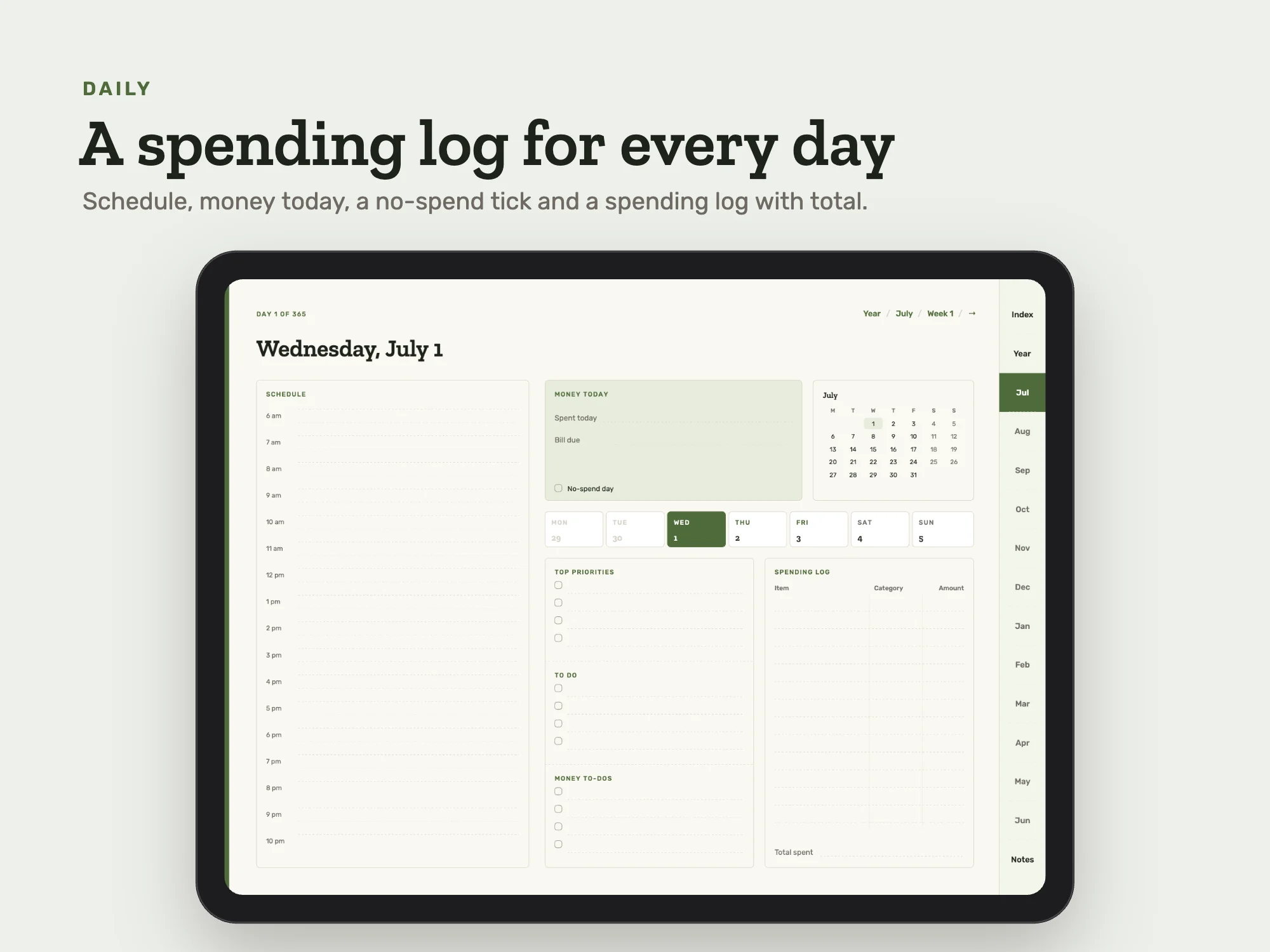
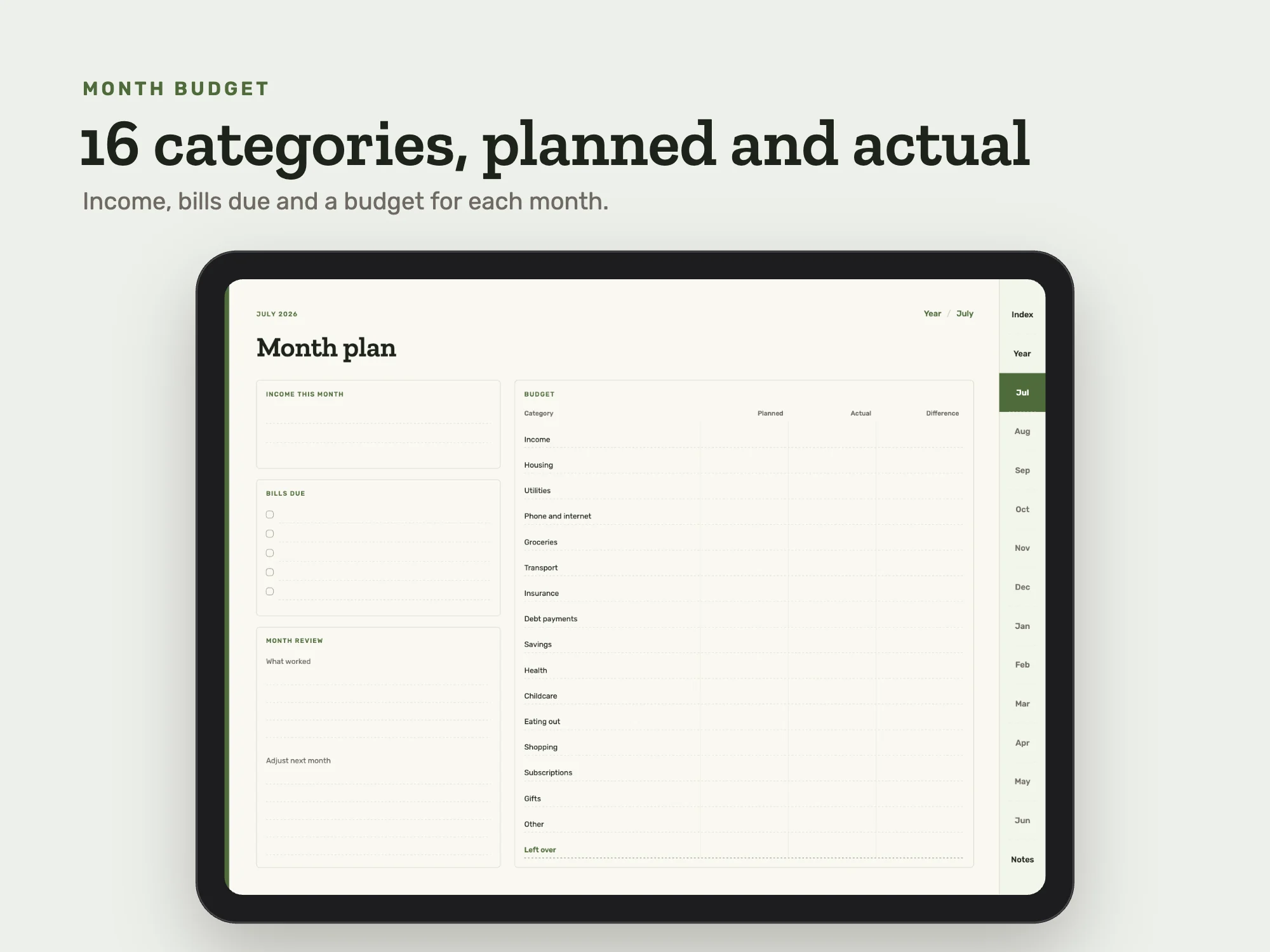
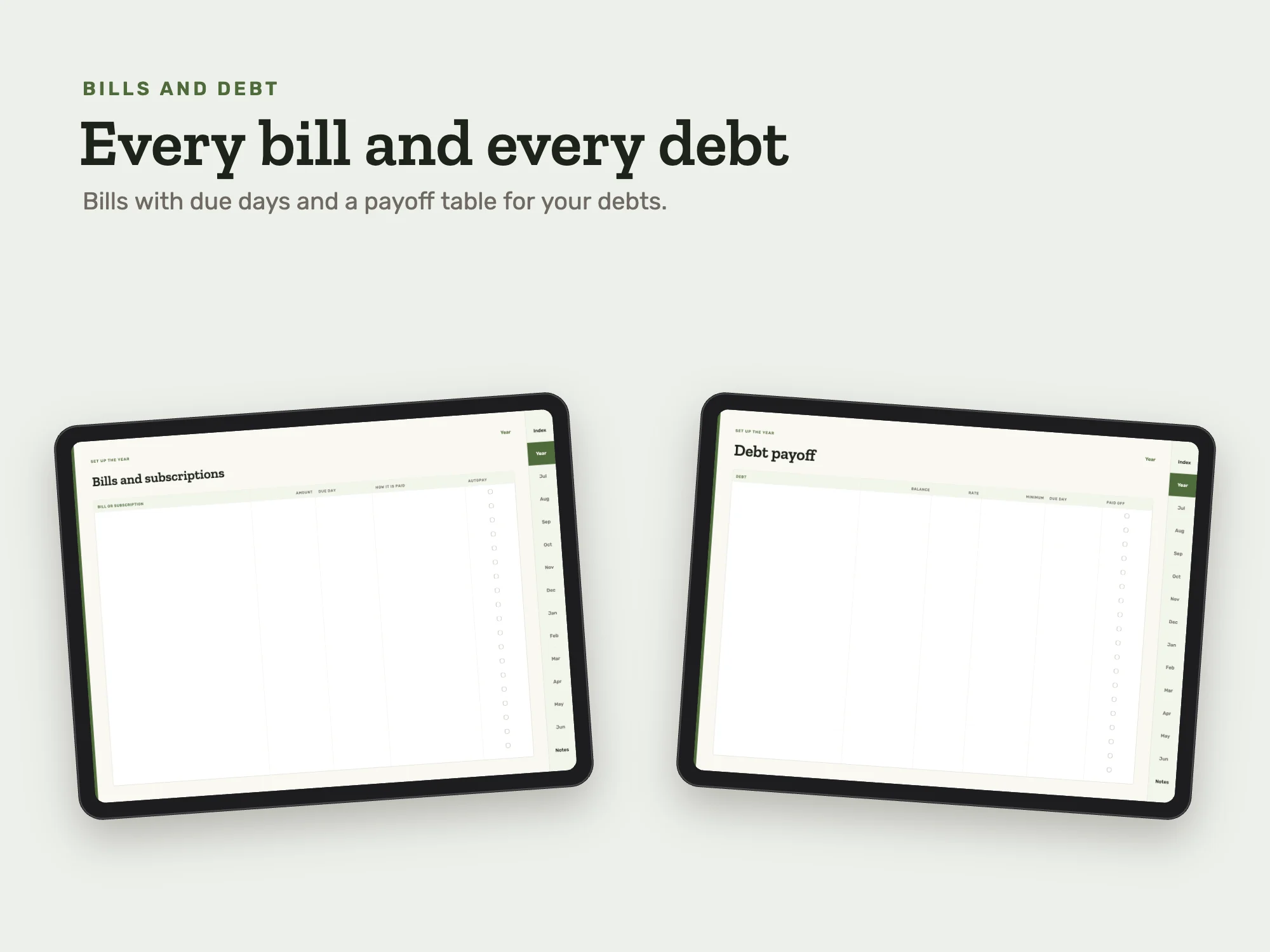
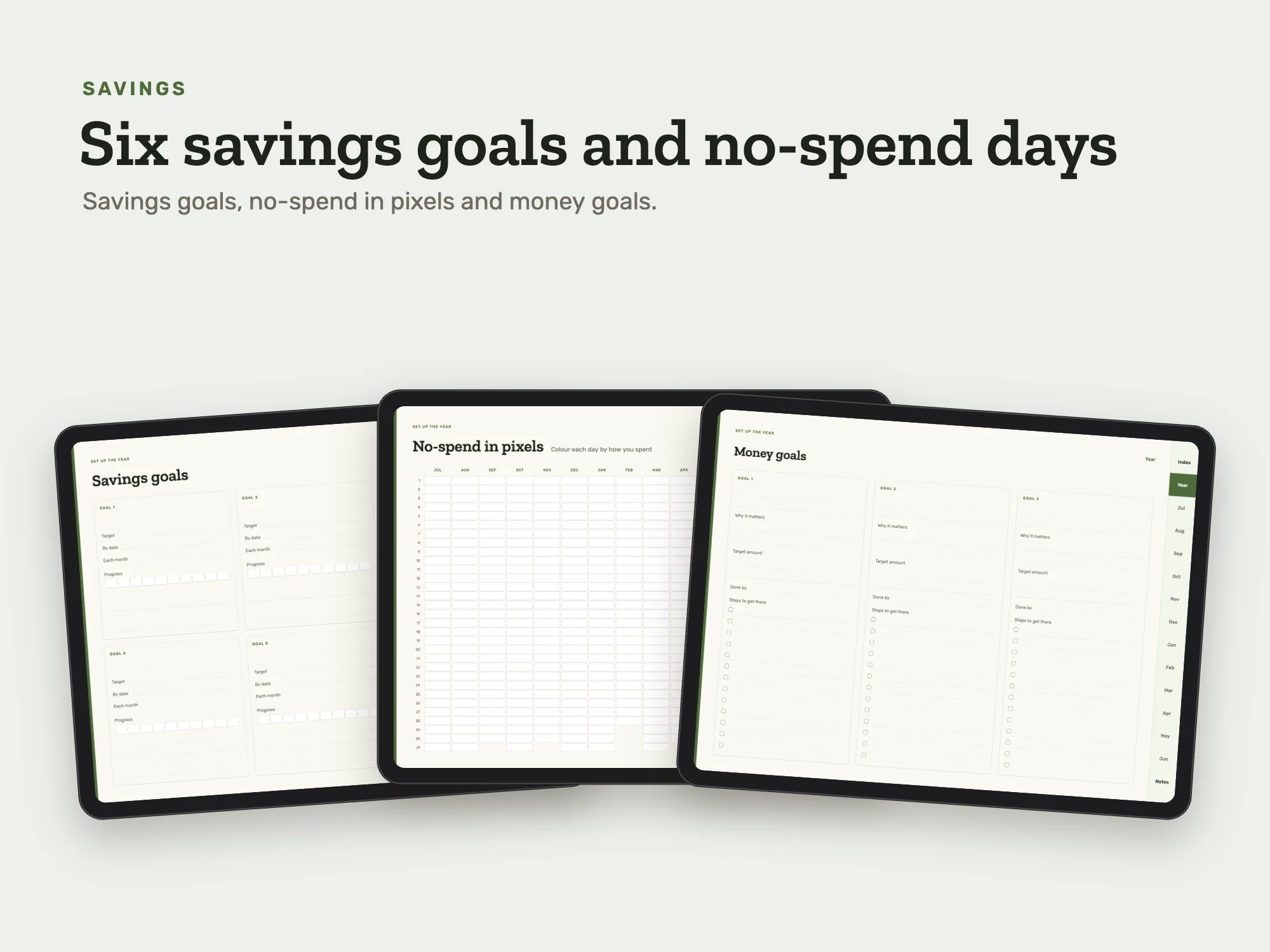
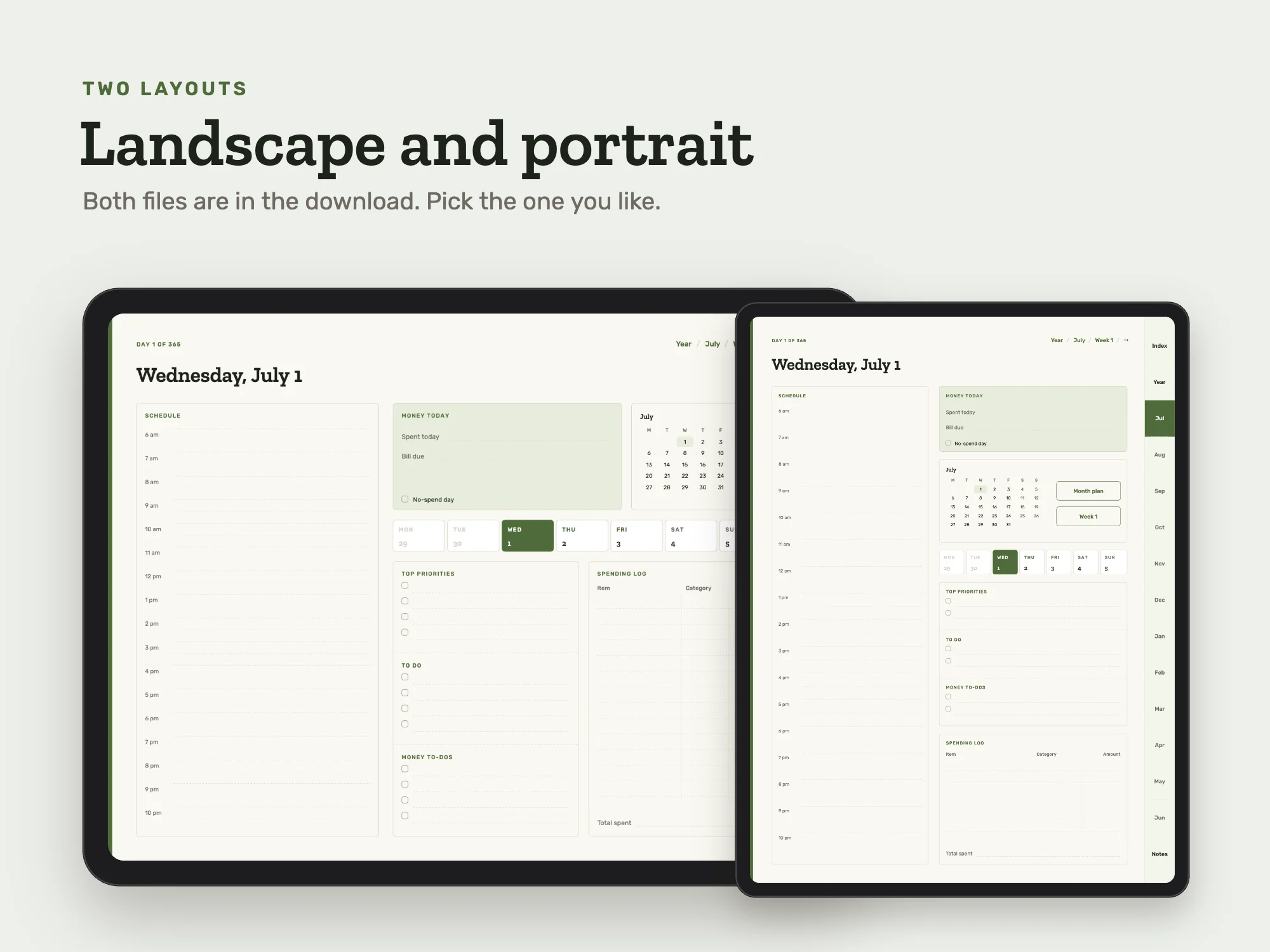
A July 2026 to June 2027 budget planner. Set money goals, list every bill and subscription with its due day, and track debts and six savings goals. Each month plan has income, bills due and a 16-category budget with planned and actual amounts. Every daily page has a spending log, money to-dos and a no-spend tick. Works with any currency. iPad landscape and portrait files.
Get it free in the Stelaah Store
See inside
What's inside
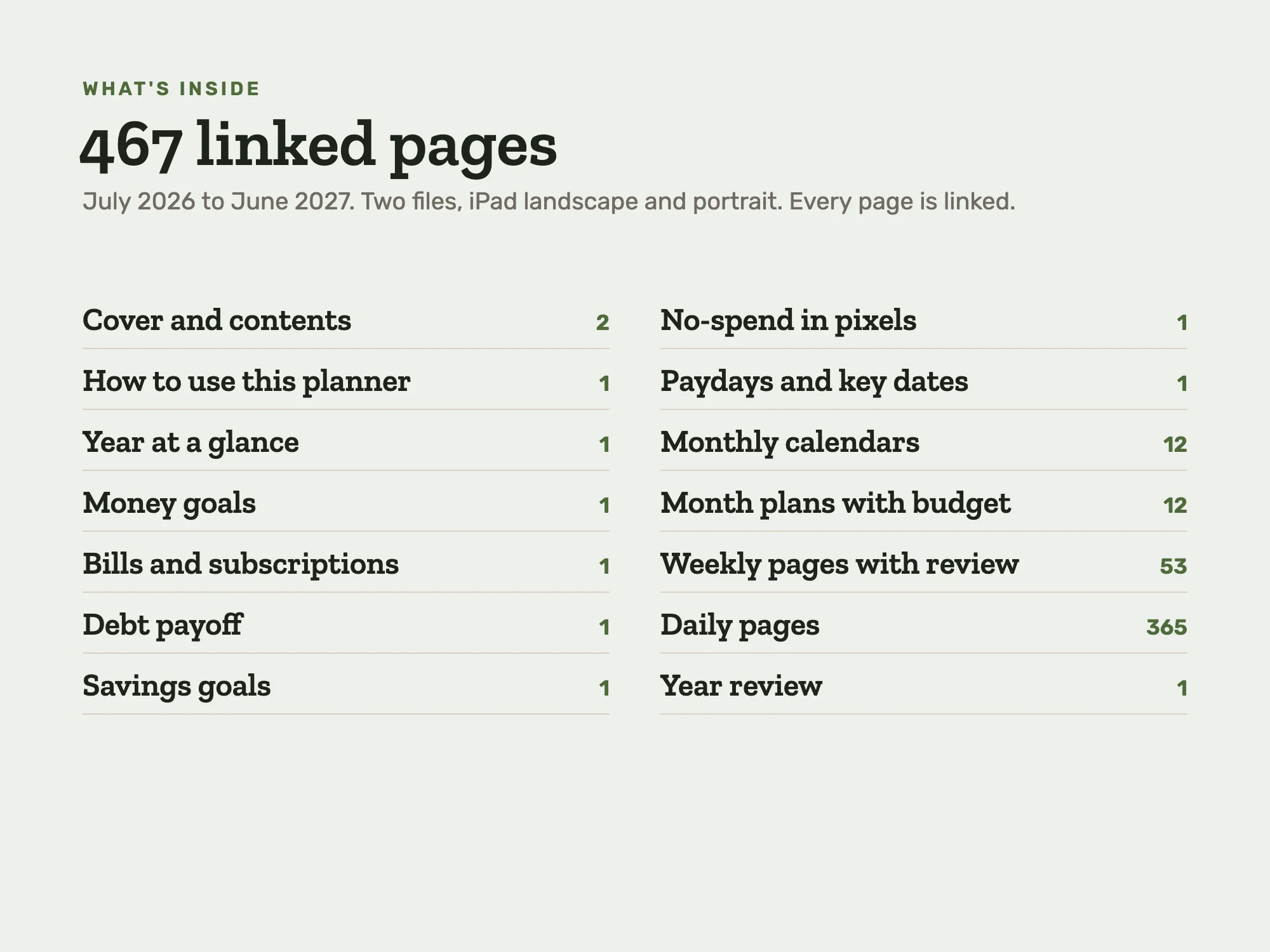
467 pages in each file, July 2026 to June 2027. Two files: iPad landscape and iPad portrait.
| Section | Pages or size |
|---|---|
| Cover and contents | 2 |
| How to use this planner | 1 |
| Year at a glance | 1 |
| Money goals | 1 |
| Bills and subscriptions | 1 |
| Debt payoff | 1 |
| Savings goals | 1 |
| No-spend in pixels | 1 |
| Paydays and key dates | 1 |
| Monthly calendars | 12 |
| Month plans with budget | 12 |
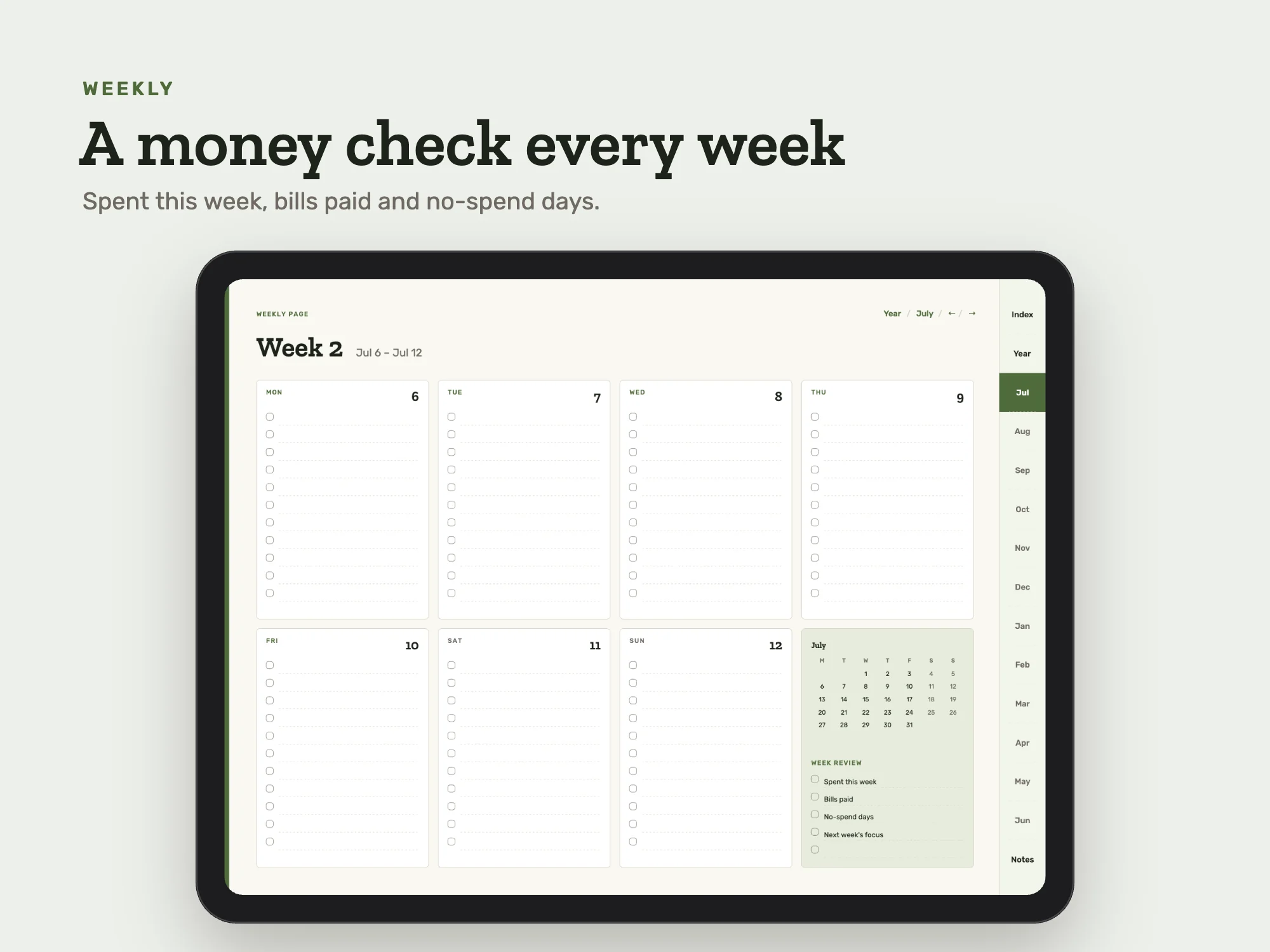
| Weekly pages with review | 53 |
| Daily pages | 365 |
| Year review | 1 |
| July 2027 to June 2028 at a glance | 1 |
| Notes index | 1 |
| Notes pages | 12 |
Who it's for
- Anyone starting a budget mid-year
- Students and families on an academic year
You may be looking for
- midyear budget planner 2026 2027
- July to June budget planner
- digital budget planner Goodnotes
- no spend tracker
- academic year budget planner
Guides
Works with
Made for Goodnotes, Notability and other PDF annotation apps. Links work in reading mode.
Which device and app
- iPad
- Yes. Open it in Goodnotes, Notability or Noteshelf and write with Apple Pencil or any stylus. It comes as two files, landscape and portrait, so you choose how you hold the tablet. Import it as a document, not as an image, so the tabs and links keep working.
- Android tablet
- Yes. Noteshelf, Xodo and Penly open it with the links working, and you write with the S Pen or any stylus. Samsung Notes also opens it for handwriting.
- Computer
- Yes. It opens in any PDF reader on a Mac, Windows PC or Chromebook, where you can follow the links and add notes with the reader's text and drawing tools. It is made for writing by hand, so a tablet suits it best.
- Phone
- It opens on an iPhone or Android phone, but the pages are made for a tablet, so a phone is best for checking the plan rather than writing in it.
- Paper
- Yes. It is a standard PDF, so any page prints from a PDF reader. Choose Fit to page for Letter or A4.
Questions
- Does it work on iPad?
- Yes. Open it in Goodnotes, Notability or Noteshelf and write with Apple Pencil or any stylus. It comes as two files, landscape and portrait, so you choose how you hold the tablet. Import it as a document, not as an image, so the tabs and links keep working.
- Does it work on an Android tablet, like a Samsung Galaxy Tab?
- Yes. Noteshelf, Xodo and Penly open it with the links working, and you write with the S Pen or any stylus. Samsung Notes also opens it for handwriting.
- Can I use it on a computer?
- Yes. It opens in any PDF reader on a Mac, Windows PC or Chromebook, where you can follow the links and add notes with the reader's text and drawing tools. It is made for writing by hand, so a tablet suits it best.
- Can I use it on a phone?
- It opens on an iPhone or Android phone, but the pages are made for a tablet, so a phone is best for checking the plan rather than writing in it.
- Can I print it?
- Yes. It is a standard PDF, so any page prints from a PDF reader. Choose Fit to page for Letter or A4.
- Which apps does it work with?
- Made for Goodnotes, Notability and other PDF annotation apps. Links work in reading mode.
- Is it really free?
- Yes. Add your name and email once and every free Stelaah download opens on this browser. No account is needed.
- What do I download?
- Stelaah 2026 to 2027 Midyear Budget Planner.zip (4.0 MB).
- Can I share or resell it?
- Use it yourself, on all your devices. Please do not share or resell the files.