Free 2026 to 2027 Midyear Digital Planner for iPad
Free · PDF, 541 pages, Monday and Sunday week starts
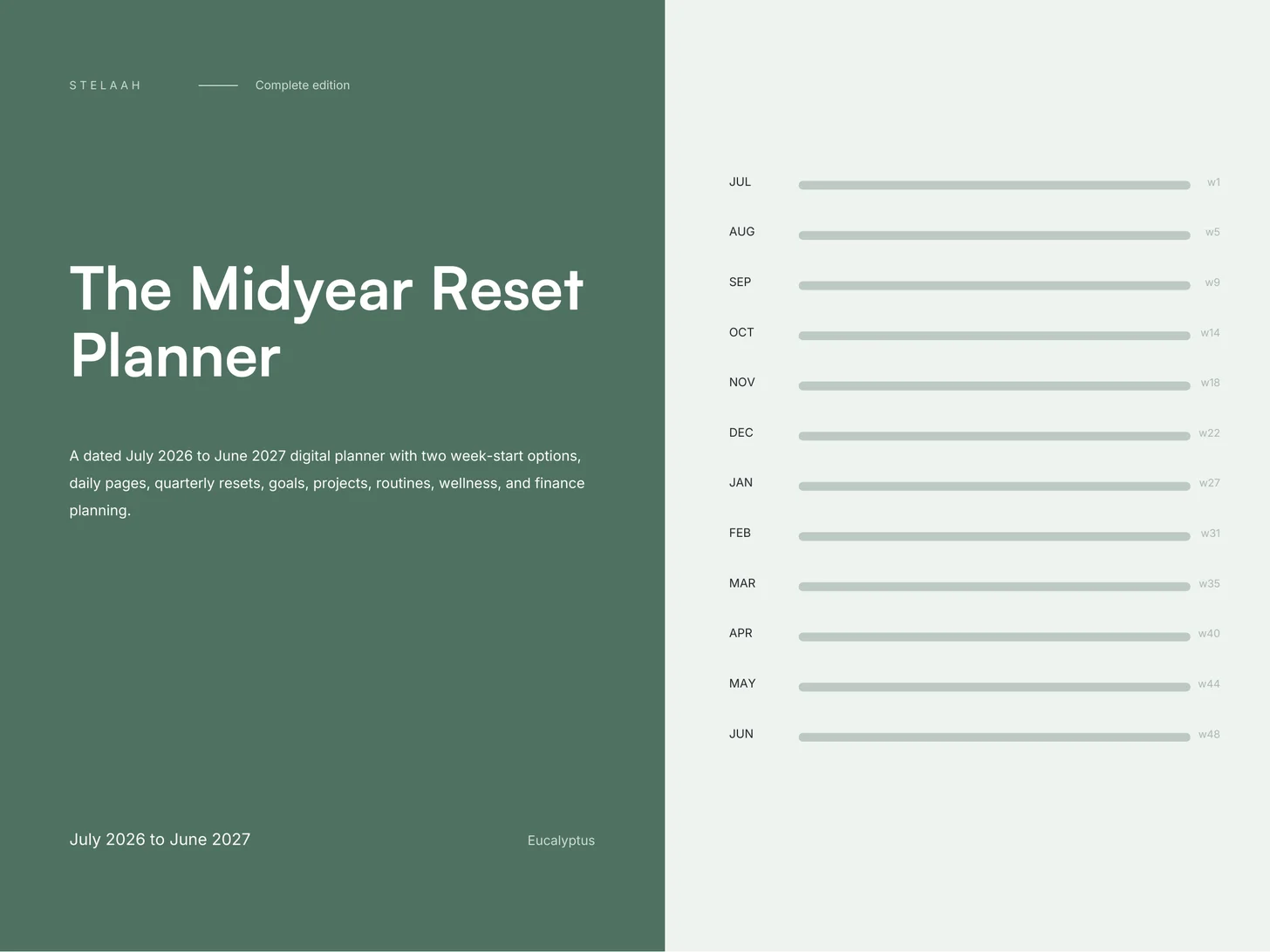
A free, dated July 2026 to June 2027 digital planner for iPad and Android tablets, with two week-start options, daily pages, quarterly resets, goals, projects, routines, wellness, and finance planning.
What is inside the 541 pages. Six sections, all reachable from the month rail on every page. The spine of the planner is a single line: fifty three weeks, July to June, that you scrub along instead of flipping through.
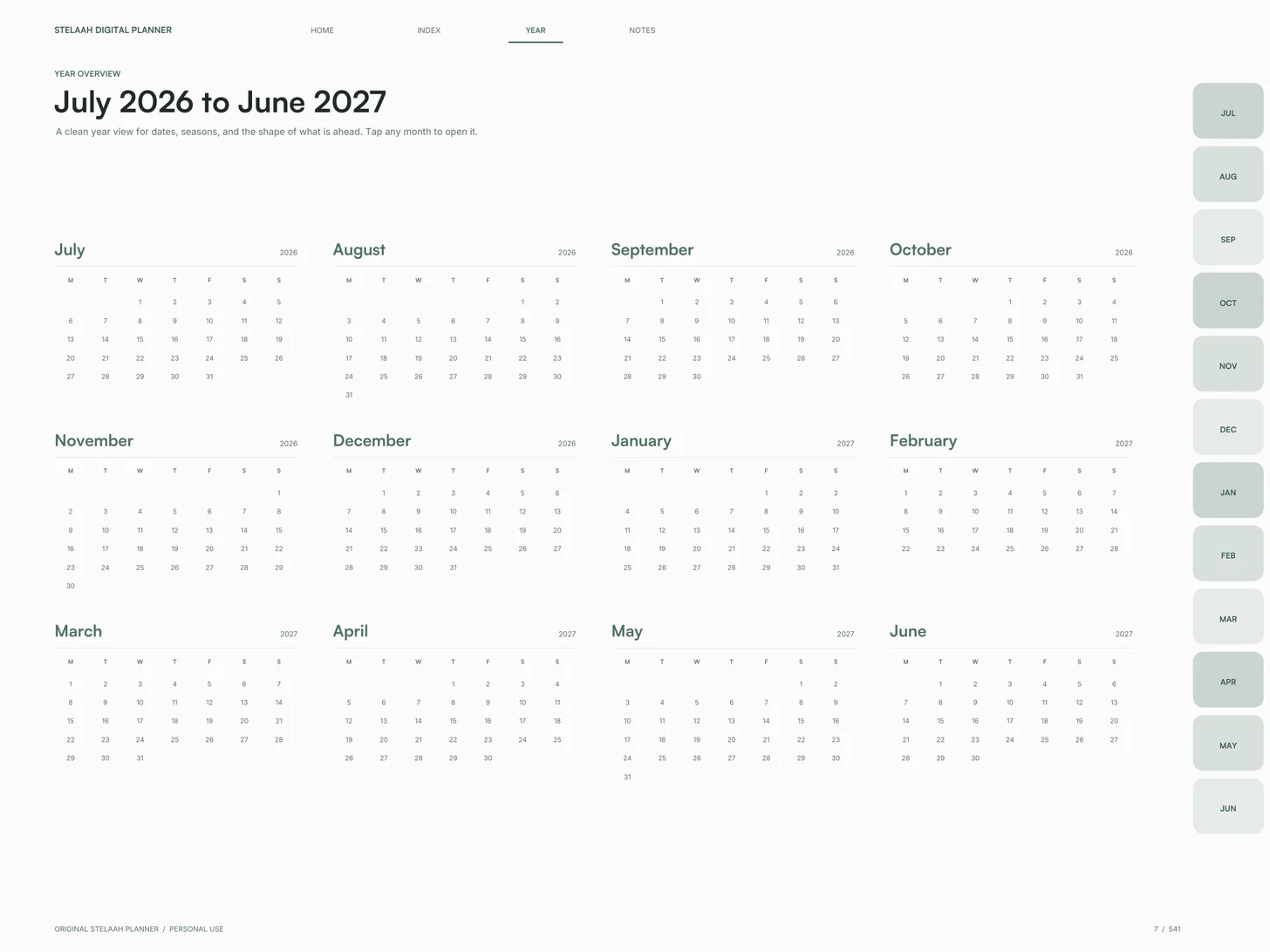
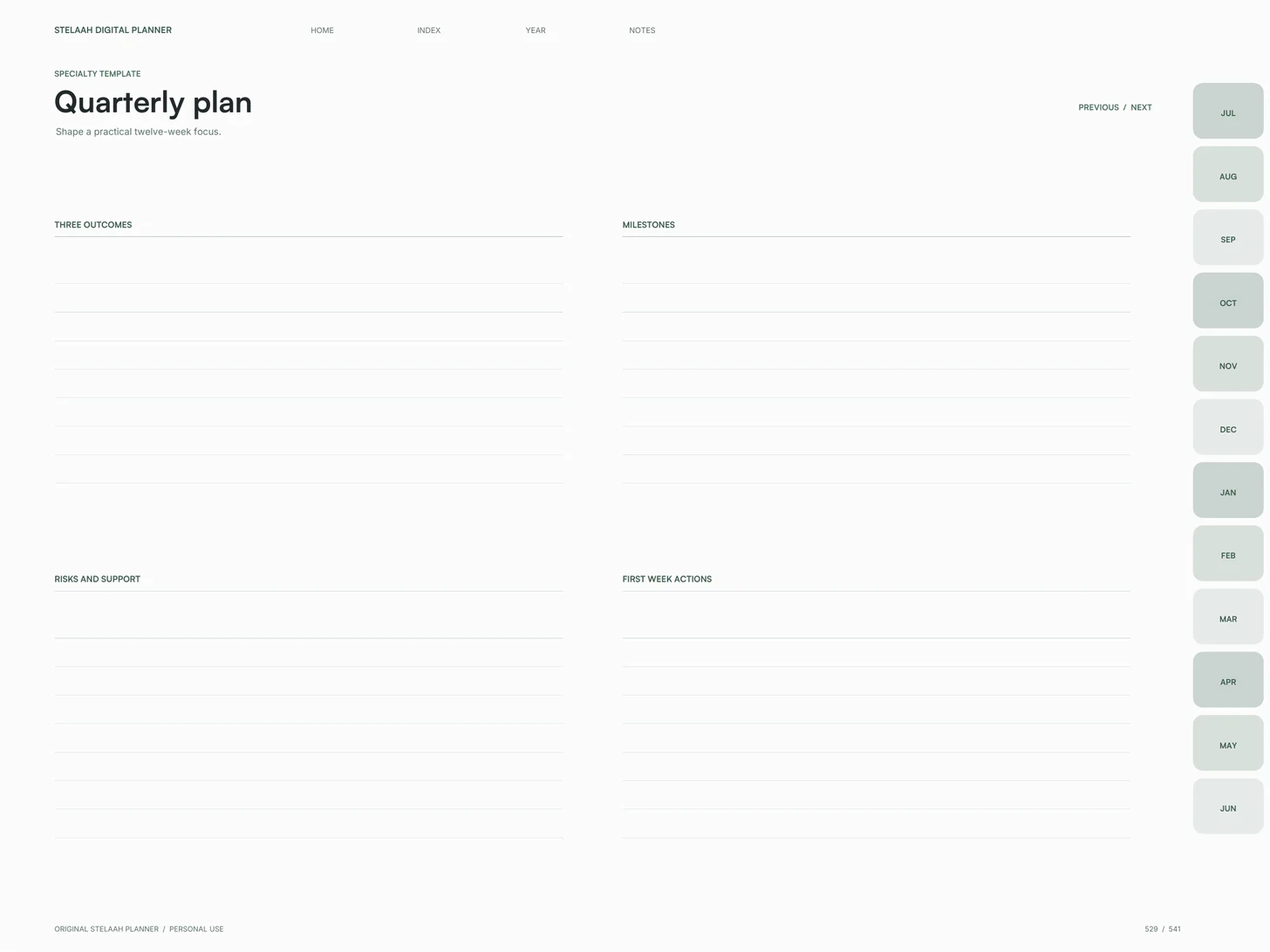
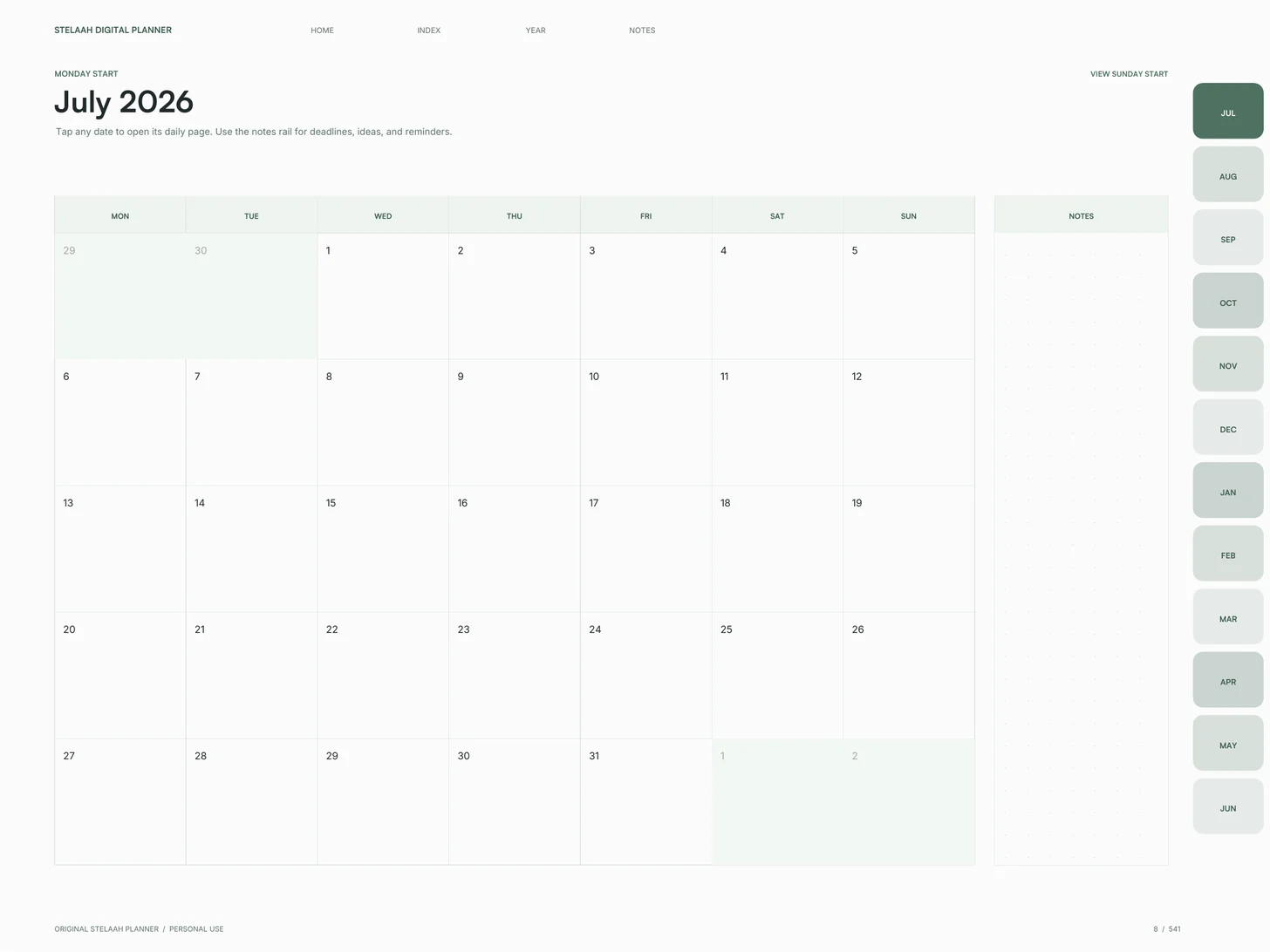
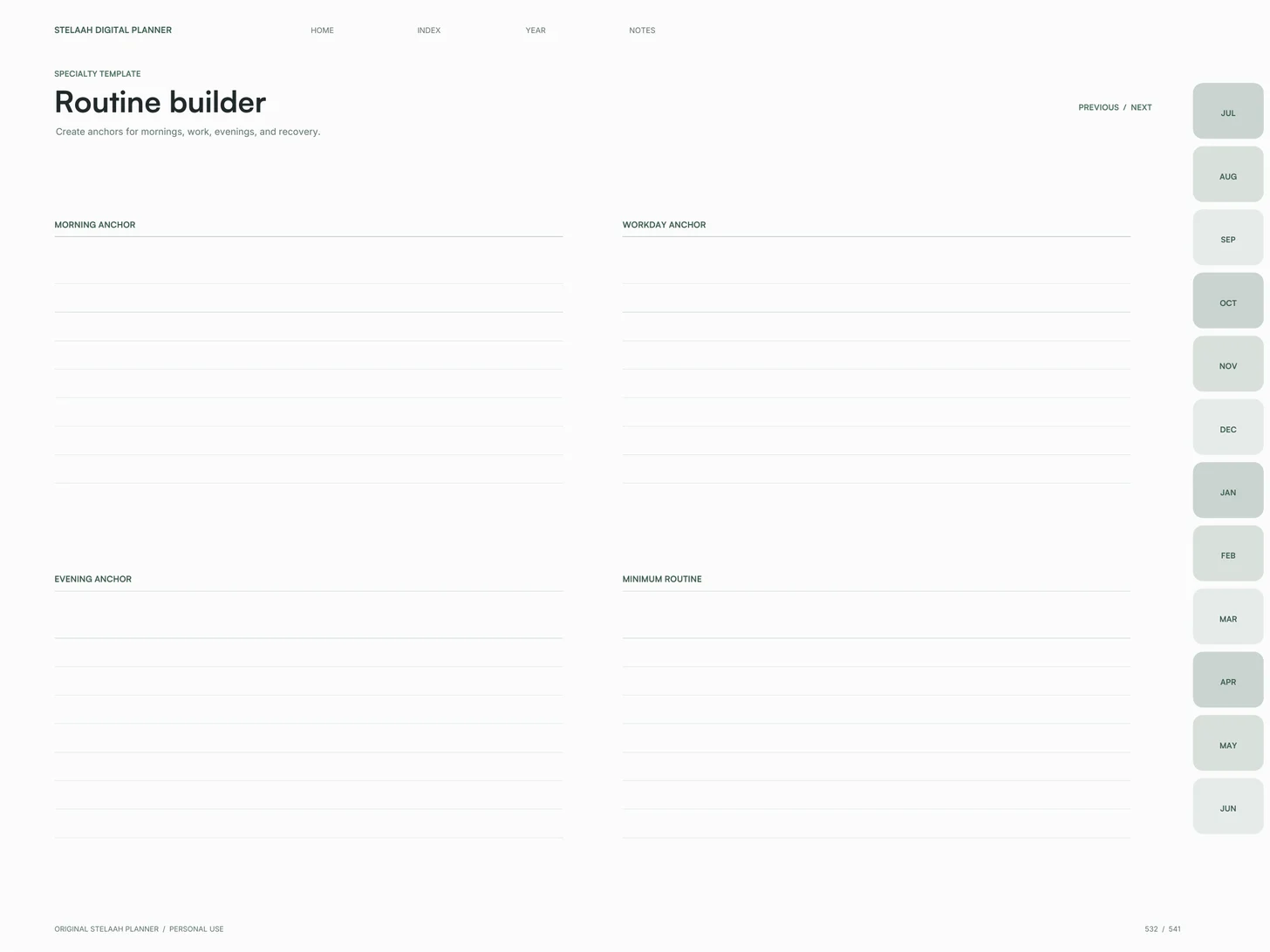
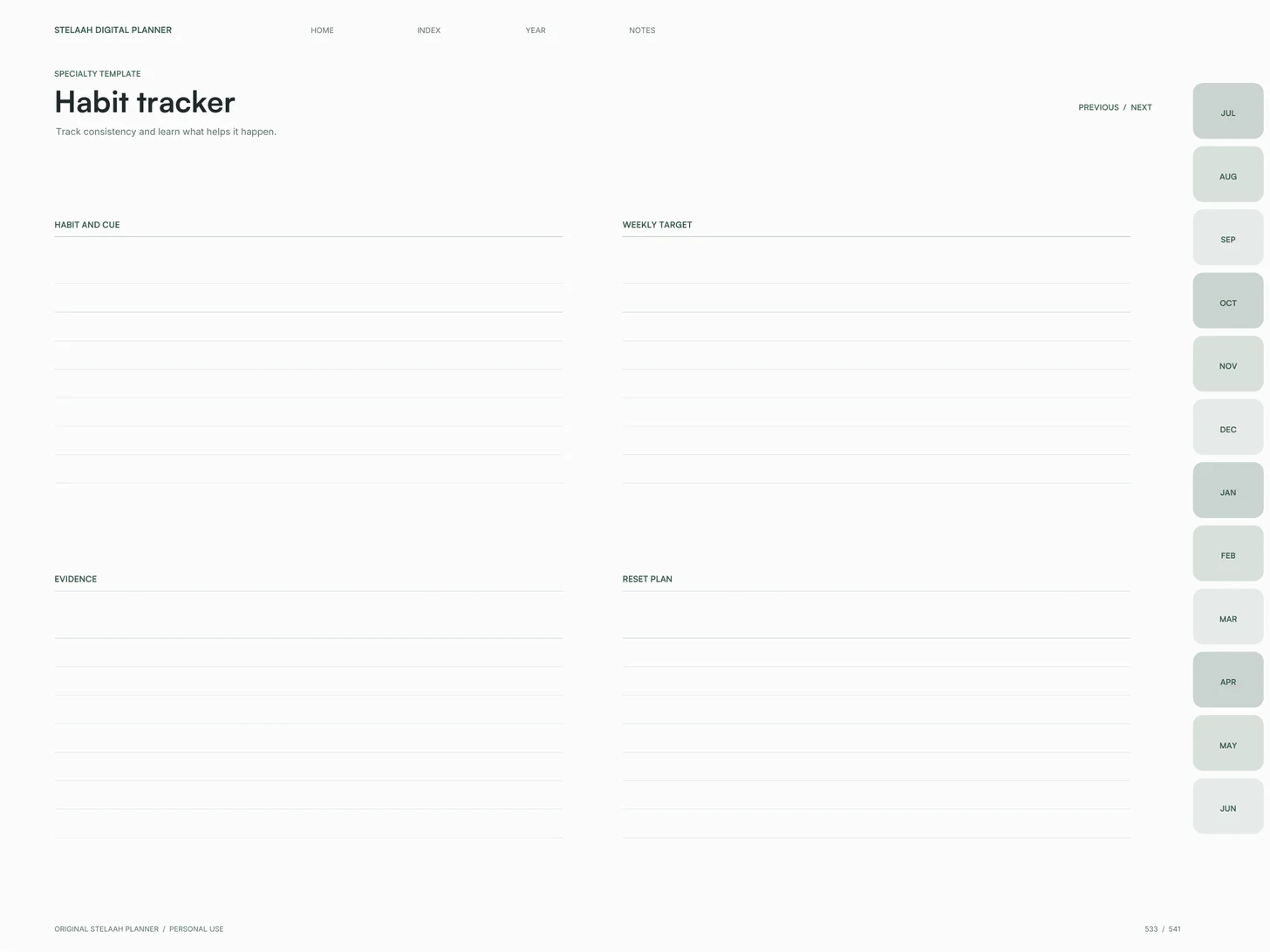
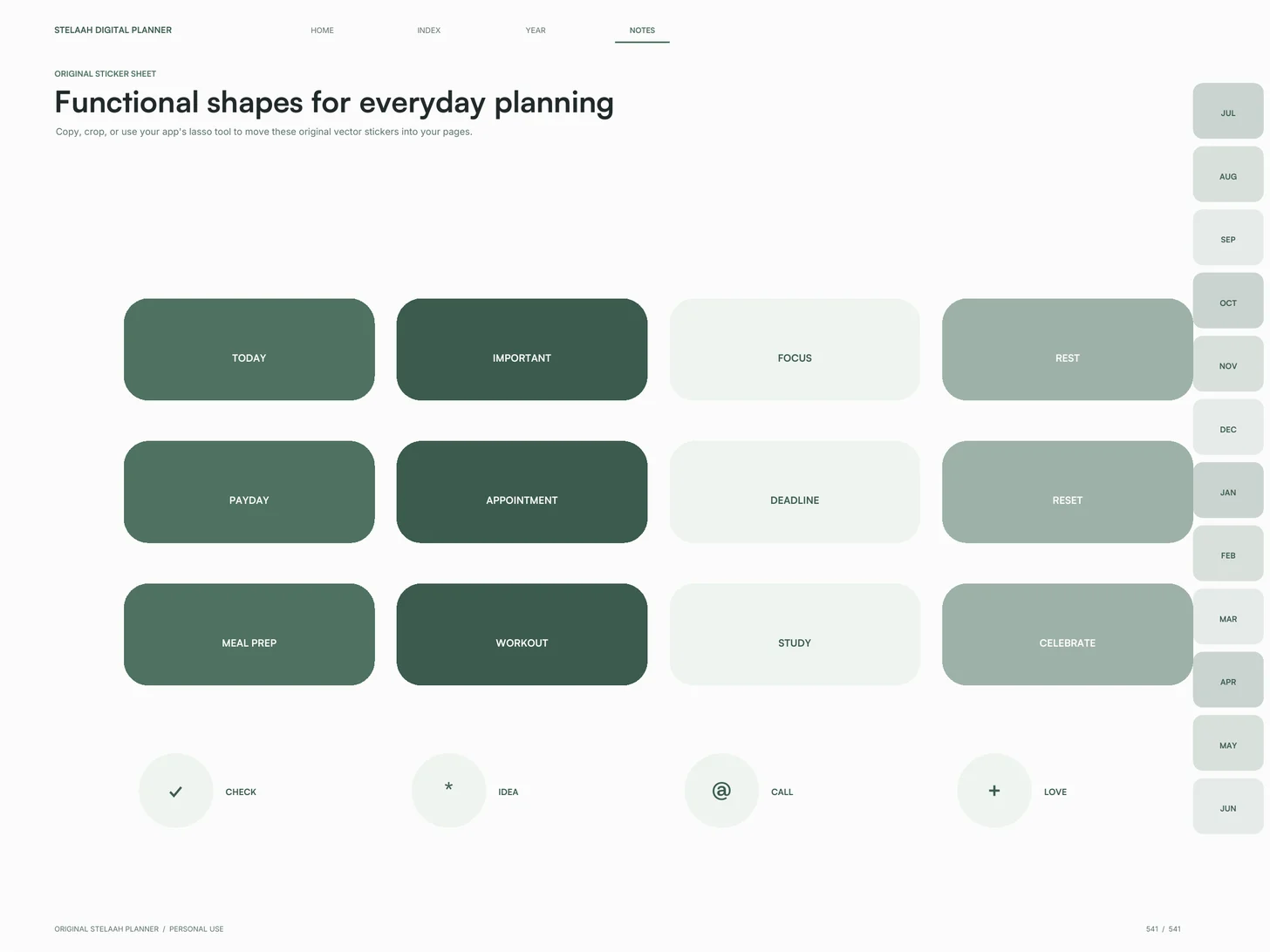
The ribbon (1 page): The whole year as one line, with every month linked, so you jump to a month rather than flipping to it. Planning templates (10 pages): Midyear reset, annual intentions, quarterly plan, goal breakdown, project dashboard, routine builder, habit tracker, wellness plan, money plan, and year close. Calendars (48 pages): Twelve months drawn for both week starts, each with its own planning page and a review page for what actually happened. Days (365 pages): Top three, tasks and follow up, an hourly schedule from five in the morning to eleven at night, and room to write. Weeks (106 pages): Fifty three weeks, each laid out from Monday and again from Sunday, so you keep the week start you already think in. Covers, notes, stickers (11 pages): Four covers to choose from, a guide, a linked index, four note papers, and a sticker sheet of labelled shapes.
Three steps, then you are writing. Download the file: one PDF, about 6 MB. It arrives by email as well, so you can open it on the tablet rather than the laptop. Open it in your app: Goodnotes, Notability, Noteshelf, Xodo, or ZoomNotes. Import as a document, not as an image, or the links stop working. Start at the ribbon: open the year view, find the week you are actually in, and go from there. The month rail runs down the side of every page after that.
Which device and app. iPad: Goodnotes, Notability, Noteshelf or ZoomNotes, with Apple Pencil; the 4:3 page fills the screen. Android tablets, such as a Samsung Galaxy Tab: Noteshelf, Xodo or Penly keep the links working, with the S Pen or any stylus, and Samsung Notes opens it for handwriting. Computer: any PDF reader on a Mac, Windows PC or Chromebook, typing into the fillable fields. Phone: it opens on an iPhone or Android phone, but the pages are made for a tablet. Paper: any page prints. It is one landscape PDF, not a separate print edition.
Sizes and compatibility. Date range: 1 July 2026 to 30 June 2027. Week starts: Monday and Sunday. Shape: landscape, 4:3, the same proportion as an iPad. One PDF for every device. Printing: any page prints on Letter or A4 with Fit to page. Navigation: month rail on every page, plus home, index, year and notes. Fillable fields: yes, 2,542. More than 11,700 internal links. Price: free.
Why does it start in July? Because January is a bad time to change how you work. A midyear start lets you reset when the year is already in motion. Can I still use it in January? Yes. It runs to 30 June 2027, so a January start gives you six dated months and the full undated sections. What shape is it on an iPad? It is landscape 4:3, the same proportion as an iPad, so it fills the screen with no bars on either side. How do you move around it? A month rail down the side of every page, and a row of links to home, the index, the year view and the note papers. Both are in the same place on every page, so you never hunt for a tab. Why is it free? It is how people meet Stelaah. Nothing is held back and there is no paid upgrade of this file.
- designed pages
- 541
- fillable fields
- 2,542
- week spreads
- 53
- planning templates
- 10
Get it free in the Stelaah Store
See inside
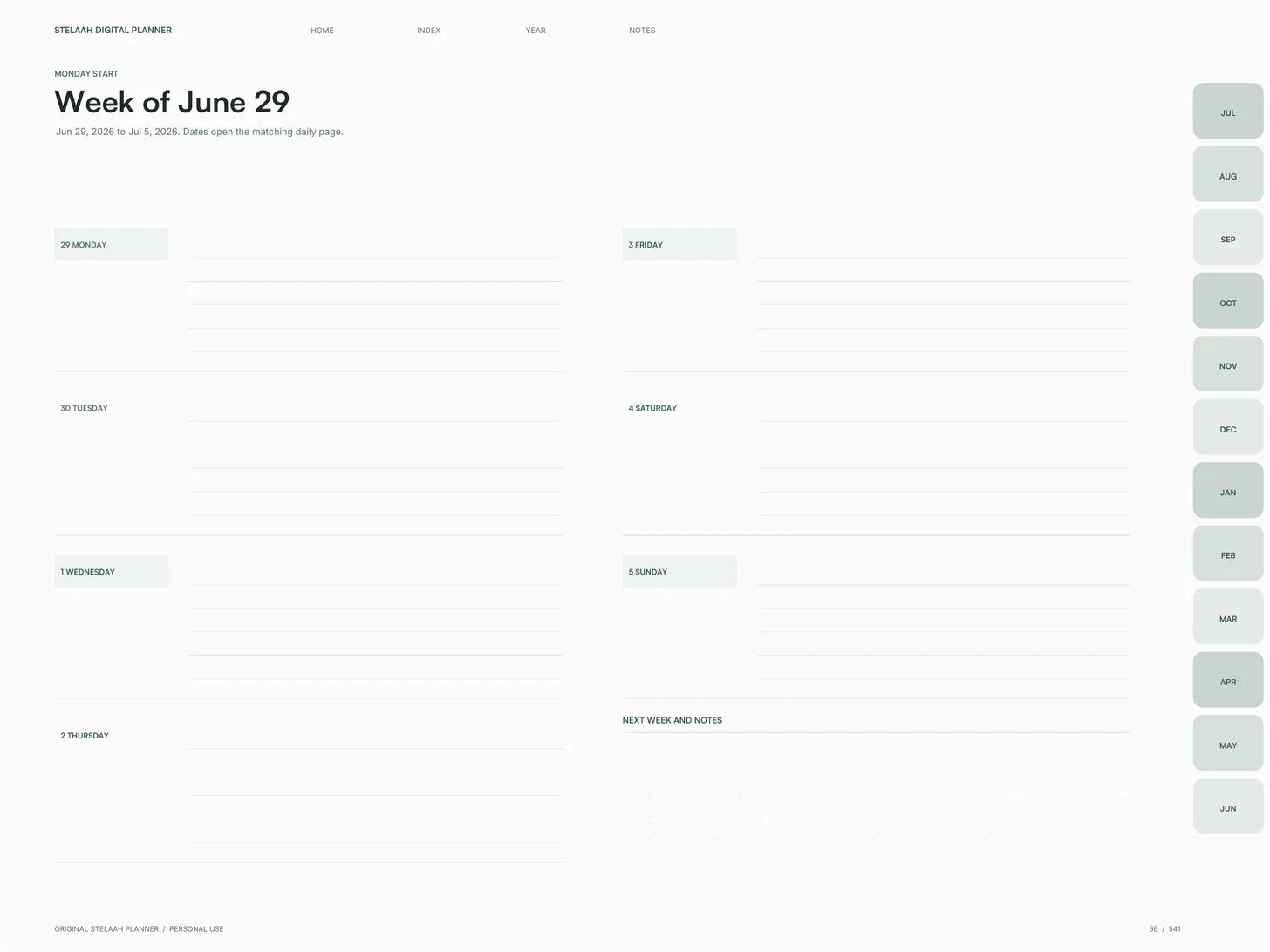
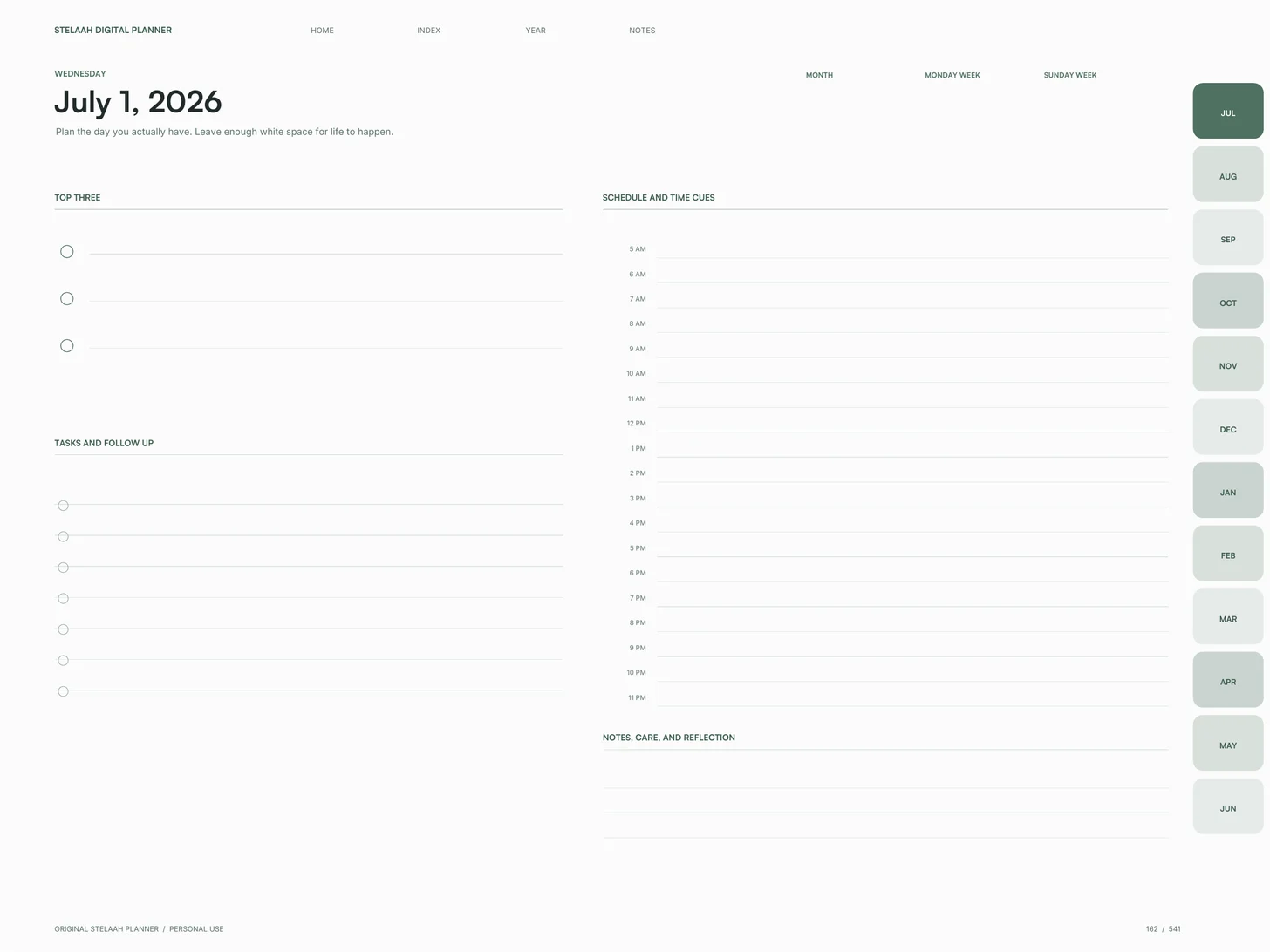
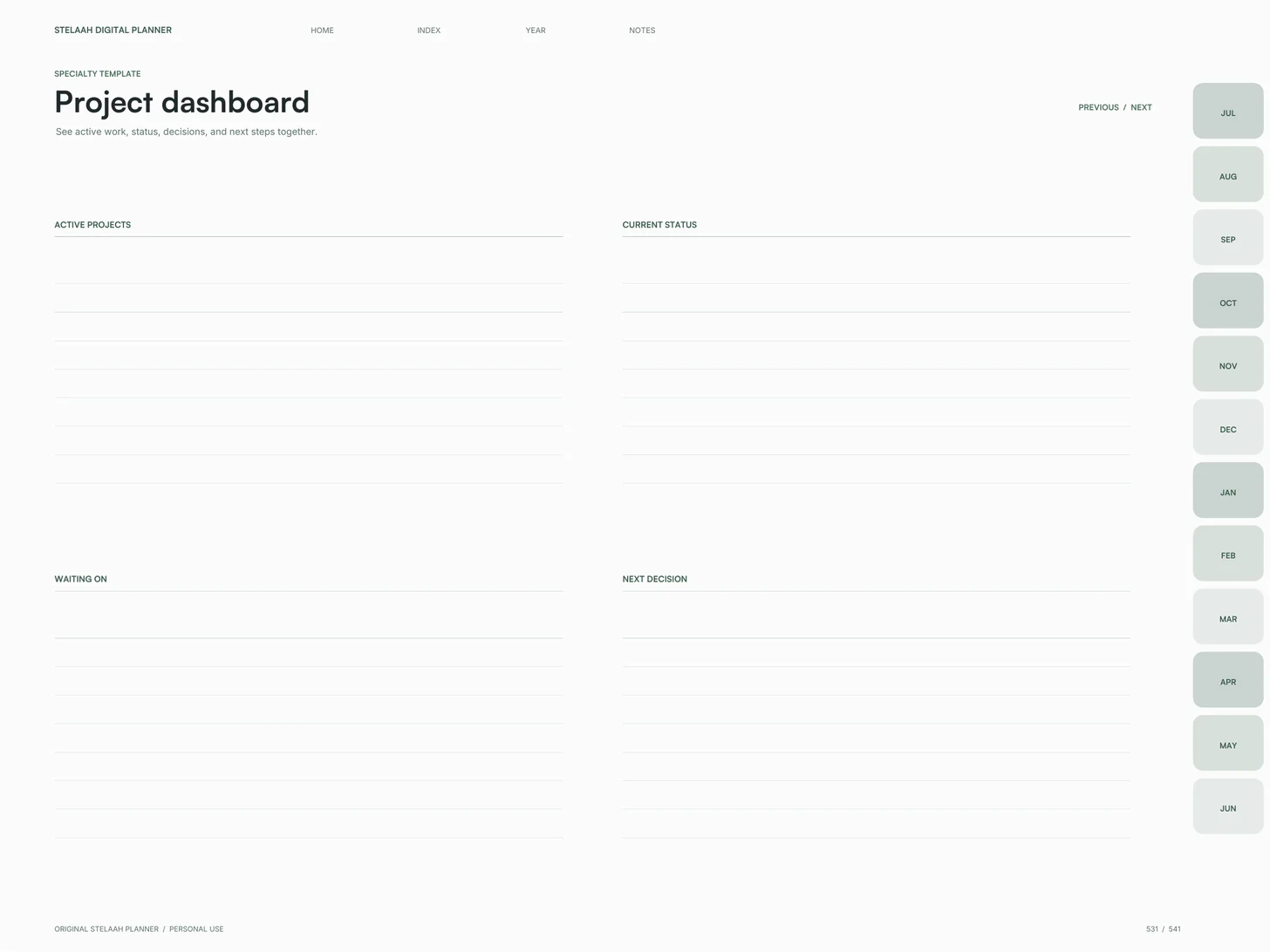
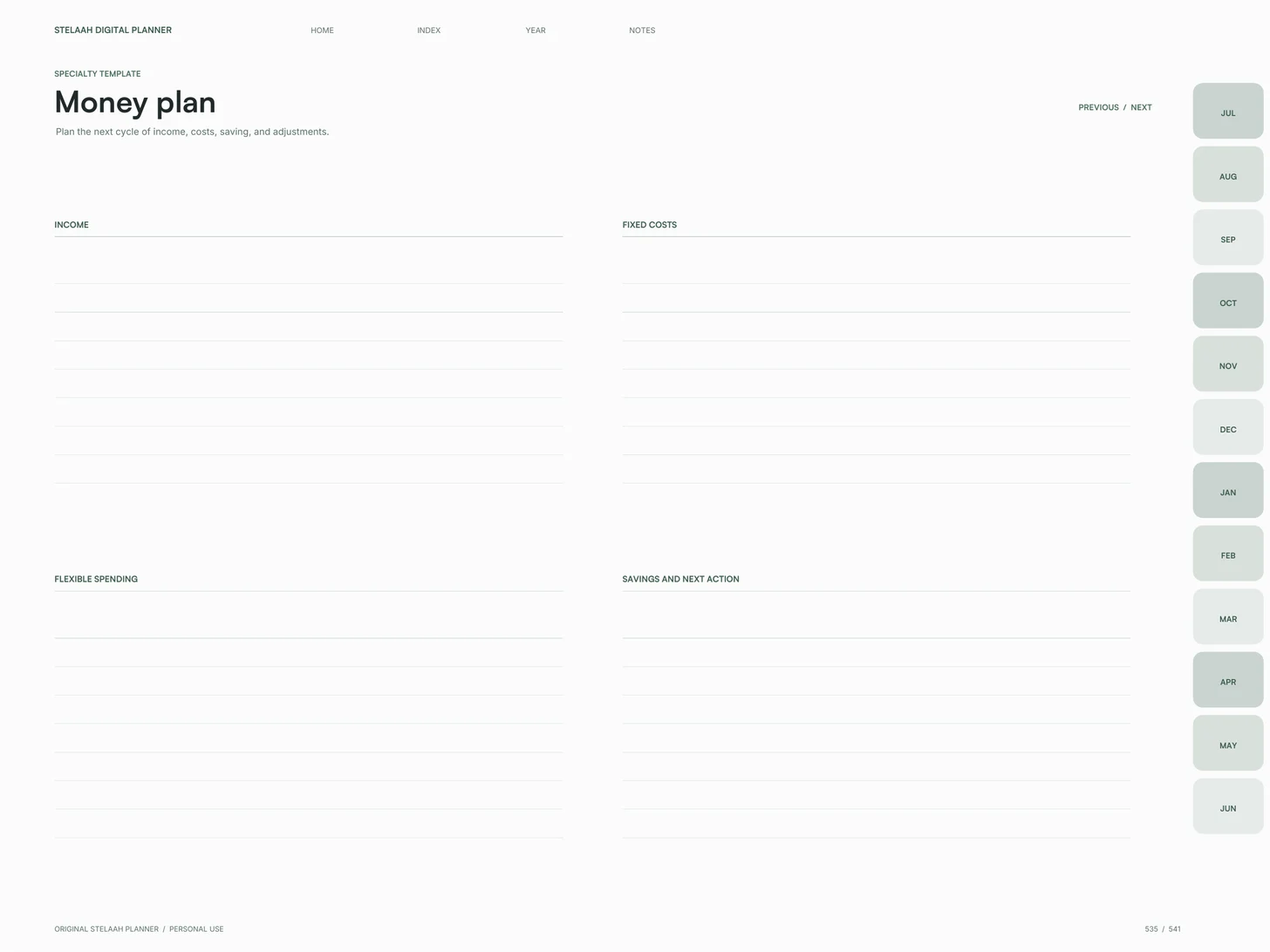
What's inside
541 pages, 1 July 2026 to 30 June 2027. Six sections, all reachable from the month rail on every page.
| Section | Pages or size |
|---|---|
| The ribbon | 1 |
| Planning templates | 10 |
| Calendars | 48 |
| Days | 365 |
| Weeks | 106 |
| Covers, notes, stickers | 11 |
Works with
iPad: Goodnotes, Notability, Noteshelf or ZoomNotes, with Apple Pencil. Android tablets: Noteshelf, Xodo or Penly, with the S Pen or any stylus. Computer: any PDF reader, typing into the fillable fields. Import as a document, not as an image, or the links stop working. Links work in reading mode.
Which device and app
- iPad
- Yes. Open it in Goodnotes, Notability or Noteshelf and write with Apple Pencil or any stylus. Import it as a document, not as an image, so the tabs and links keep working.
- Android tablet
- Yes. Noteshelf, Xodo and Penly open it with the links working, and you write with the S Pen or any stylus. Samsung Notes also opens it for handwriting.
- Computer
- Yes. It opens in any PDF reader on a Mac, Windows PC or Chromebook, where you can follow the links and type into the fillable fields.
- Phone
- It opens on an iPhone or Android phone, but the pages are made for a tablet, so a phone is best for checking the plan rather than writing in it.
- Paper
- Yes. It is a standard PDF, so any page prints from a PDF reader. Choose Fit to page for Letter or A4.
Questions
- Why does it start in July?
- Because January is a bad time to change how you work. A midyear start lets you reset when the year is already in motion.
- Can I still use it in January?
- Yes. It runs to 30 June 2027, so a January start gives you six dated months and the full undated sections.
- What shape is it on an iPad?
- It is landscape 4:3, the same proportion as an iPad, so it fills the screen with no bars on either side.
- How do you move around it?
- A month rail down the side of every page, and a row of links to home, the index, the year view and the note papers. Both are in the same place on every page, so you never hunt for a tab.
- Why is it free?
- It is how people meet Stelaah. Nothing is held back and there is no paid upgrade of this file.
- Which device is it best on?
- A tablet with a stylus. It is landscape 4:3, the iPad's own shape, so it fills an iPad screen. On a wider Android tablet it sits with a slim margin at each side.
- Does it work on iPad?
- Yes. Open it in Goodnotes, Notability, Noteshelf or ZoomNotes and write with Apple Pencil. Import it as a document, not as an image, so the month rail and the 11,700 links keep working.
- Does it work on an Android tablet, like a Samsung Galaxy Tab?
- Yes. Noteshelf, Xodo and Penly open it with the links working, and you write with the S Pen or any stylus. Samsung Notes also opens it for handwriting.
- Can I use it on a computer?
- Yes. Open it in any PDF reader on a Mac, Windows PC or Chromebook to follow the links and type into the 2,542 fillable fields.
- Can I use it on a phone?
- It opens on an iPhone or Android phone, but the pages are made for a tablet, so a phone is best for checking the plan rather than writing in it.
- Can I print it?
- Yes, any page prints from a PDF reader. It is one landscape PDF made for tablets, not a separate print edition, so print in landscape with Fit to page on Letter or A4.
- Which apps does it work with?
- iPad: Goodnotes, Notability, Noteshelf or ZoomNotes, with Apple Pencil. Android tablets: Noteshelf, Xodo or Penly, with the S Pen or any stylus. Computer: any PDF reader, typing into the fillable fields. Import as a document, not as an image, or the links stop working. Links work in reading mode.
- What do I download?
- free-2026-2027-midyear-digital-planner.pdf (5.9 MB).
- Can I share or resell it?
- Use it yourself, on all your devices. Please do not share or resell the files.