Freelance Project Pricing and Profitability Workbook
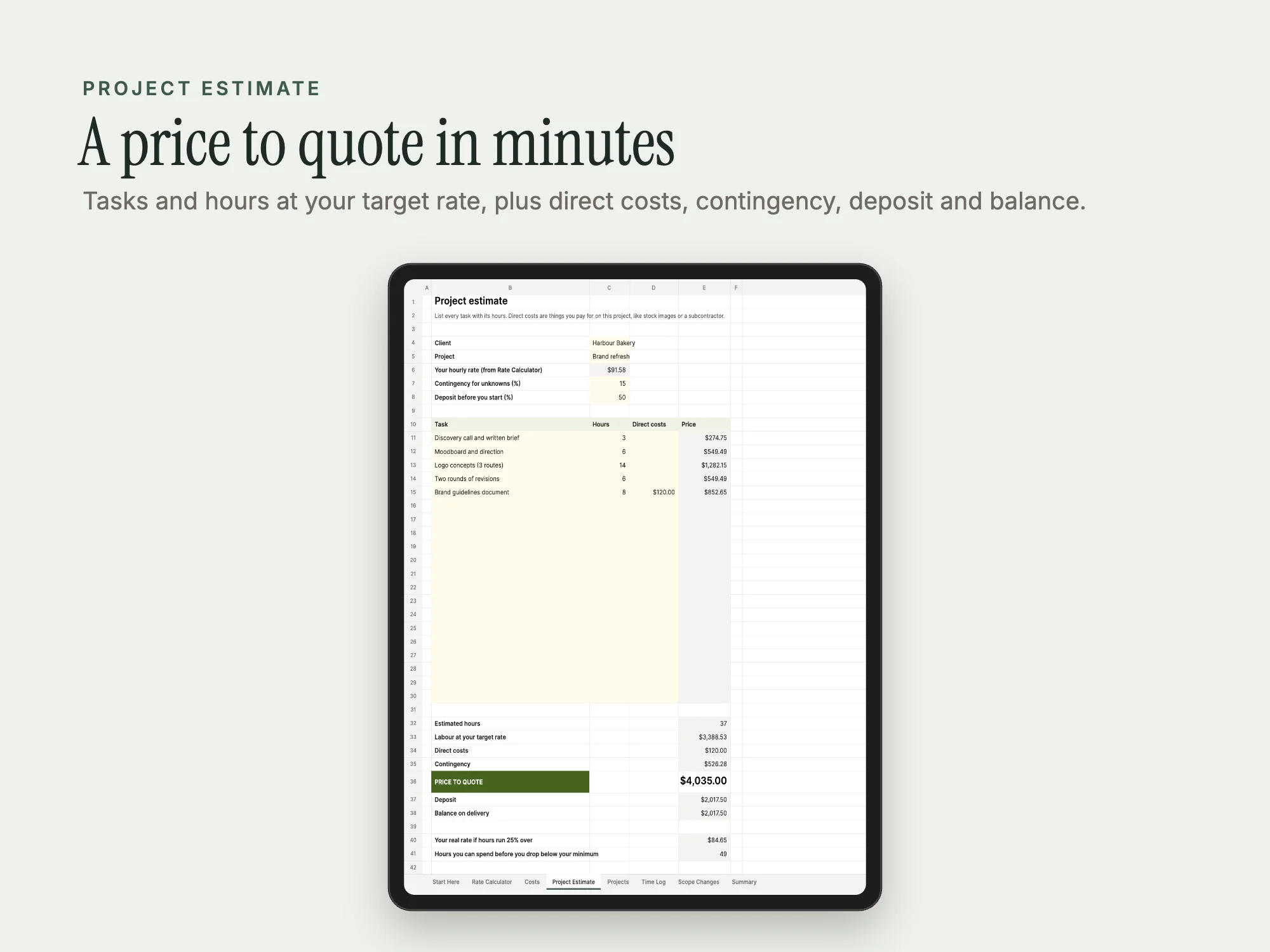
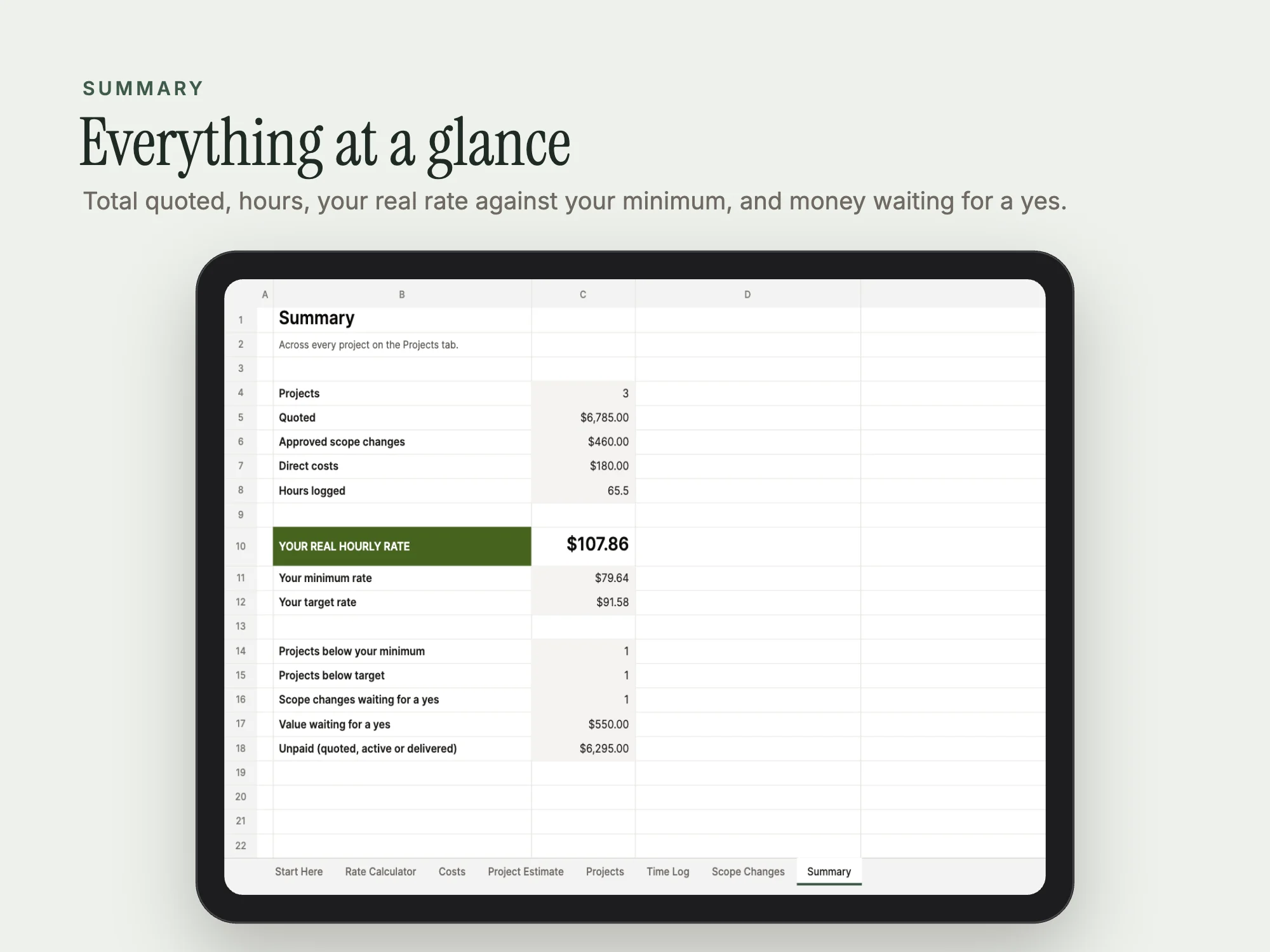
An Excel and Google Sheets workbook that works out your hourly rate and prices each project from its tasks, costs and contingency, then shows your real hourly rate as you log time.
$19, one-time payment · Excel workbook, 8 tabs
Specifications
| Brand | Stelaah |
|---|---|
| Category | Workbooks and printables |
| Format | Excel workbook, 8 tabs |
| Price | $19, one-time payment, no subscription |
| Files | Stelaah Freelance Pricing Workbook.zip (25 KB) |
| Works with | Open the .xlsx in Excel 365, or upload it to Google Drive and open it with Google Sheets. Example rows show how it works; delete them when you start. |
| Licence | Use it yourself and in your own business, including work for your clients. Please do not share or resell the files. |
| Language | English |
| Includes | 8 linked tabs, 2 rates: minimum and target |
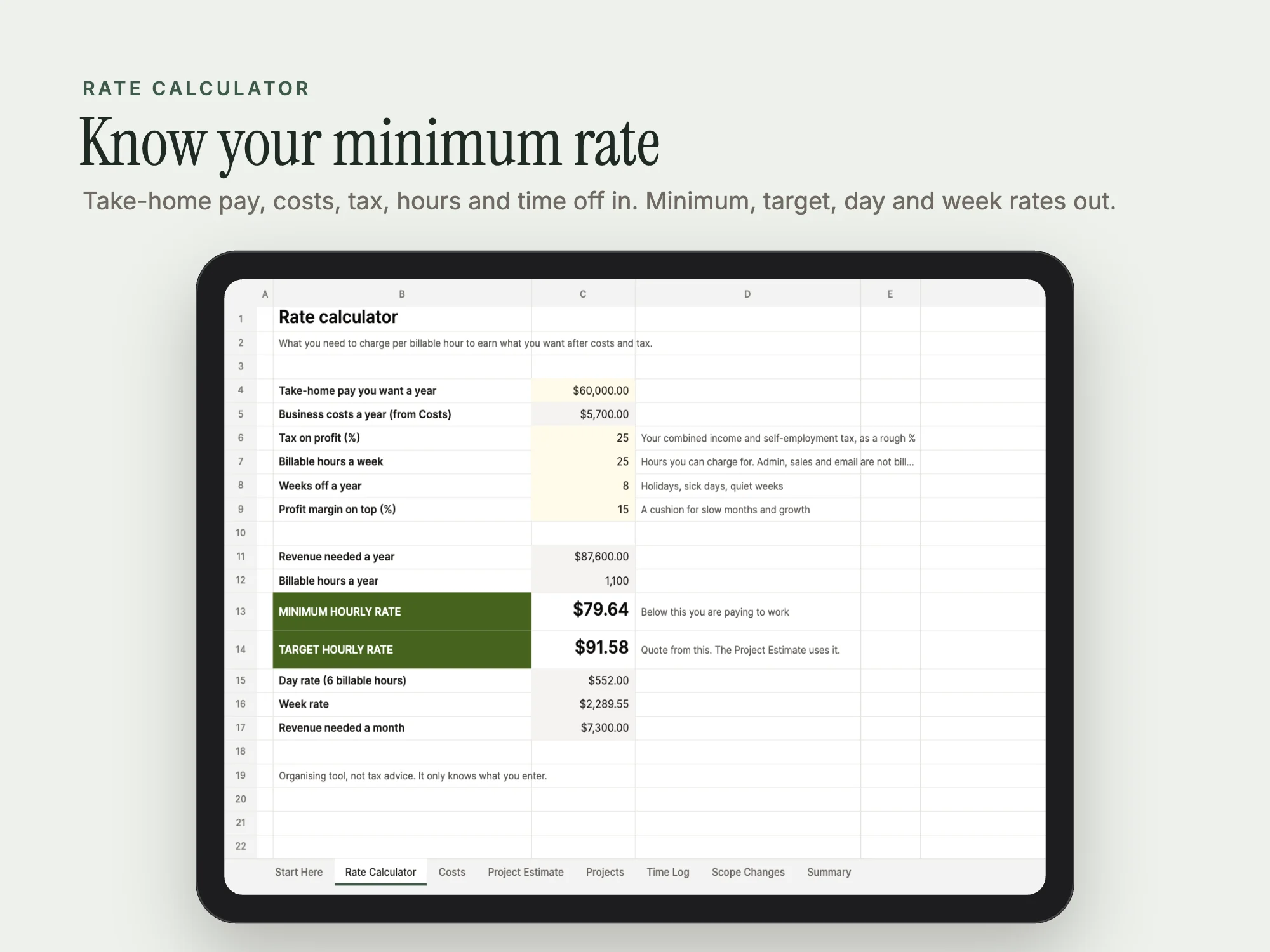
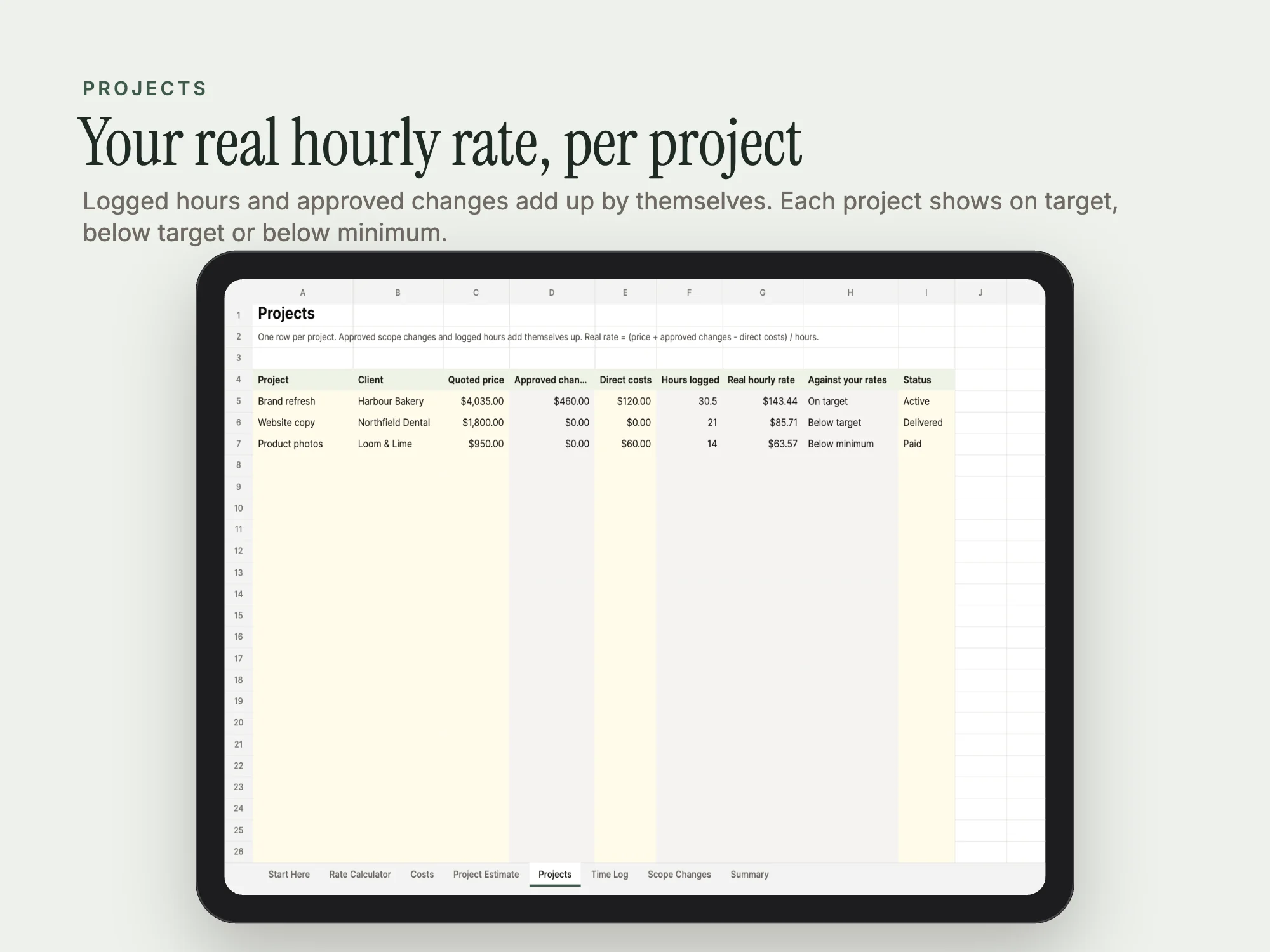
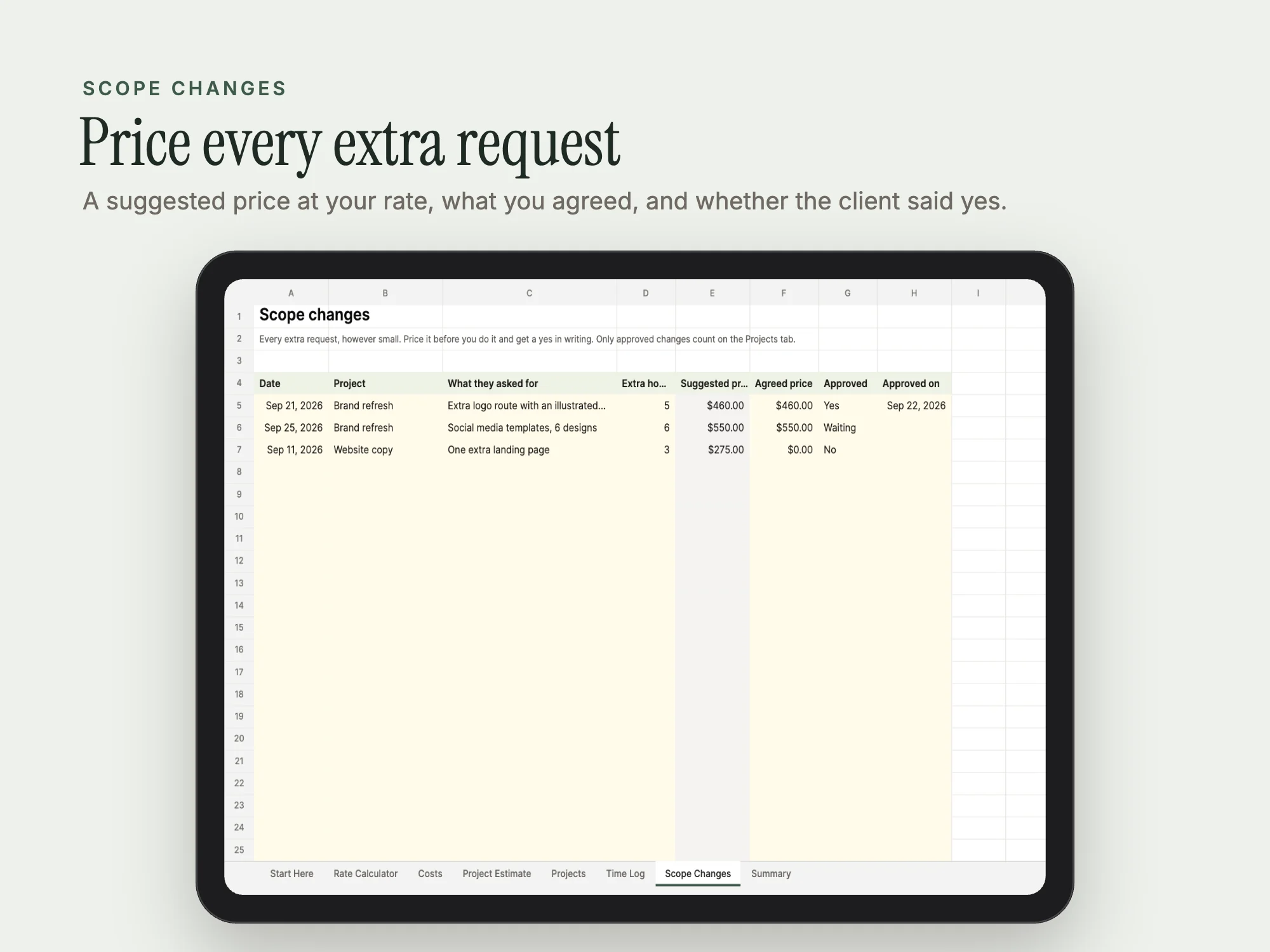
Work out your minimum and target hourly rate from the pay you want, your costs, tax and time off. Price each project from its tasks and hours, with direct costs, a contingency and a deposit. Log hours and scope changes as you go, and see your real hourly rate on every project. One .xlsx for Excel 365 and Google Sheets. Organising tool, not tax or financial advice.
See inside
What's inside
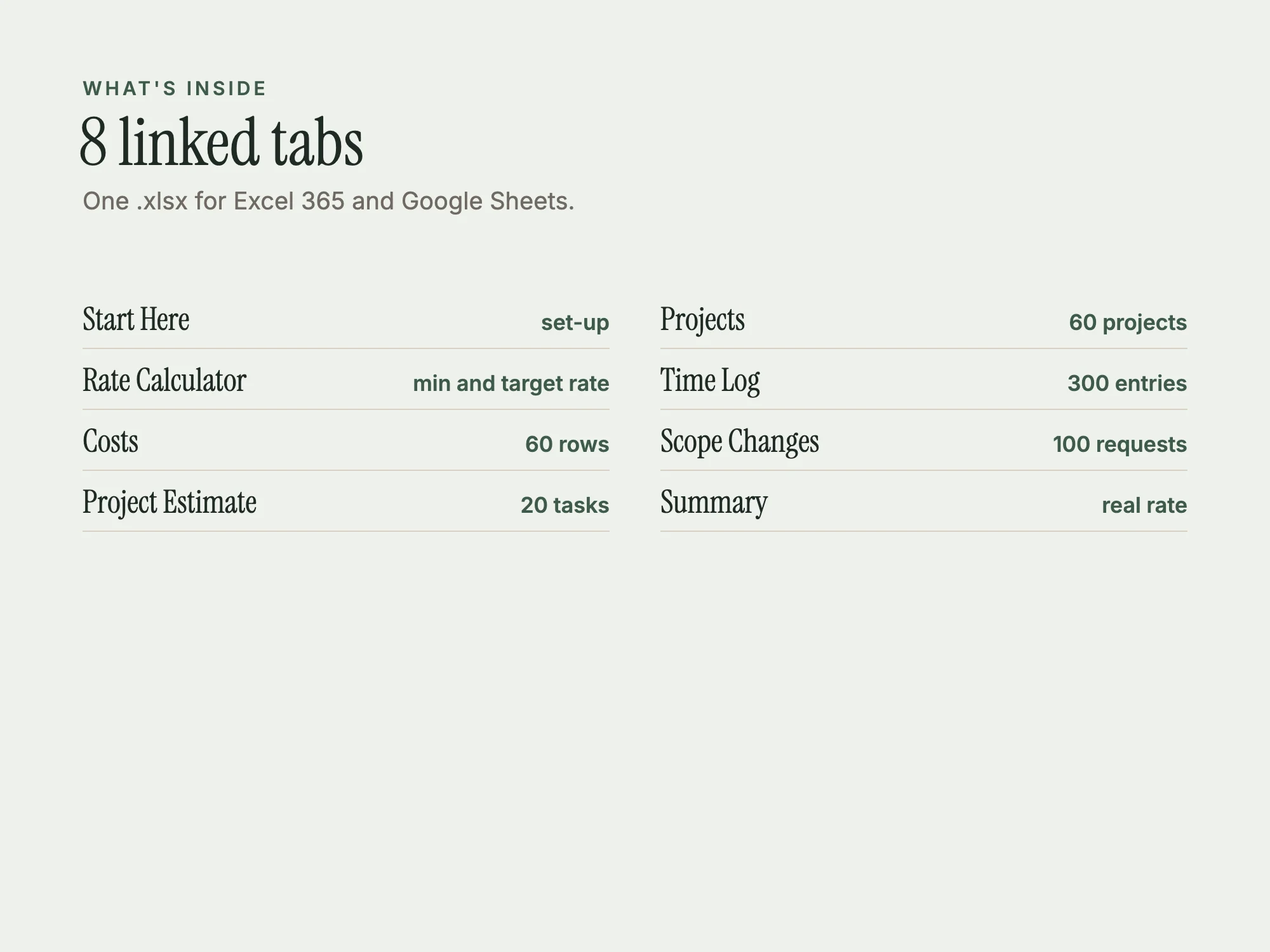
One .xlsx with 8 linked tabs. Yellow cells are for you; grey cells calculate themselves.
| Section | Pages or size |
|---|---|
| Start Here | set-up guide |
| Rate Calculator | 1 tab |
| Costs | 60 rows |
| Project Estimate | 20 task rows |
| Projects | 60 rows |
| Time Log | 300 rows |
| Scope Changes | 100 rows |
| Summary | 1 tab |
Who it's for
- Freelancers
- Consultants and solo agencies
- Anyone quoting project work
You may be looking for
- freelance pricing spreadsheet
- project quote calculator
- freelance rate calculator
- project profitability tracker
- scope change log
- estimate template Excel
Guides
Works with
Open the .xlsx in Excel 365, or upload it to Google Drive and open it with Google Sheets. Example rows show how it works; delete them when you start.
Questions
- Which apps does it work with?
- Open the .xlsx in Excel 365, or upload it to Google Drive and open it with Google Sheets. Example rows show how it works; delete them when you start.
- How much does it cost?
- $19, a one-time payment. There is no subscription.
- What do I download?
- Stelaah Freelance Pricing Workbook.zip (25 KB).
- Can I share or resell it?
- Use it yourself and in your own business, including work for your clients. Please do not share or resell the files.