Virtual Assistant Contract
A virtual assistant contract template in Word and PDF with a one minute client summary, covering deposit, scope, late fees, ownership and AI use in plain words.
$15, one-time payment · Word and PDF: one minute client summary, full agreement and a how to use page
Specifications
| Brand | Stelaah |
|---|---|
| Category | Contracts |
| Format | Word and PDF: one minute client summary, full agreement and a how to use page |
| Price | $15, one-time payment, no subscription |
| Files | Stelaah Virtual Assistant Contract.zip (34 KB) |
| Works with | Open the .docx files in Word, Google Docs or Pages. The PDFs open anywhere. |
| Licence | Use it yourself and in your own business, including work for your clients. Please do not share or resell the files. |
| Language | English |
| Includes | 17 clauses, 1 page client summary |
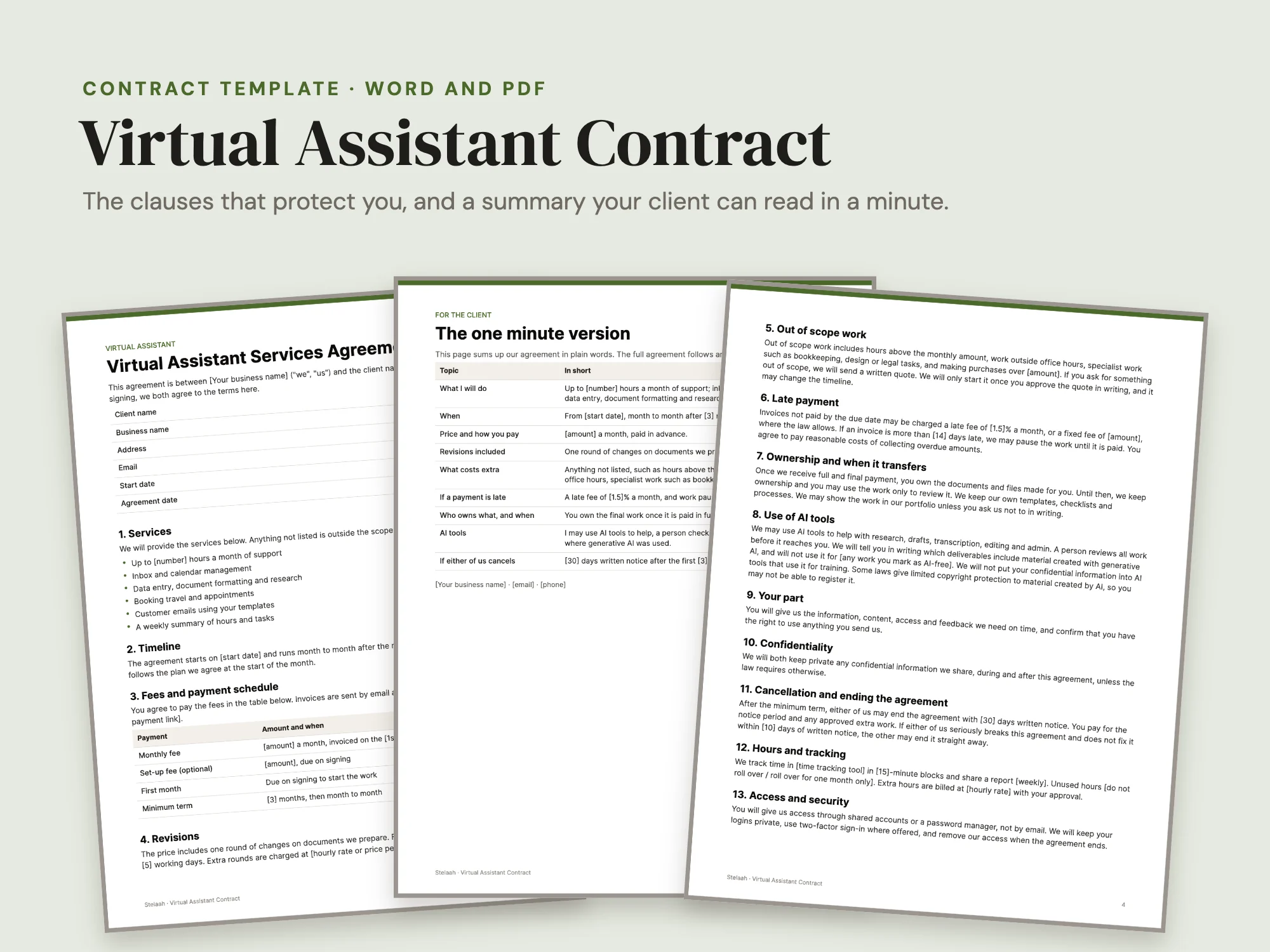
Starting work with a new client on a handshake or a long email thread? This virtual assistant contract sets the deposit, revisions, scope, late fees, ownership and AI use in plain words, with a one minute summary your client will actually read.
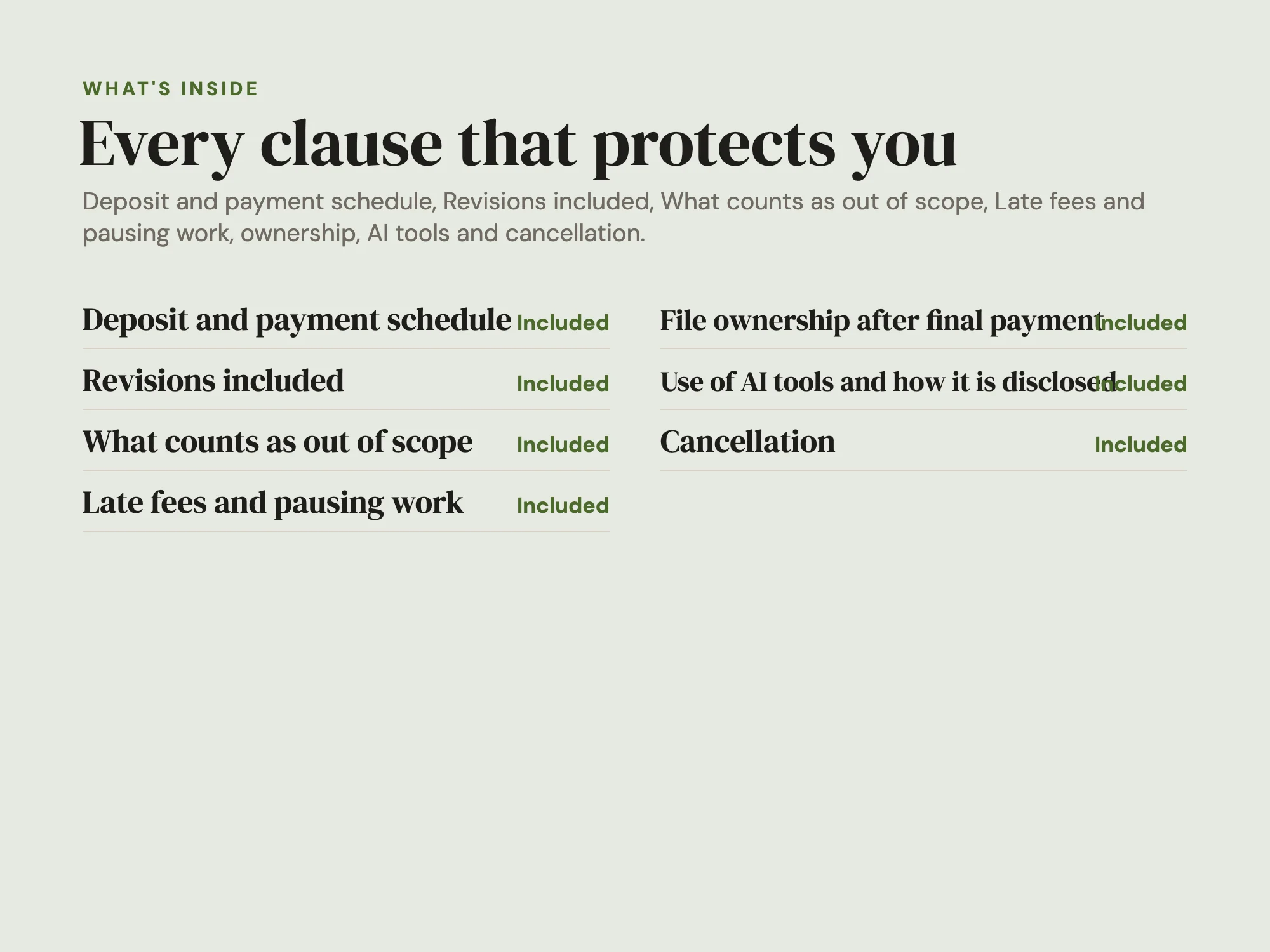
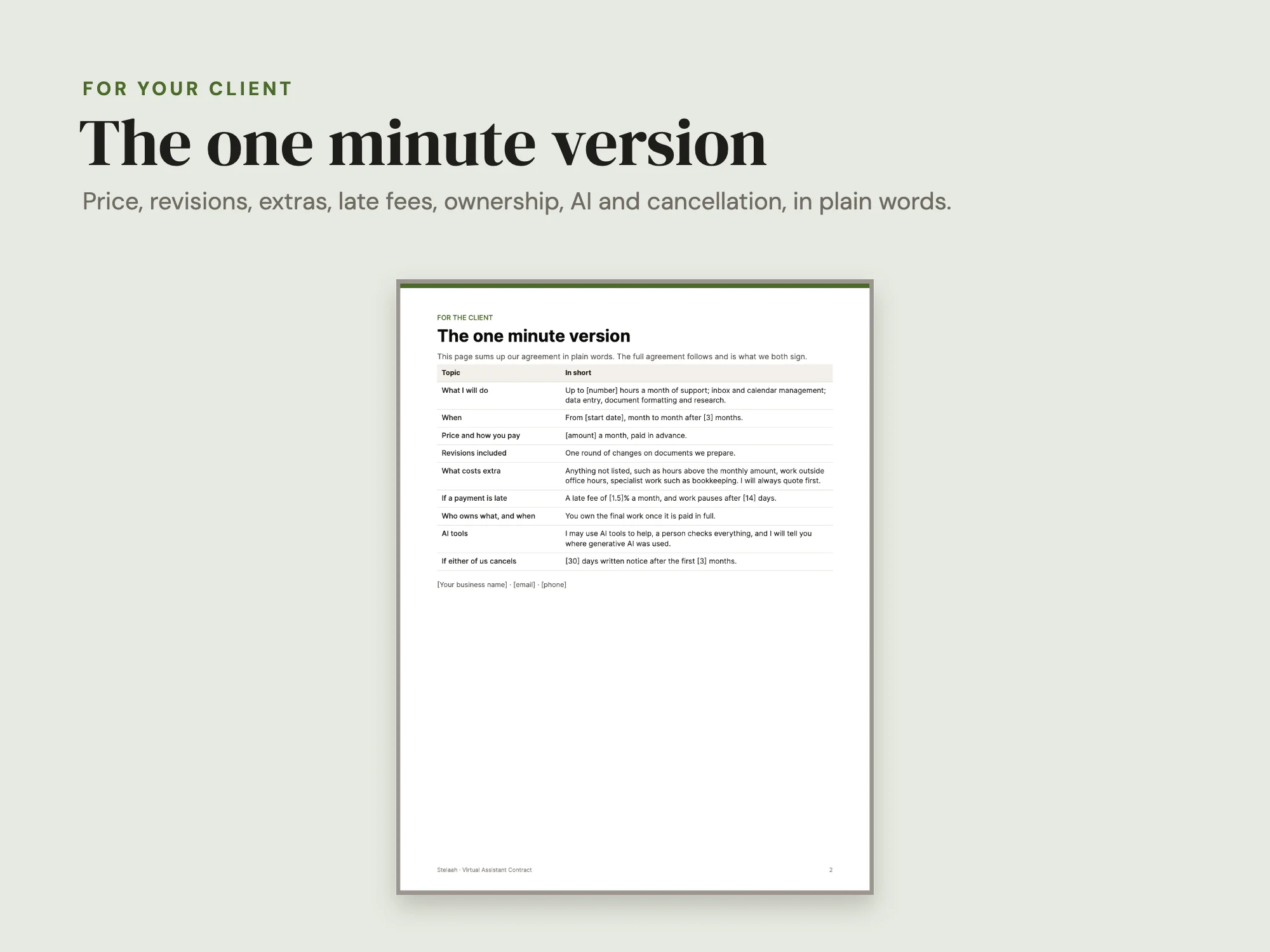
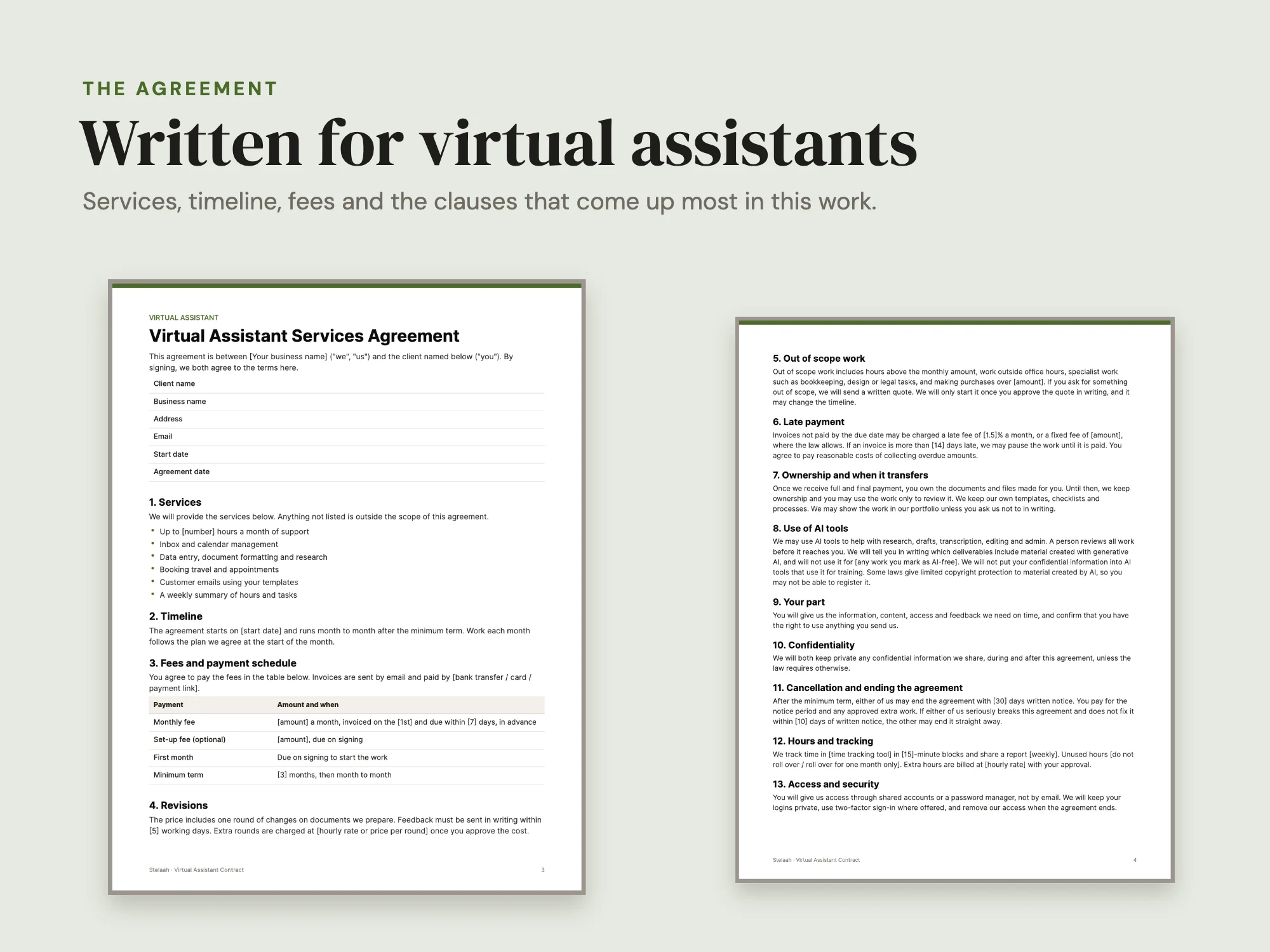
A virtual assistant services agreement written for virtual assistants, with the clauses that protect you: deposit and payment schedule, number of revisions, what counts as out of scope, late fees, file ownership that transfers after final payment, use of AI tools and how it is disclosed, and cancellation. Hours and tracking, Access and security and Payments on your behalf are covered too. Page 1 is a plain summary your client can read in a minute. Edit it in Word, Google Docs or Pages. A template, not legal advice.
Who it fits: Solo virtual assistants and VA agencies of 2 to 10 people, who now agree terms over email, WhatsApp or a Notion template, or send HoneyBook or Dubsado contracts they did not write.
Can I edit it? Yes. It is a Word file you can change in Word, Google Docs or Pages.
Does it cover AI tools? Yes. It says how you may use AI tools and how you tell the client.
When does the client own the work? After the final payment. Until then you keep ownership.
Do I need a lawyer? It is a good idea to have a local lawyer check it before you rely on it.
These templates are not legal advice. Check them against the law where you and your client are.
Licensed for one business. Use it with as many of your own clients as you like.
See inside
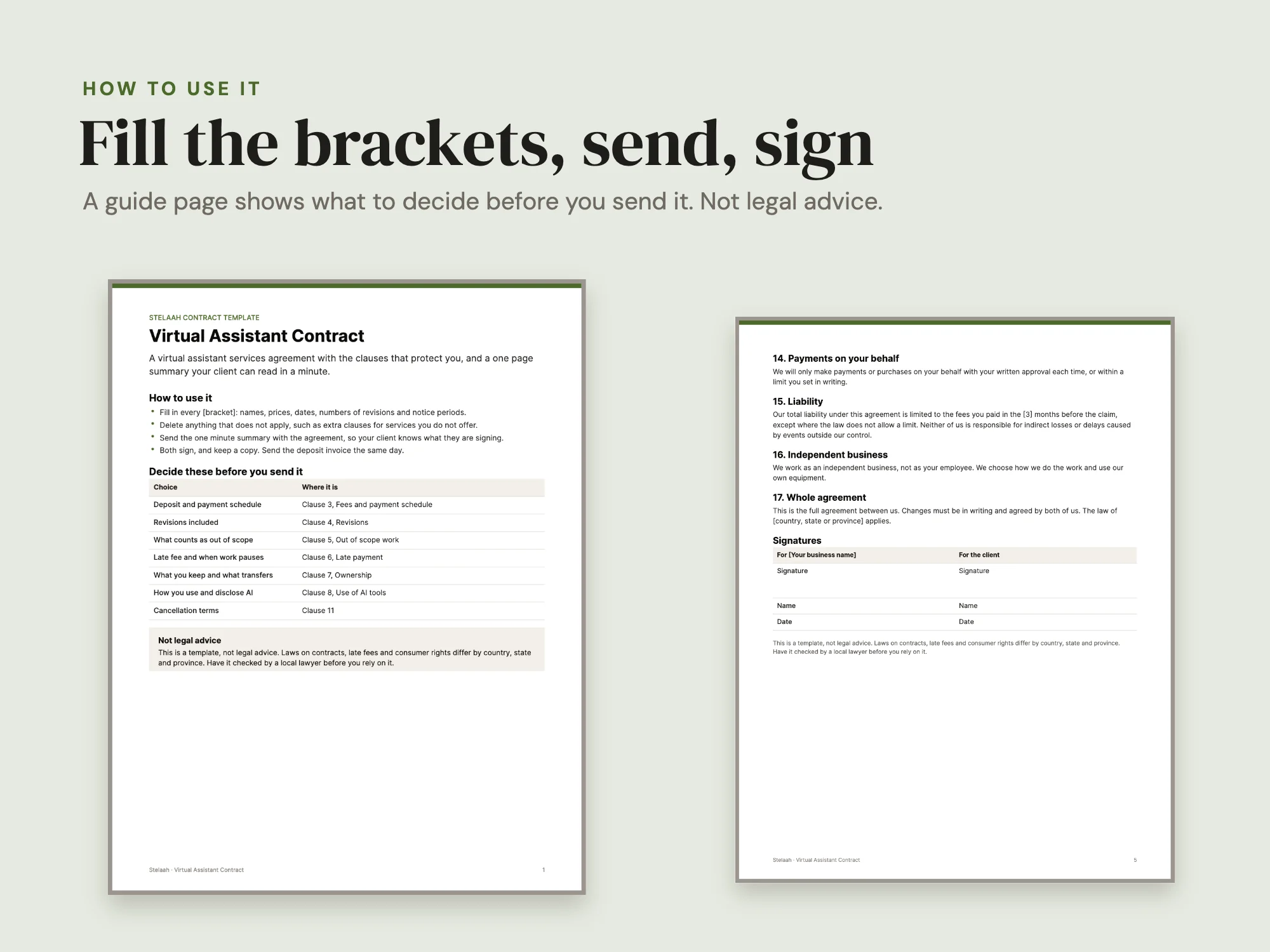
What's inside
Word and PDF. A one minute summary for your client, then the full agreement.
| Section | Pages or size |
|---|---|
| One minute summary for the client | 1 page |
| Full agreement | 3 pages |
| Clauses | 17 |
| How to use it guide (PDF) | 1 page |
| Files | Word and PDF |
Who it's for
- Virtual assistants
- Online business managers
- Freelance admin support
You may be looking for
- virtual assistant contract template
- VA agreement
- freelance assistant contract
- admin services agreement
Works with
Open the .docx files in Word, Google Docs or Pages. The PDFs open anywhere.
Questions
- Can I edit it?
- Yes. It is a Word file you can change in Word, Google Docs or Pages.
- Does it cover AI tools?
- Yes. It says how you may use AI tools and how you tell the client.
- When does the client own the work?
- After the final payment. Until then you keep ownership.
- Do I need a lawyer?
- It is a good idea to have a local lawyer check it before you rely on it.
- Which apps does it work with?
- Open the .docx files in Word, Google Docs or Pages. The PDFs open anywhere.
- How much does it cost?
- $15, a one-time payment. There is no subscription.
- What do I download?
- Stelaah Virtual Assistant Contract.zip (34 KB).
- Can I share or resell it?
- Use it yourself and in your own business, including work for your clients. Please do not share or resell the files.