Free Expense Report Template
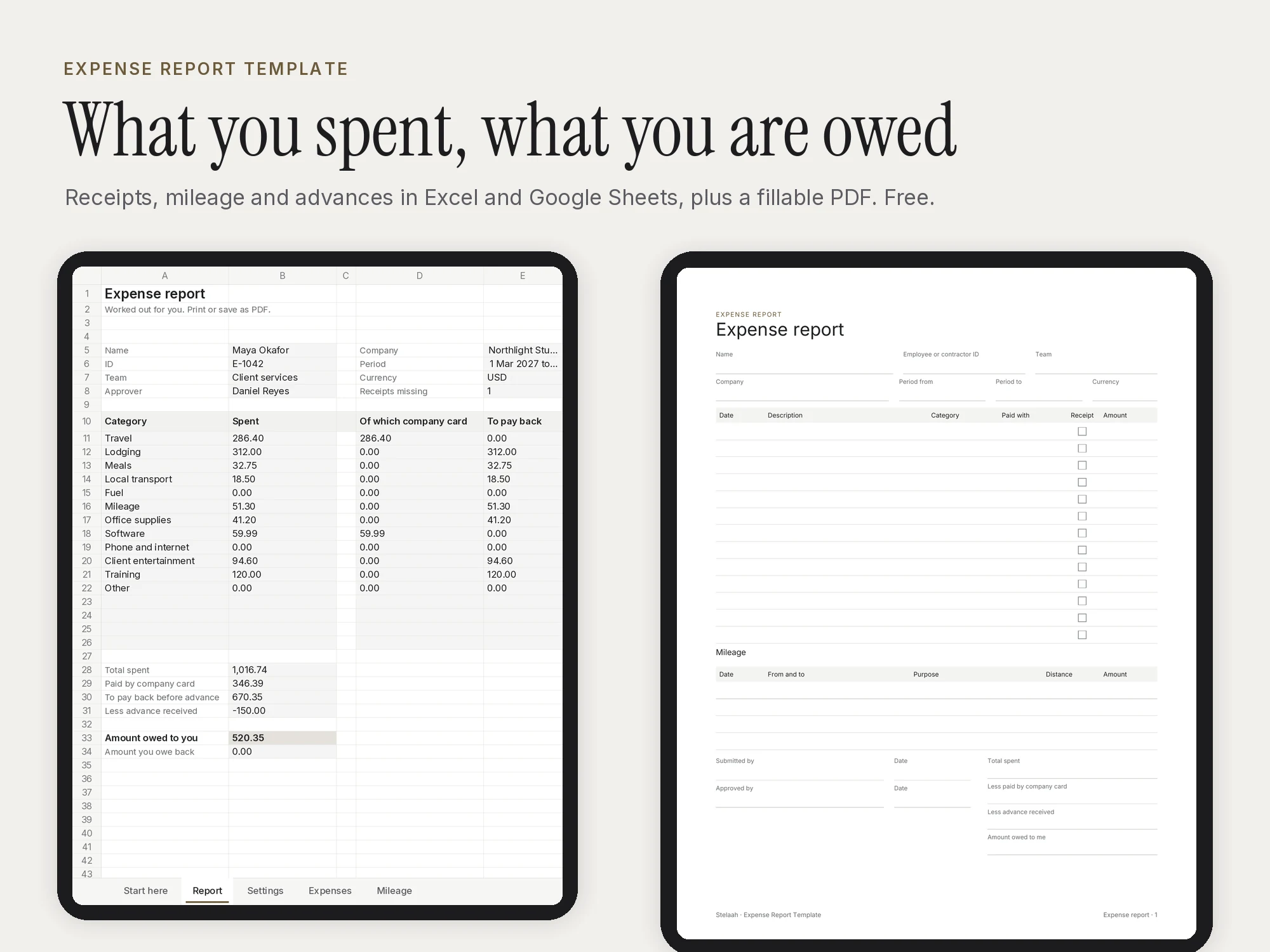
A free expense report and expense tracker in Excel and Google Sheets with mileage, advances, company card, missing receipt flags and a fillable PDF.
Free · Excel workbook, 5 tabs, plus a 1-page fillable PDF in Letter and A4
Specifications
| Brand | Stelaah |
|---|---|
| Category | Spreadsheets and tools |
| Format | Excel workbook, 5 tabs, plus a 1-page fillable PDF in Letter and A4 |
| Paper size | US Letter and A4 |
| Fillable | Yes, type into the fields on a computer or tablet |
| Price | Free |
| Files | Stelaah Expense Report Template.zip (58 KB) |
| Works with | Open the .xlsx in Excel 365, Google Sheets or Numbers. The fillable PDFs work in Adobe Acrobat Reader, Preview, a browser, Goodnotes or Notability, or print them on Letter or A4. |
| Licence | Use it yourself, on all your devices. Please do not share or resell the files. |
| Language | English |
| Includes | 100 expense rows, 60 mileage trips, 5 tabs |
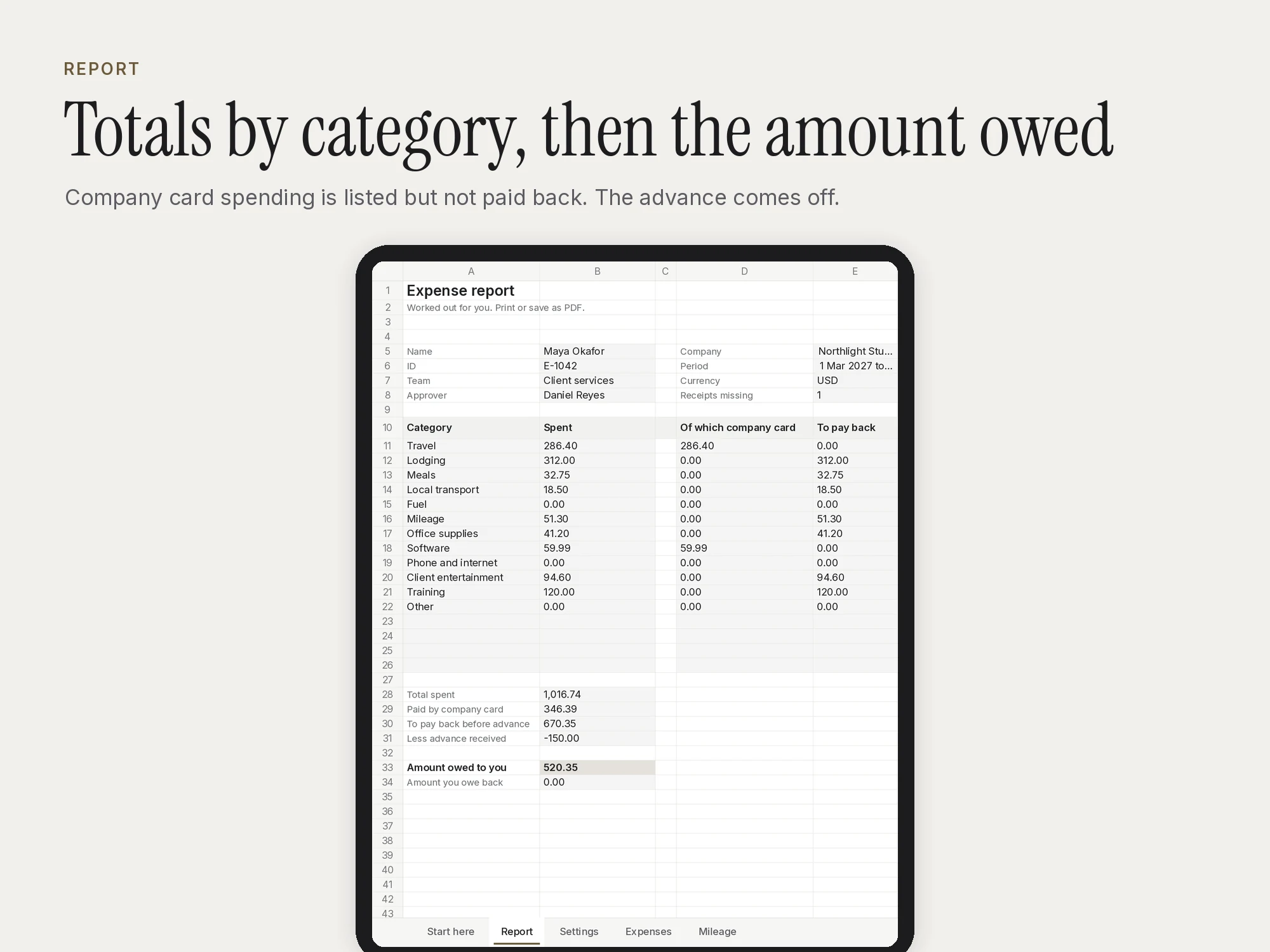
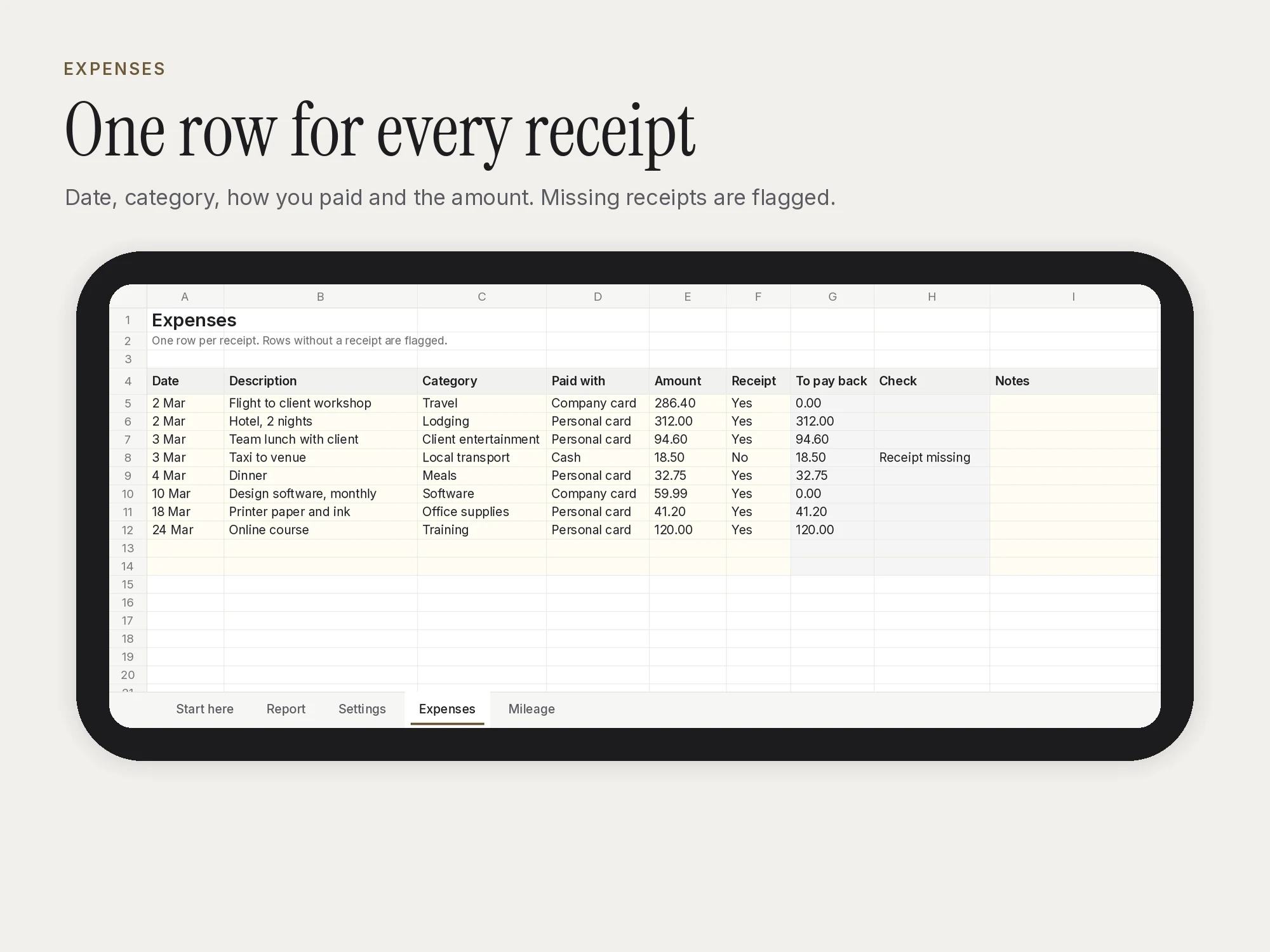
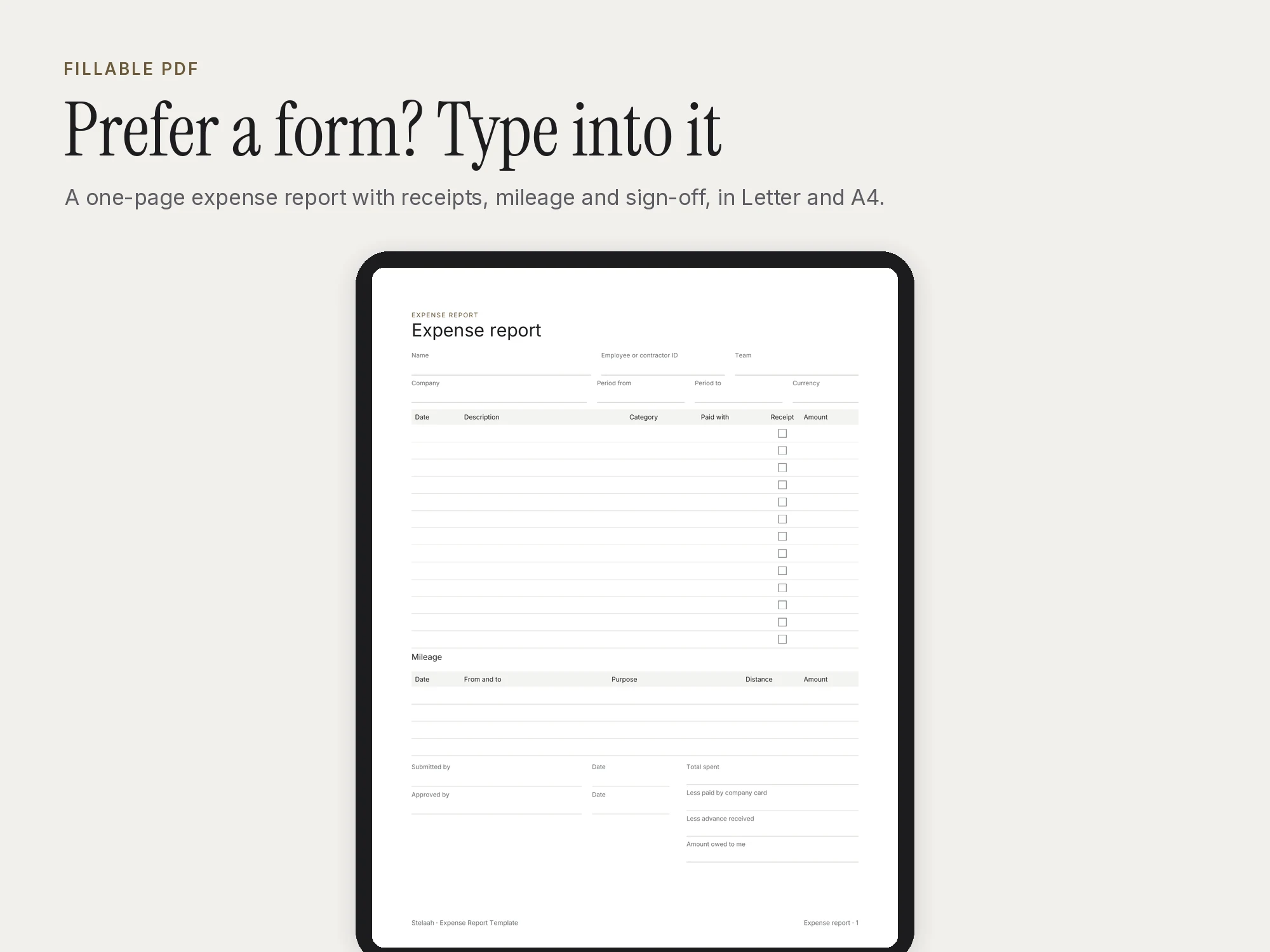
A free expense report template and expense tracker in one file. Add one row per receipt with the date, category, how you paid and the amount, and one row per trip for mileage. The report totals everything by category, takes off any advance and shows exactly what is owed back to you.
Company card spending is listed but not paid back. Rows without a receipt are flagged so you can find them before you send it. Set your currency, your distance unit and your mileage rate once.
Room for 100 expenses and 60 trips. Prefer paper? The fillable PDF is a one-page report in Letter and A4.
Get it free in the Stelaah Store
See inside
What's inside
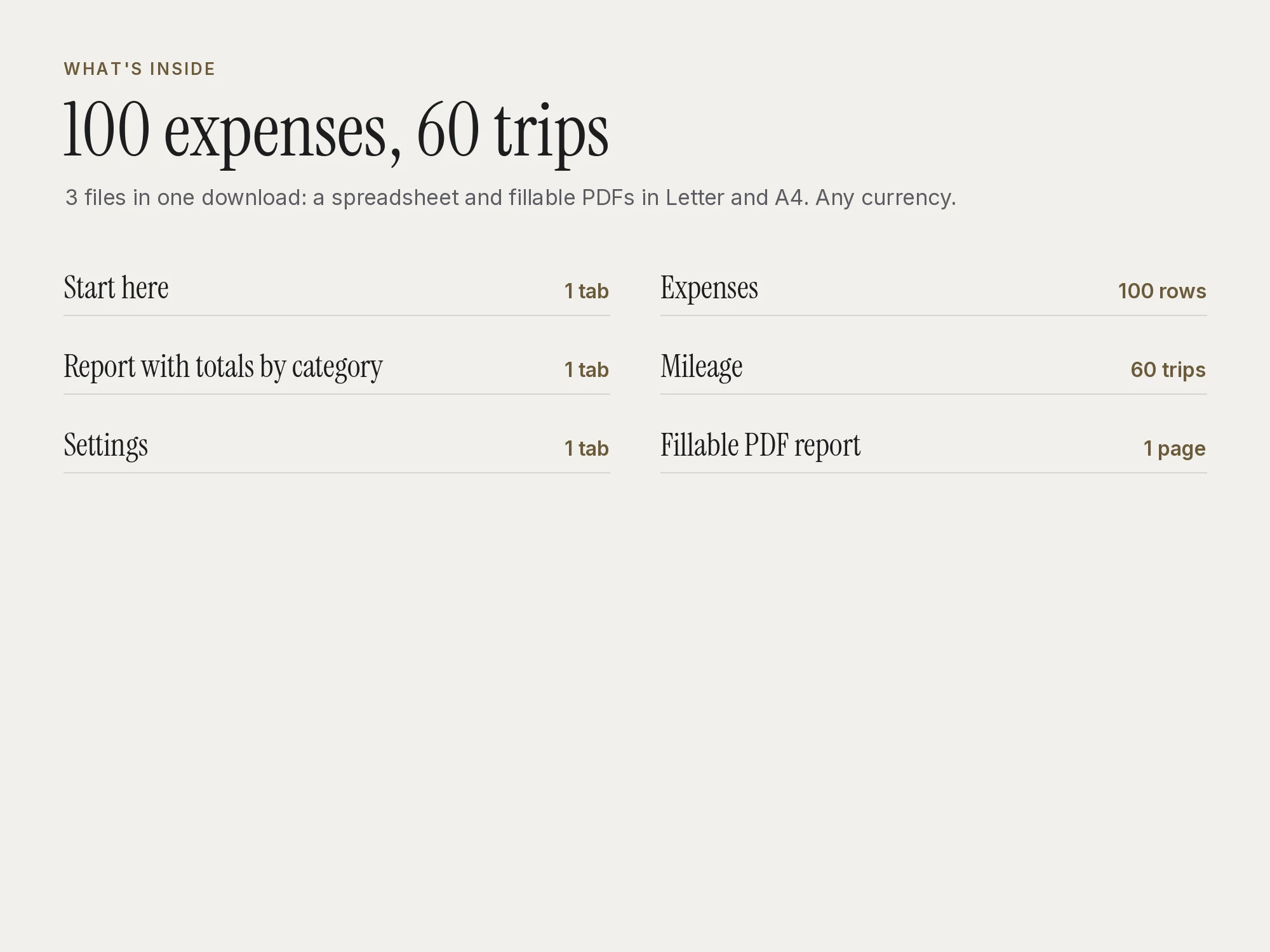
3 files in one download: a spreadsheet and fillable PDFs in Letter and A4.
| Section | Pages or size |
|---|---|
| Start here | 1 tab |
| Report with totals by category | 1 tab |
| Settings | 1 tab |
| Expenses | 100 rows |
| Mileage | 60 trips |
| Fillable PDF report | 1 page |
Who it's for
- Employees claiming travel and work costs
- Contractors billing expenses to clients
- Small business owners tracking spending by category
You may be looking for
- expense report template
- expense tracker
- free expense report template excel
- expense claim form
- mileage reimbursement log
- travel expense report
Works with
Open the .xlsx in Excel 365, Google Sheets or Numbers. The fillable PDFs work in Adobe Acrobat Reader, Preview, a browser, Goodnotes or Notability, or print them on Letter or A4.
Questions
- Does it work in Google Sheets?
- Yes. Upload the .xlsx to Google Drive and open it with Google Sheets. It also opens in Excel 365 and Numbers.
- Can I use miles instead of kilometres?
- Yes. Pick km or miles in Settings and type your rate per unit. Check your employer's or tax office's current rate first.
- Which apps does it work with?
- Open the .xlsx in Excel 365, Google Sheets or Numbers. The fillable PDFs work in Adobe Acrobat Reader, Preview, a browser, Goodnotes or Notability, or print them on Letter or A4.
- Is it really free?
- Yes. Add your name and email once and every free Stelaah download opens on this browser. No account is needed.
- What do I download?
- Stelaah Expense Report Template.zip (58 KB).
- Can I share or resell it?
- Use it yourself, on all your devices. Please do not share or resell the files.