Stelaah Lost and Found Memory System
A free Excel lost and found memory system with a 2-page PDF: a record of where important objects, documents, warranties and receipts are kept (never passwords themselves).
Free · Excel workbook and 2-page PDF
Specifications
| Brand | Stelaah |
|---|---|
| Category | ADHD systems |
| Format | Excel workbook and 2-page PDF |
| Price | Free |
| Files | Stelaah Lost and Found Memory System.zip (232 KB) |
| Works with | Open the .xlsx in Excel 365, or upload it to Google Drive and open it with Google Sheets. The PDF is fillable in Adobe Acrobat Reader, Preview or a browser, or print it. |
| Licence | Use it yourself, on all your devices. Please do not share or resell the files. |
| Language | English |
| Includes | 0 accounts needed, 1 short steps |
The Stelaah Lost and Found Memory System is a free download: a "where did I put it?" record for important objects, documents, warranties, receipts, rarely used items and where passwords are kept, never the passwords themselves. For the moment when you think “Where did I put it?”. Saved only on your device. Not medical advice.
Get it free in the Stelaah Store
See inside
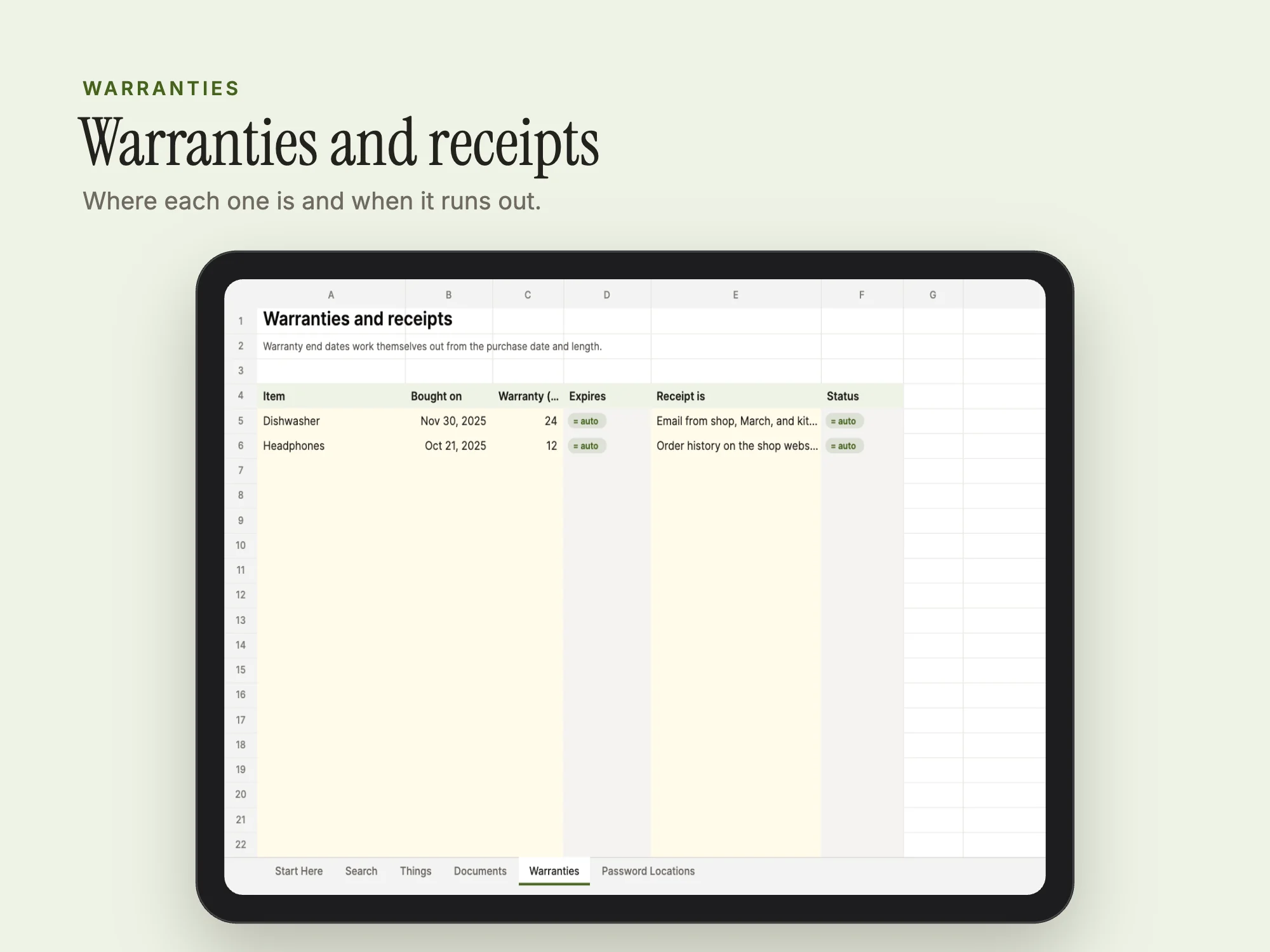
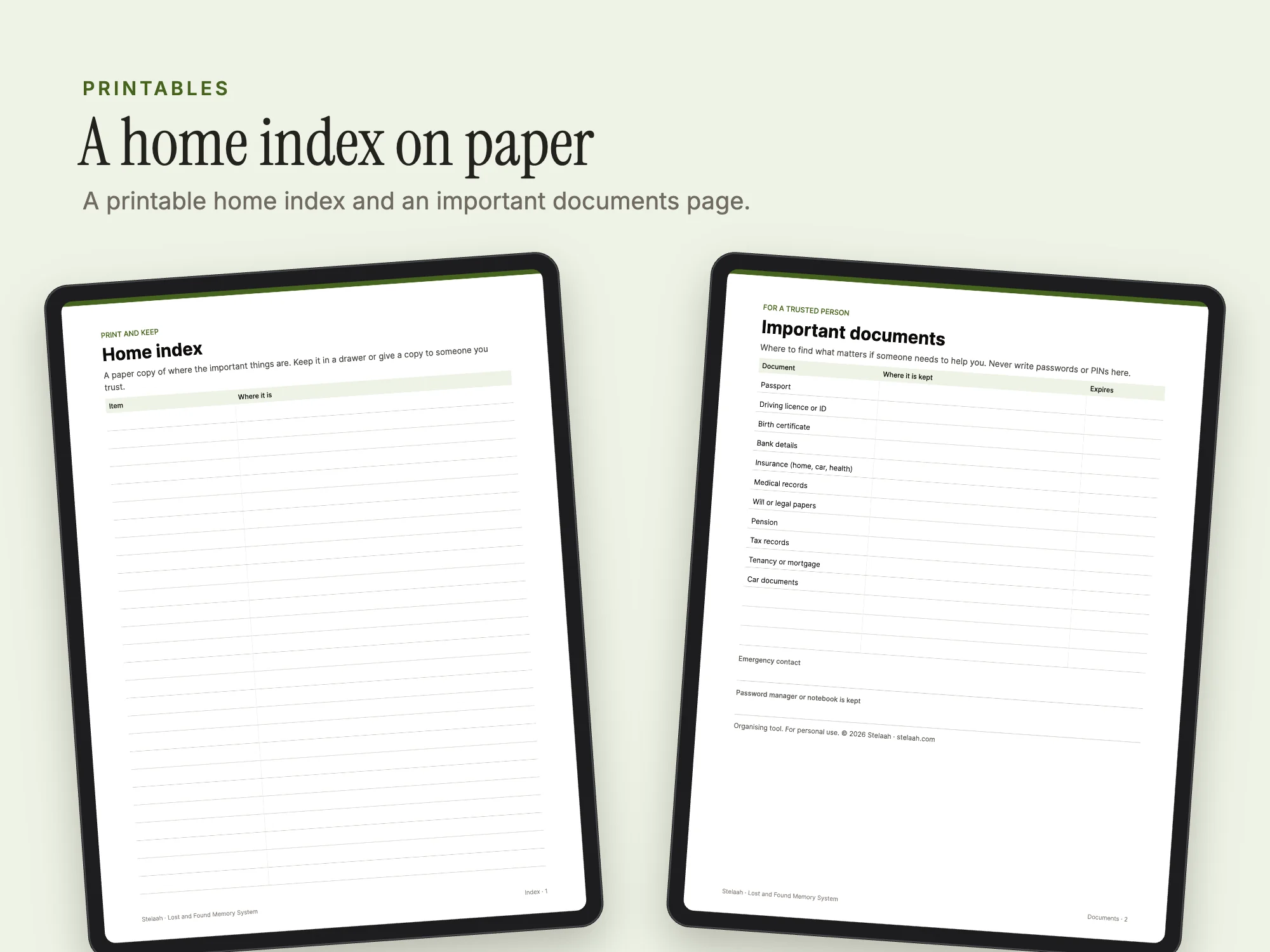
What's inside
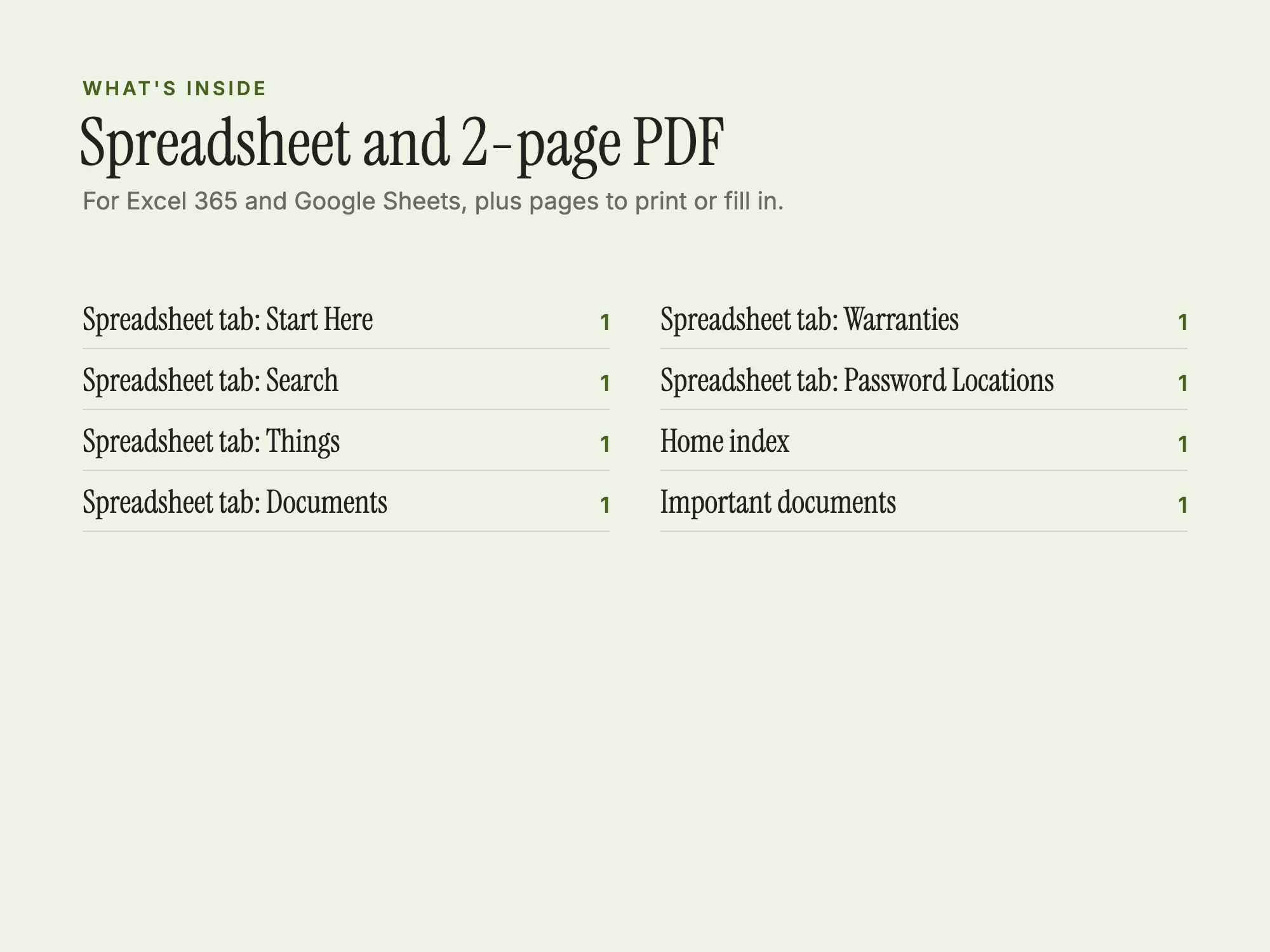
A spreadsheet with 6 tabs and a 2-page PDF, US Letter.
| Section | Pages or size |
|---|---|
| Spreadsheet: Start Here | 1 tab |
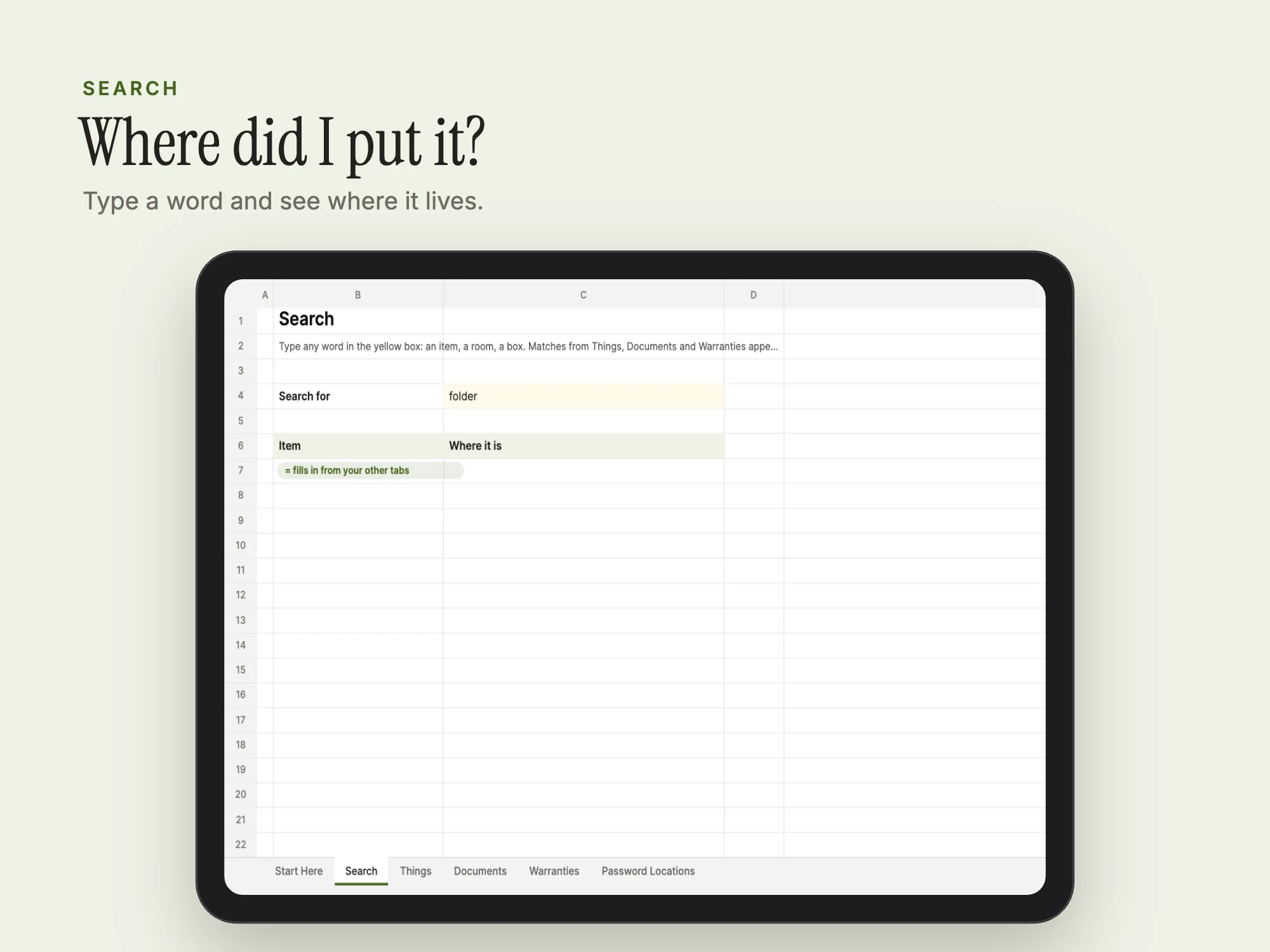
| Spreadsheet: Search | 1 tab |
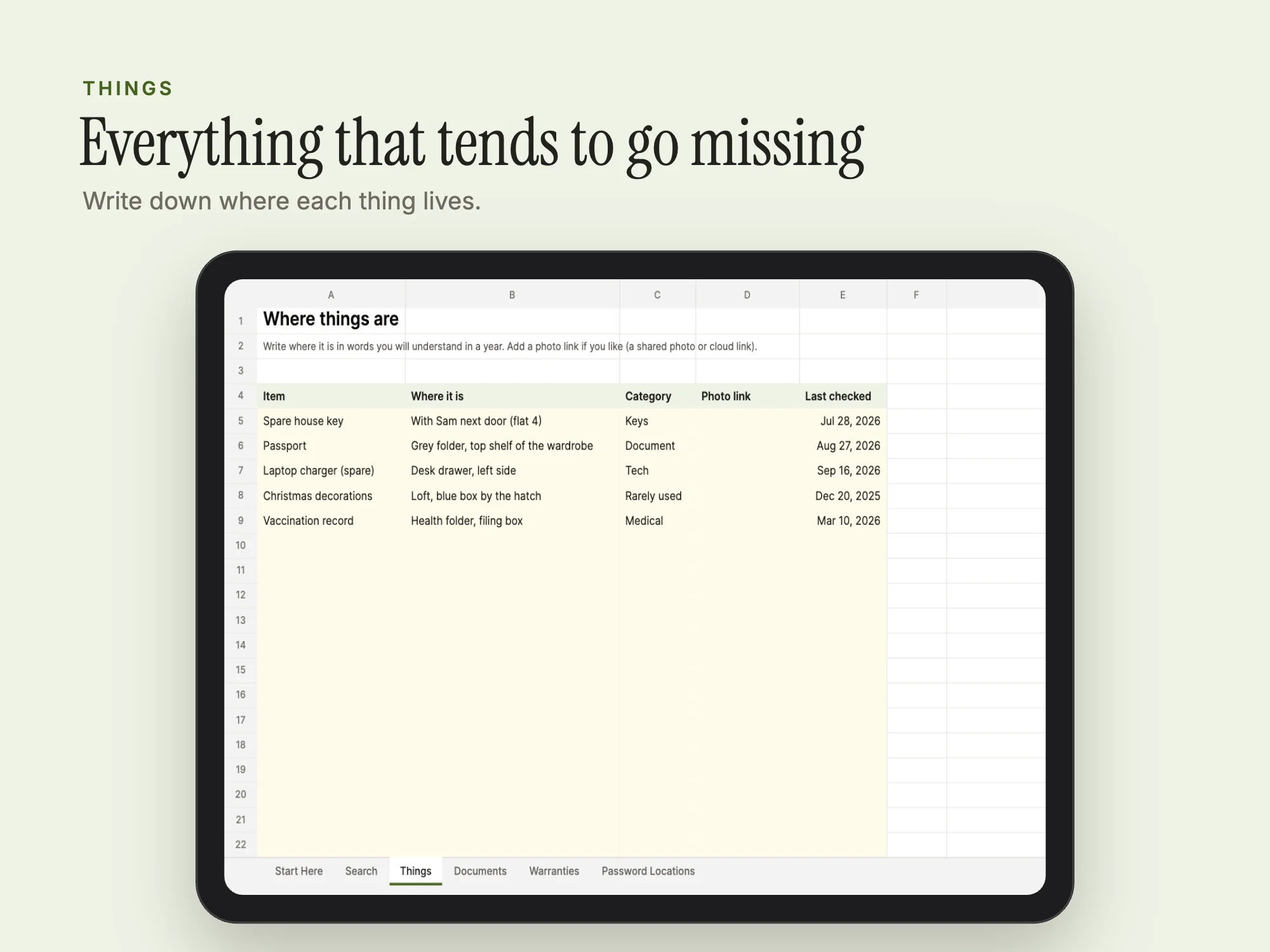
| Spreadsheet: Things | 1 tab |
| Spreadsheet: Documents | 1 tab |
| Spreadsheet: Warranties | 1 tab |
| Spreadsheet: Password Locations | 1 tab |
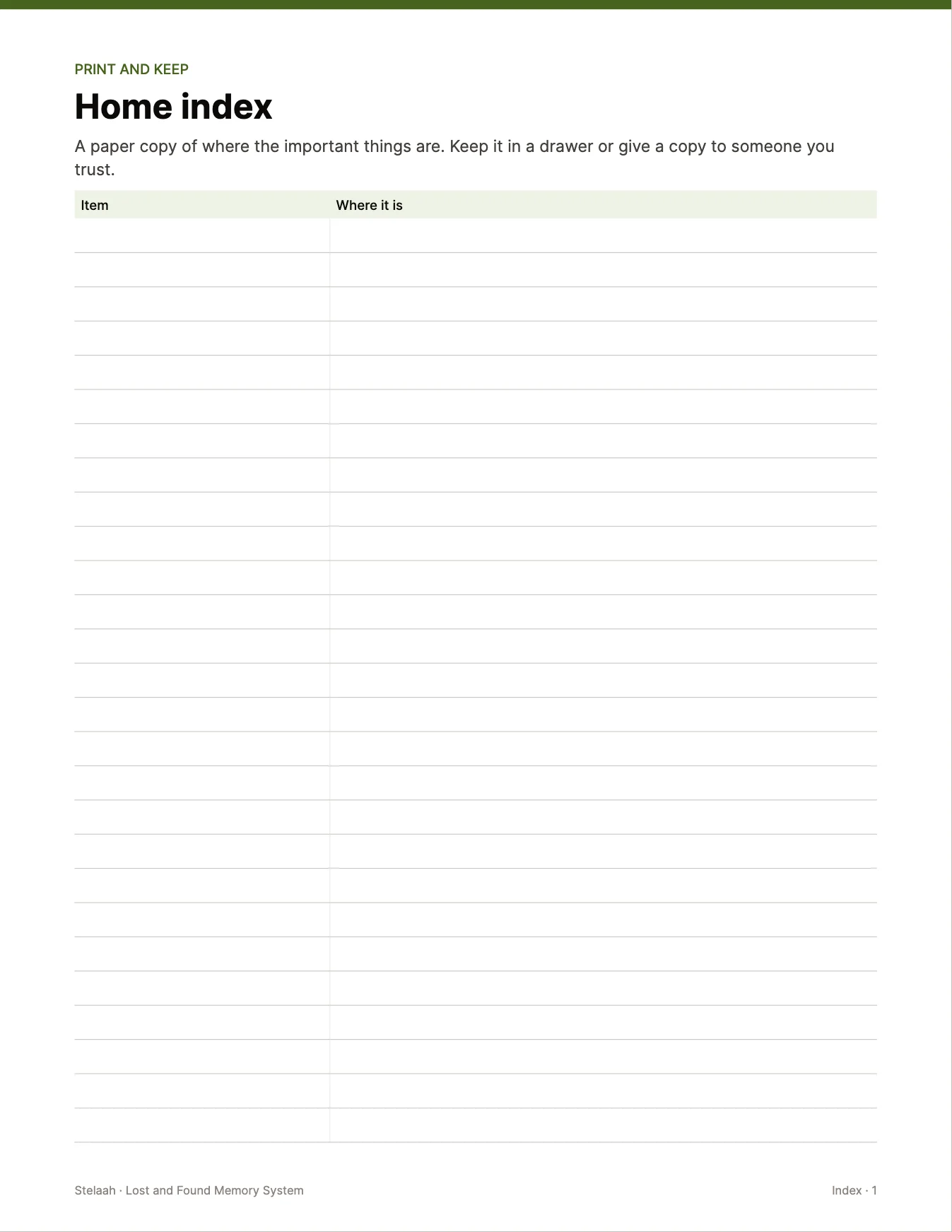
| Home index | 1 |
| Important documents | 1 |
Who it's for
- Adults with ADHD
- Anyone who keeps losing things
You may be looking for
- where did I put it
- how do I stop losing important documents
- ADHD keep track of important things
- home document locator
Guides
Works with
Open the .xlsx in Excel 365, or upload it to Google Drive and open it with Google Sheets. The PDF is fillable in Adobe Acrobat Reader, Preview or a browser, or print it.
Questions
- Which apps does it work with?
- Open the .xlsx in Excel 365, or upload it to Google Drive and open it with Google Sheets. The PDF is fillable in Adobe Acrobat Reader, Preview or a browser, or print it.
- Is it really free?
- Yes. Add your name and email once and every free Stelaah download opens on this browser. No account is needed.
- What do I download?
- Stelaah Lost and Found Memory System.zip (232 KB).
- Can I share or resell it?
- Use it yourself, on all your devices. Please do not share or resell the files.