Free Org Chart Template
A free editable org chart template in PowerPoint with company, small business, team with photos, department and blank layouts.
Free · PowerPoint, 6 slides, plus a PDF
Specifications
| Brand | Stelaah |
|---|---|
| Category | Spreadsheets and tools |
| Format | PowerPoint, 6 slides, plus a PDF |
| Price | Free |
| Files | Stelaah Org Chart Template.zip (77 KB) |
| Works with | Open the .pptx in PowerPoint, Keynote or Google Slides. The PDF opens anywhere. |
| Licence | Use it yourself, on all your devices. Please do not share or resell the files. |
| Language | English |
| Includes | 5 layouts, 6 slides, 16 by 9 widescreen |
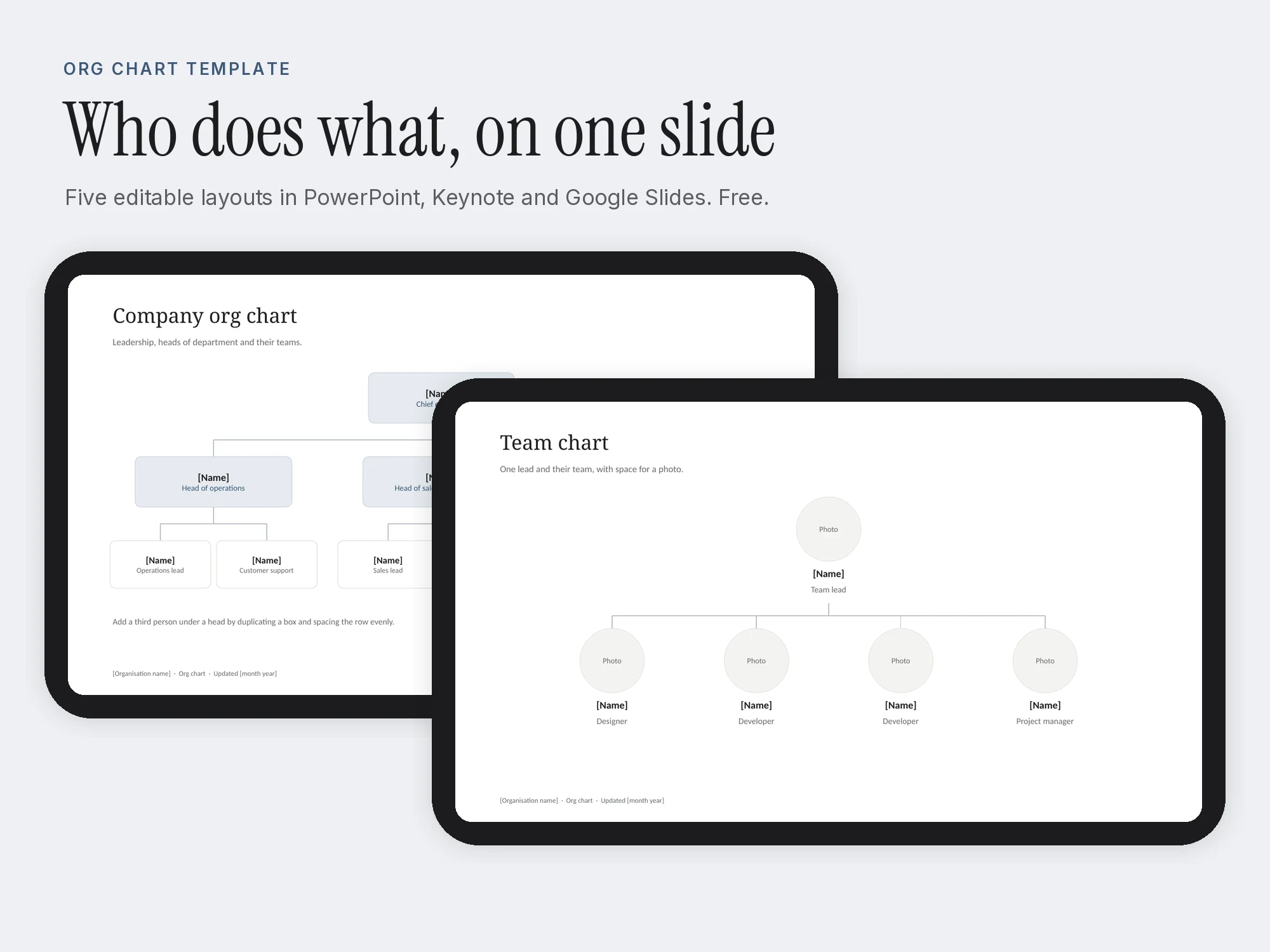
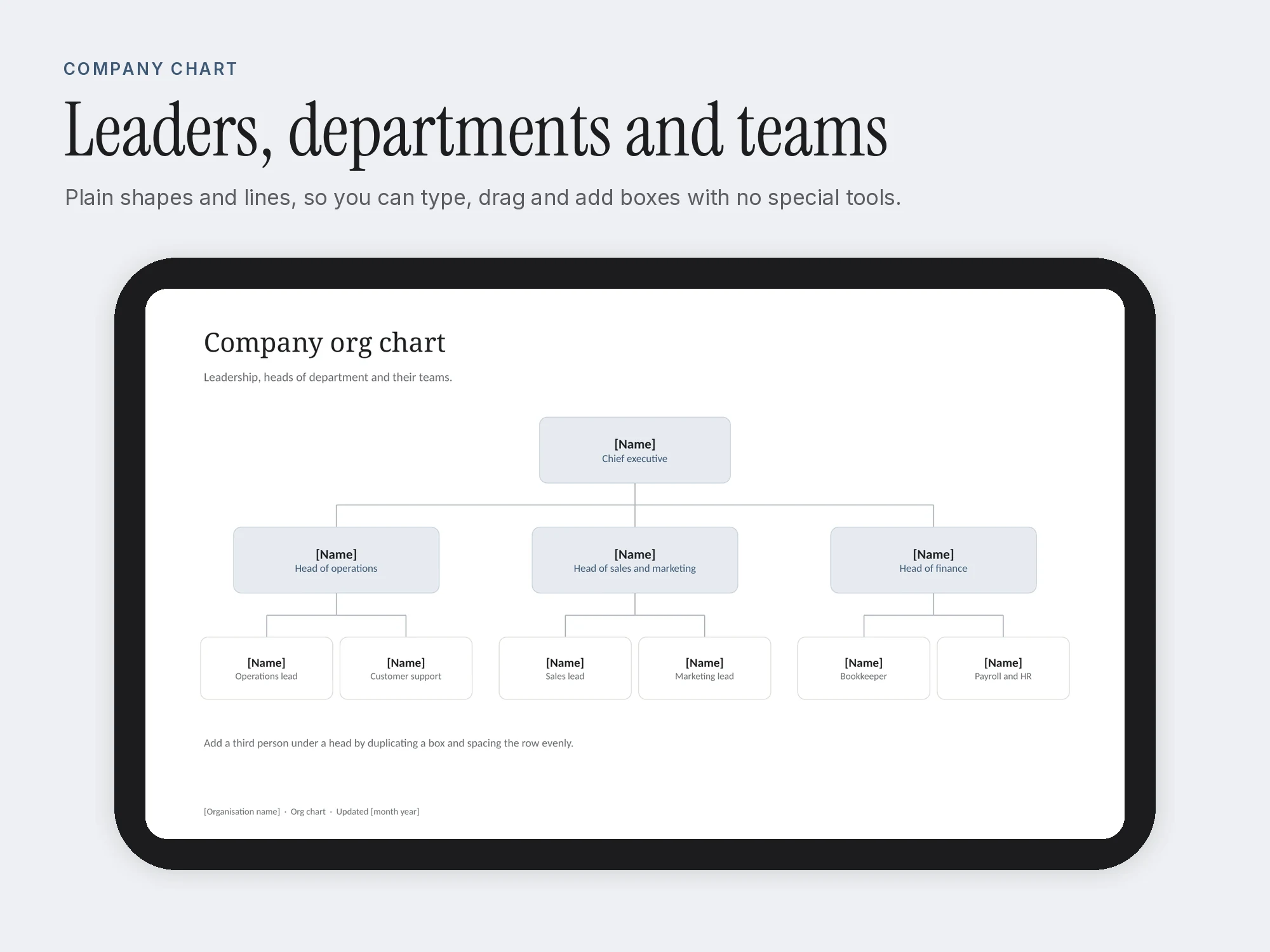
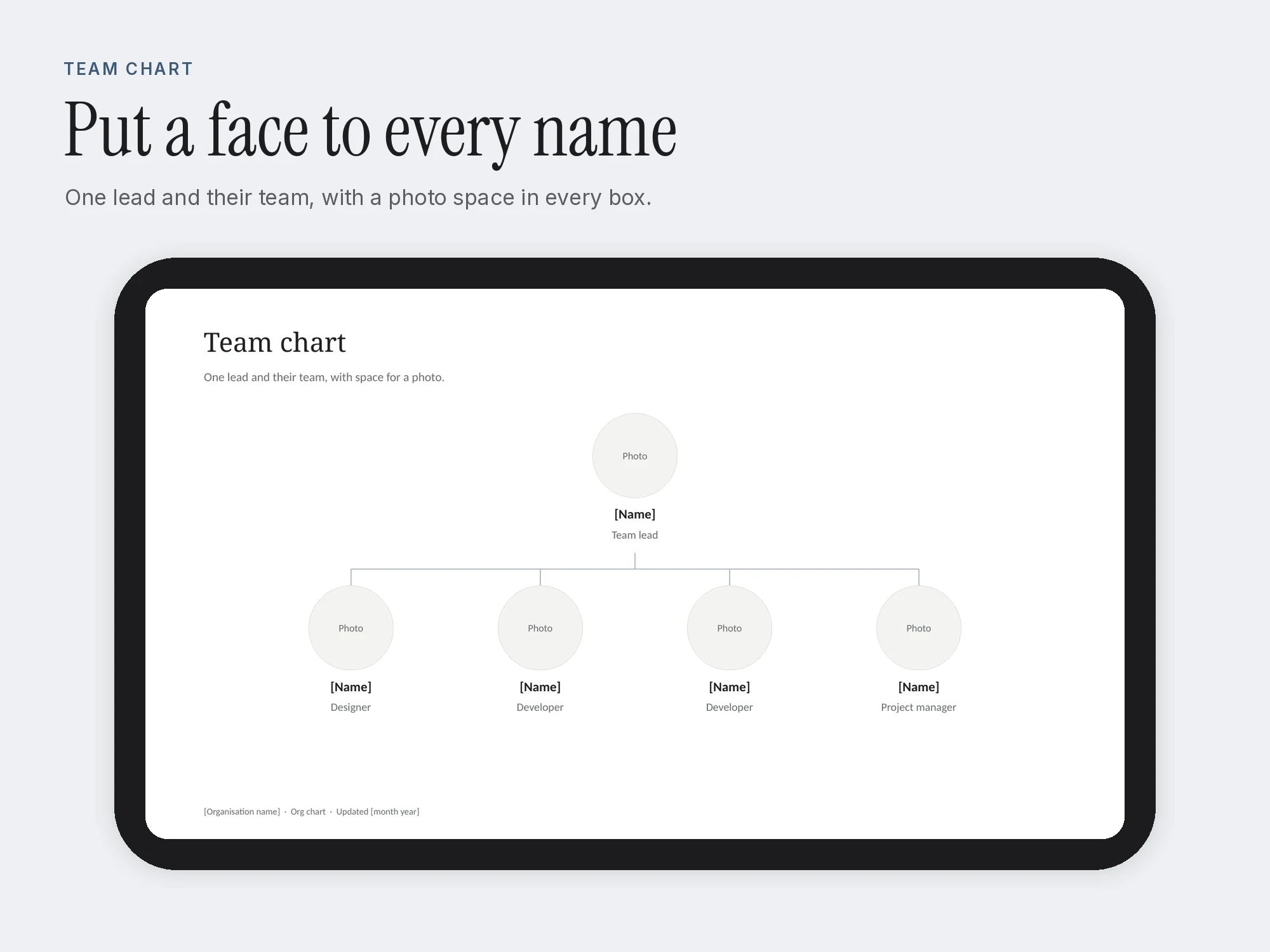
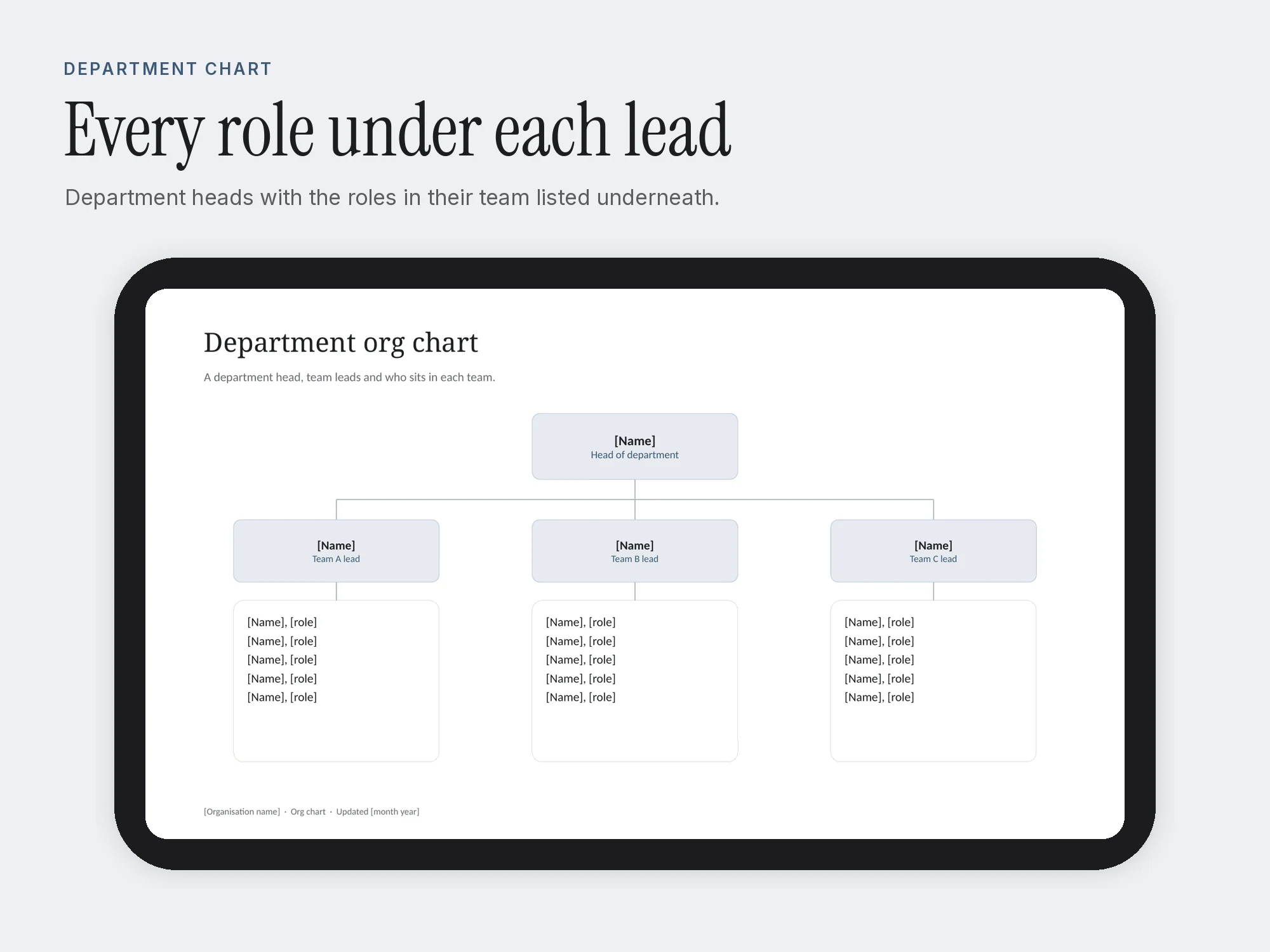
A free org chart template in PowerPoint with five ready layouts: a company chart with departments, a small business chart, a team chart with photo spaces, a department chart with role lists and a blank chart you can build up from scratch.
Every box is a plain shape with text, so you can type names and titles, drag boxes and add or remove people without any special tools. The first slide shows how to edit it in PowerPoint, Keynote and Google Slides.
A PDF of all six slides is included so you can see the layouts before you open the file.
Get it free in the Stelaah Store
See inside
What's inside
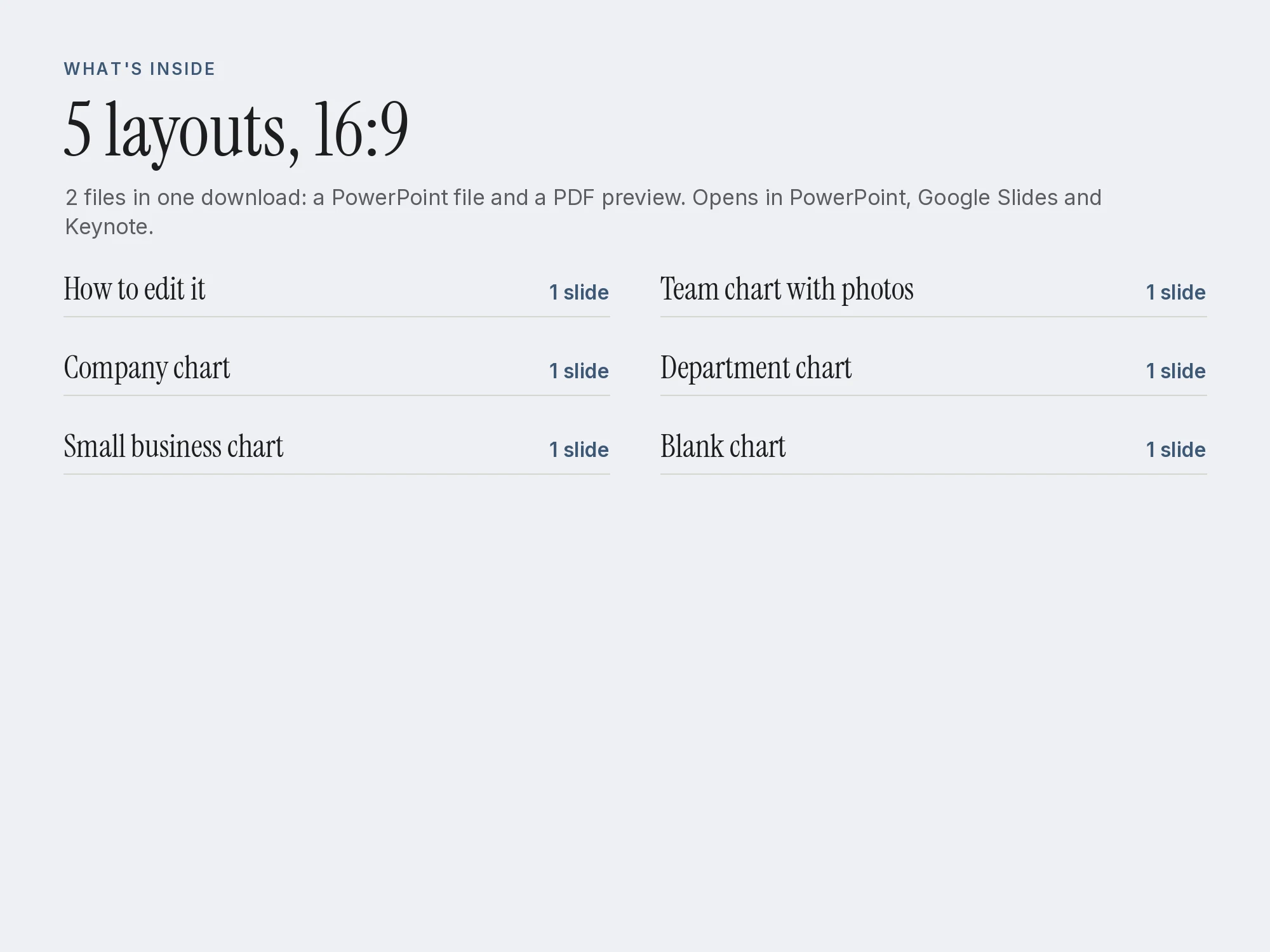
2 files in one download: a PowerPoint file and a PDF preview.
| Section | Pages or size |
|---|---|
| How to edit it | 1 slide |
| Company chart | 1 slide |
| Small business chart | 1 slide |
| Team chart with photos | 1 slide |
| Department chart | 1 slide |
| Blank chart | 1 slide |
Who it's for
- Founders showing who does what as the team grows
- HR and operations staff onboarding new hires
- Managers presenting a team restructure
You may be looking for
- org chart template
- organizational chart template
- free org chart template powerpoint
- org chart google slides
- team org chart with photos
- company structure chart
Works with
Open the .pptx in PowerPoint, Keynote or Google Slides. The PDF opens anywhere.
Questions
- Does it work in Google Slides or Keynote?
- Yes. Upload the .pptx to Google Drive and open it with Google Slides, or open it in Keynote. The boxes are plain shapes, so everything stays editable.
- How do I add a person?
- Copy a box, paste it, change the name and title, and drag it into place. Then copy a connector line and adjust its ends.
- Which apps does it work with?
- Open the .pptx in PowerPoint, Keynote or Google Slides. The PDF opens anywhere.
- Is it really free?
- Yes. Add your name and email once and every free Stelaah download opens on this browser. No account is needed.
- What do I download?
- Stelaah Org Chart Template.zip (77 KB).
- Can I share or resell it?
- Use it yourself, on all your devices. Please do not share or resell the files.