Connect the tools you already run on.
Link your accounting, calendar, email, and cloud storage so Stelaah fits the stack you have, instead of asking you to start over.
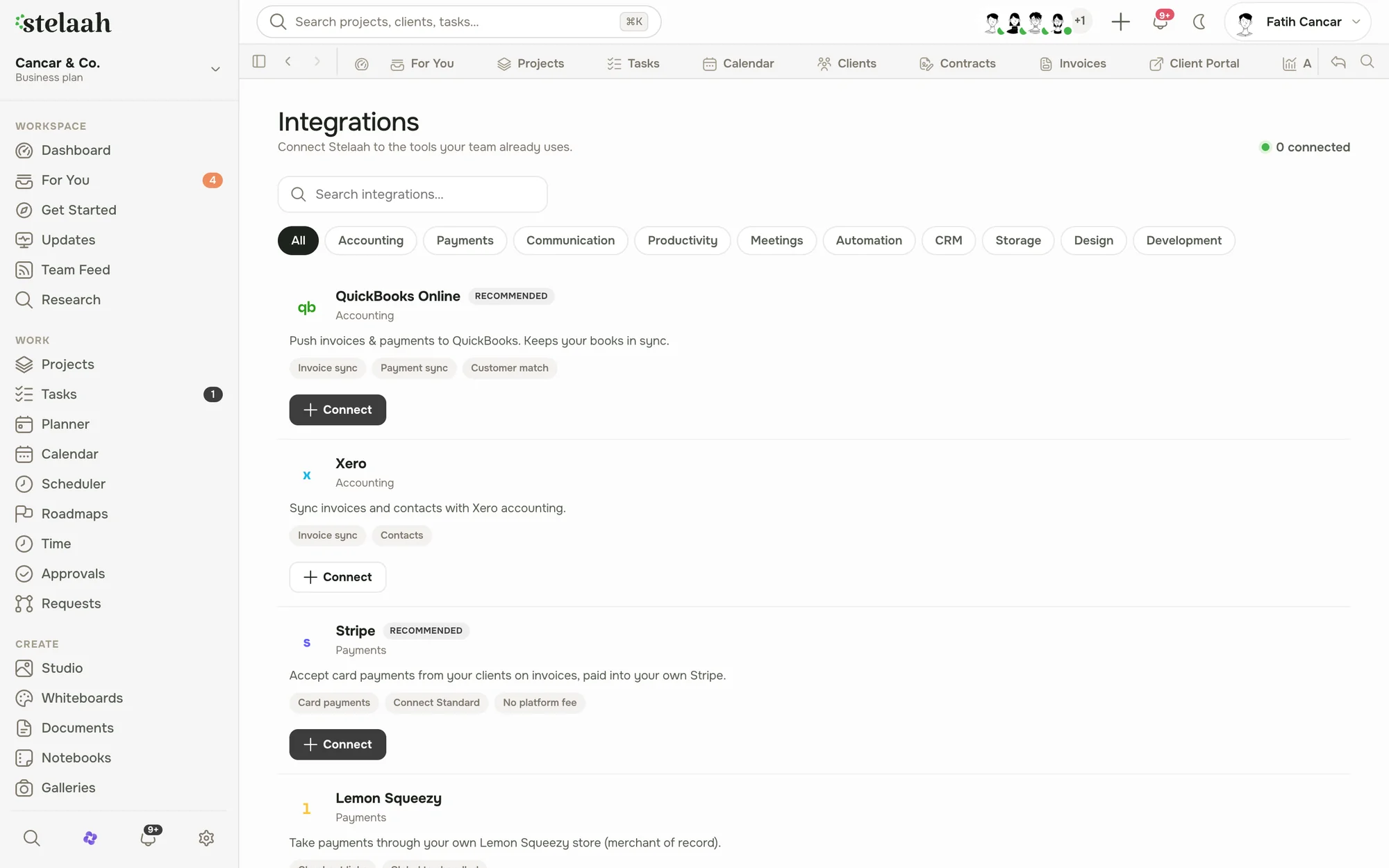
Plug in, do not rebuild.
1
Pick a tool
Accounting, calendar, email, or cloud storage.
2
Connect it
A few clicks, no developer required.
3
It just works
Data flows where it should, both ways.
Fits your stack, not the other way around.
Accounting
Keep the books in sync, like QuickBooks.
Calendar
Two way sync with the calendar you use.
Cloud storage
Link Drive, Dropbox, and OneDrive files.
Email and payments
Send from your address, get paid online.
Made for the teams who live in client work.
Better together with the rest of the workspace.
Bring your stack together.
Connect what you use and let Stelaah fit right in.
Free to start. No credit card. Your work is yours to export whenever you want.
Integration guides by provider
Understand the source-of-truth boundary before connecting files, email, calendars, or payments.
Dropbox and Stelaah integrationLink Dropbox files to the client, project, deliverable, approval, and invoice context that explains what the file means.→Google Drive and Stelaah integrationConnect Google Drive files to client work without asking folders to carry project status, approval history, or billing state.→Gmail and Stelaah integrationConnect Gmail communication to client records so messages, attachments, follow-ups, and operational decisions remain visible with the work.→Google Calendar and Stelaah integrationConnect calendar events with clients, projects, meetings, and follow-up so the event is not separated from the work it advances.→Stripe and Stelaah integrationConnect your Stripe account to accept client invoice payments while Stelaah preserves the invoice, client, project, and verified payment state.→