Notes that live beside the work.
The brief, the call notes, the running doc of decisions. In most tools they live in a separate app and drift away from the work. In Stelaah, notebooks sit beside the project and client they belong to, so the context is never a search away.

Capture it, keep it, connect it.
Open a notebook
Group notes and pages by client, project, or topic, so nothing floats loose.
Write freely
A clean editor for briefs, meeting notes, and the running record of what was decided.
Connect it to the work
Link a note to its project, task, or client, so the context travels with it.
See the work around Notebooks, not a disconnected demo.
The current record stays connected to the people, delivery, decisions, and finance that give it meaning.
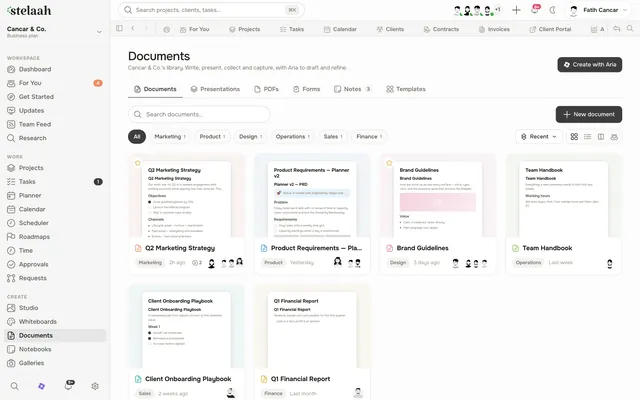
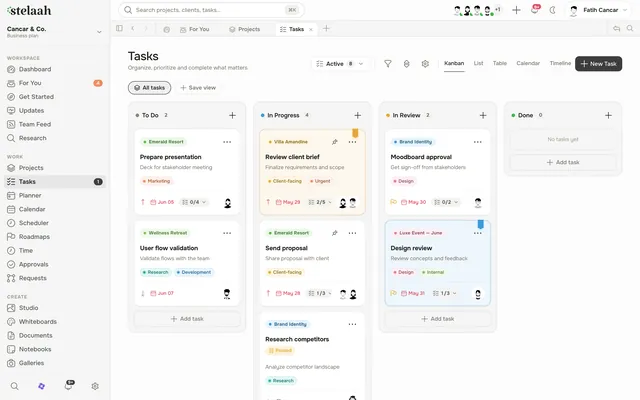
A calm home for everything you write down.
Notebooks
Group pages by client, project, or topic, so notes stay organized on their own.
A clean editor
Write briefs, notes, and docs in a quiet, focused space.
Linked to the work
Attach a note to its project or client, so the context is never lost.
Turn notes into tasks
Pull the follow ups out of a note and make them real, assigned tasks.
Shared or private
Keep a note to yourself or share it with the team, your call.
Findable later
Search across every notebook, so a decision from three months ago is one query away.
Better together with the rest of the workspace.
Stop losing the note that mattered.
Keep your briefs, notes, and decisions beside the work they belong to, and find them when it counts.
Free to start. No credit card. Your work is yours to export whenever you want.