Every date is connected
365 daily pages link back to the correct month and both weekly layouts.
A professional July 2026 to June 2027 time blocking iPad planner with visual schedules, protected focus, realistic buffers, task batching, meetings, energy planning, shutdown routines, and weekly capacity reviews.
Enter your email once. Returning subscribers are not asked again on this browser.
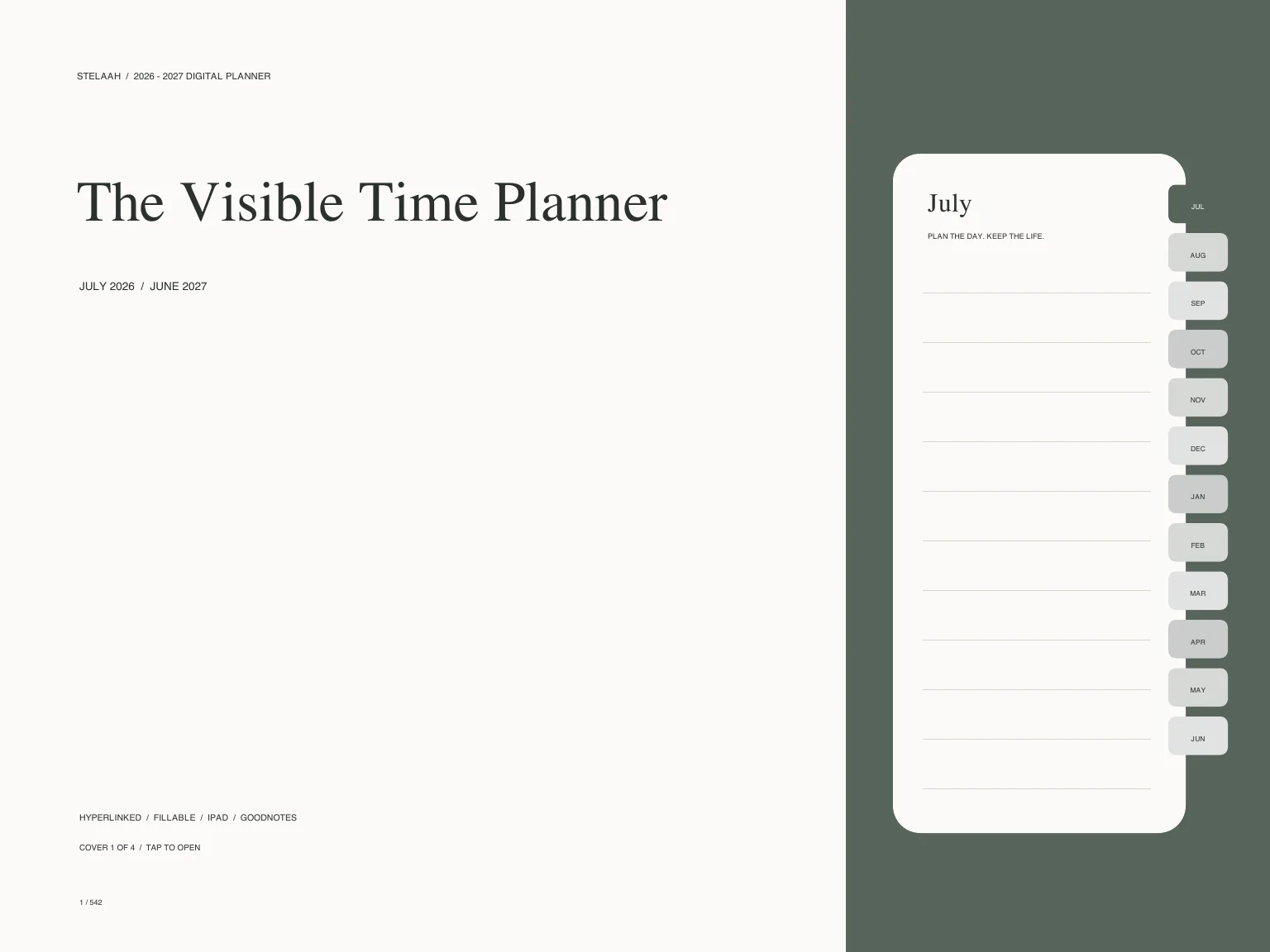
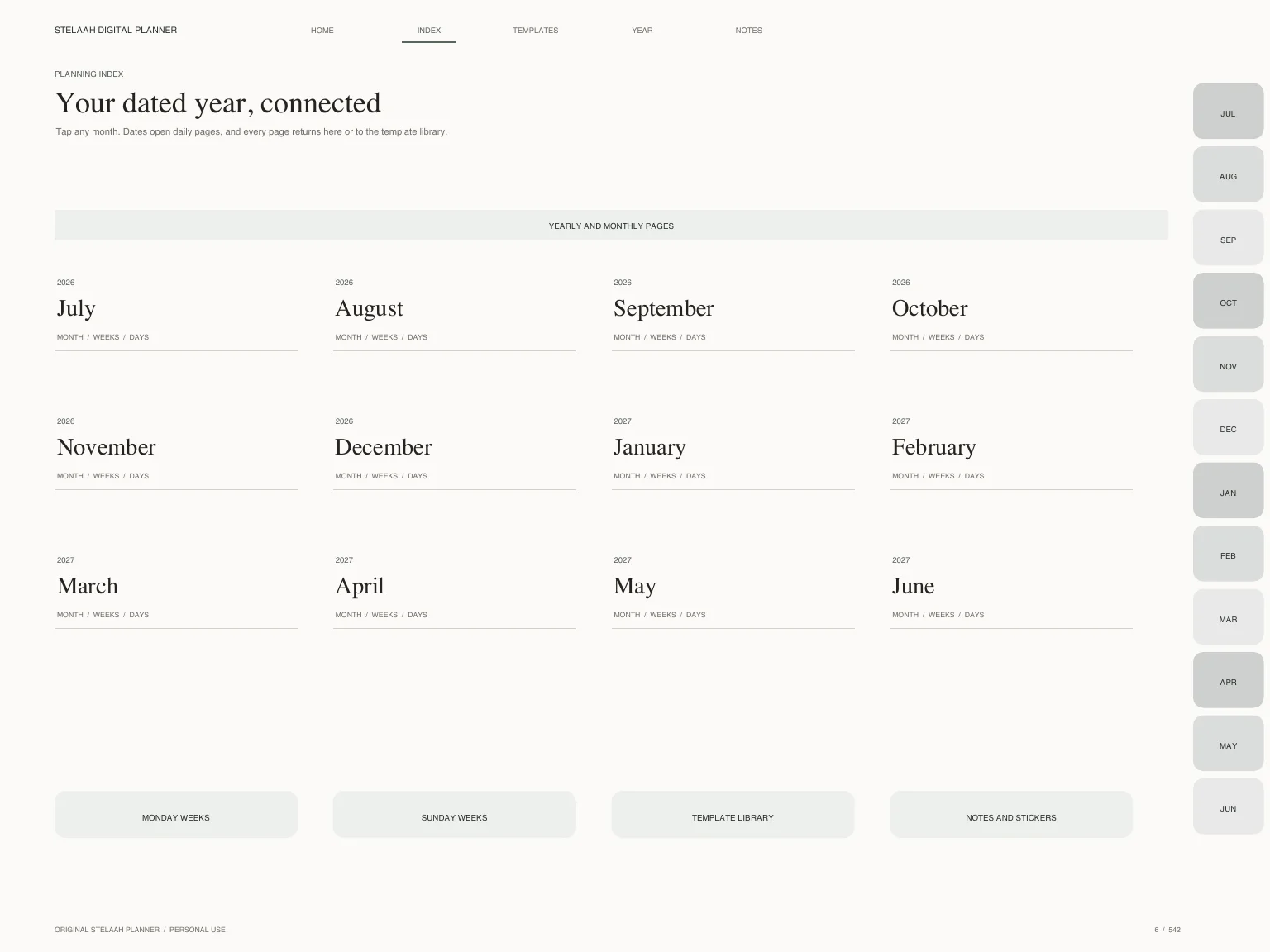
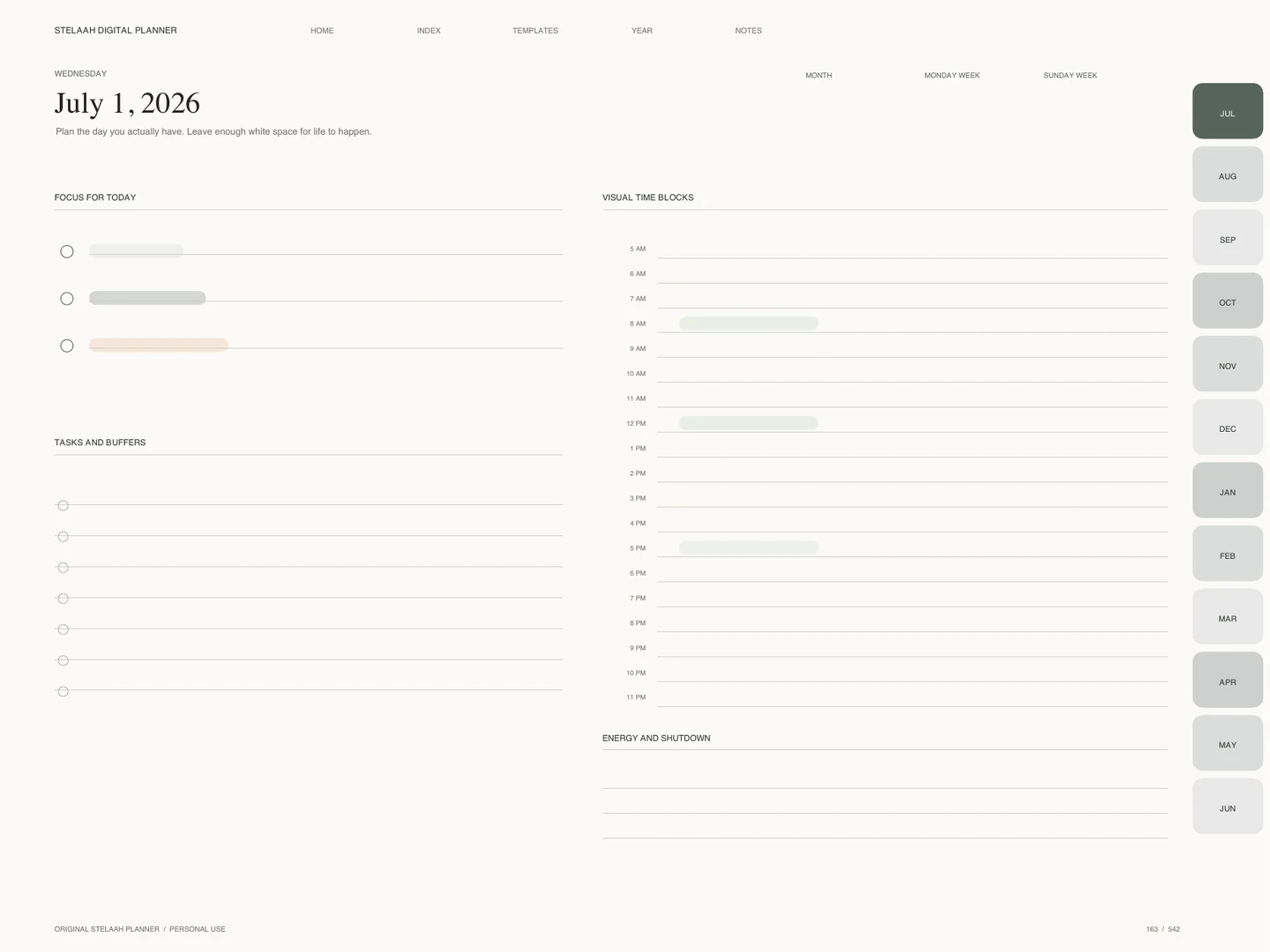
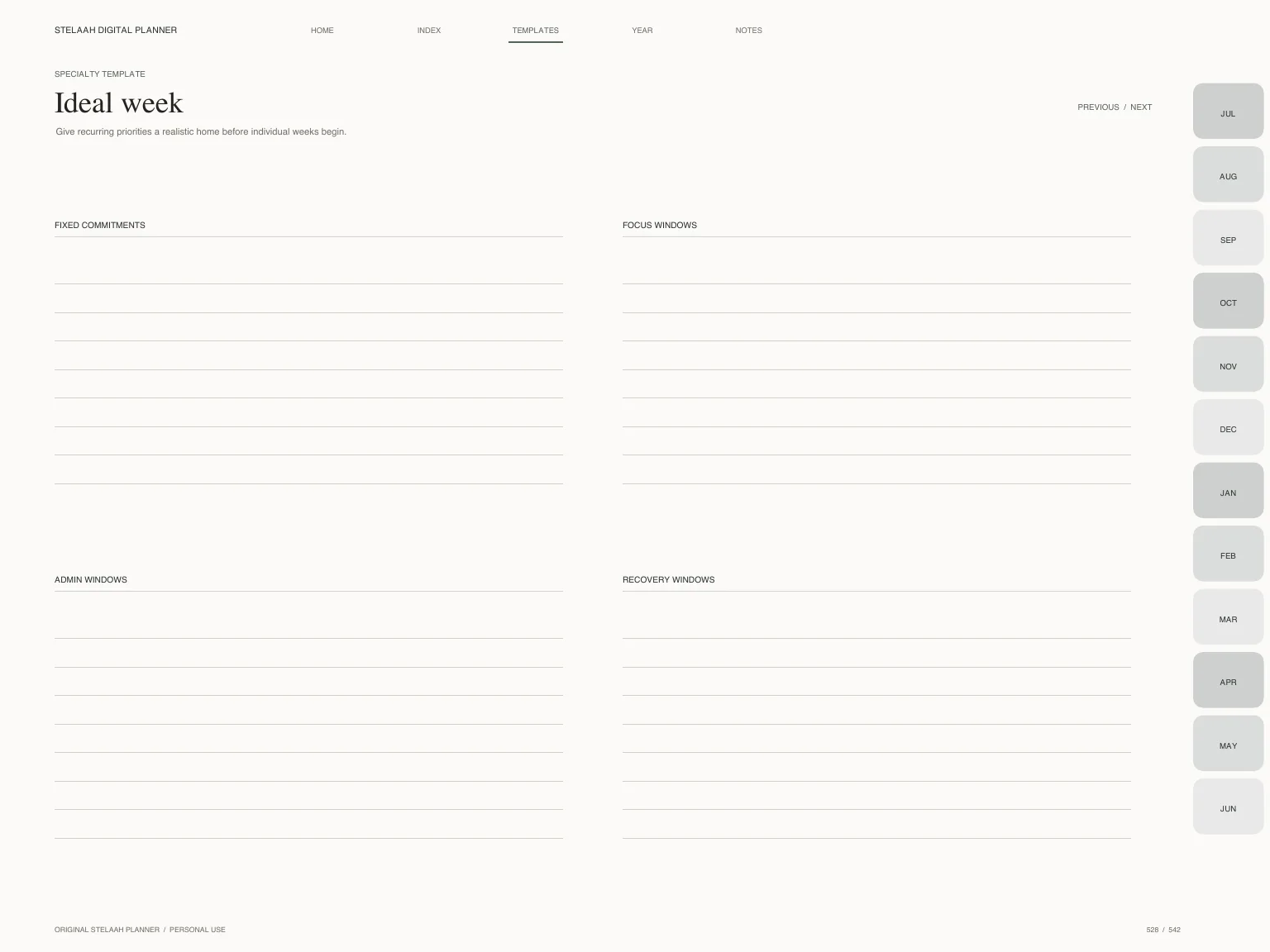
Every day in the stated date range is present, with linked navigation and focused templates for the way this planner is meant to be used.
365 daily pages link back to the correct month and both weekly layouts.
Monday and Sunday calendar and weekly layouts live inside the same download.
2,542 fillable fields work alongside freehand tablet annotation.
More than 11,700 internal links connect two indexes, months, weeks, days, extras, notes, and stickers.
Choose from editorial, night, notebook, and archive cover treatments without importing a separate pack.
10 purpose-built templates, four note styles, and an original vector sticker sheet are included.
These original pages sit alongside the complete calendar, weekly, and daily system.
Give recurring priorities a realistic home before individual weeks begin.
Plan from available hours and energy rather than wishful volume.
Compare intended and actual time with curiosity.
Prepare one protected interval with a clear finish line.
Protect transitions, travel, setup, and recovery.
Group meetings while protecting preparation and follow up.
Group similar work to reduce switching costs.
Notice recurring interruptions and choose one boundary.
Close open loops and make tomorrow easier to enter.
Use actual evidence to shape the next week.
The planner includes a visual quick start page. Download the PDF, share it to your preferred annotation app, switch to reading mode when tapping links, and use writing mode for handwriting or stickers.
Compatibility depends on the PDF features supported by your chosen app and device. Keep a clean backup before rearranging pages.
Download totals come from successful Stelaah authorization events. Reviews can be submitted only from a browser with a valid planner unlock and appear after moderation.
No approved reviews yet. Be the first to share what helped.
Professionals, creators, and people with time blindness who need the day to become visible before it becomes crowded.
The planners are free resources from Stelaah.com. The Stelaah platform connects clients, projects, tasks, files, approvals, and invoices in one workspace.
Add your name and email once to unlock every Stelaah planner on this browser.
We store an opaque unlock receipt on this browser, not your name or email address. See the privacy policy.